
Read AI
✓ Editorially verifiedAI meeting copilot that transcribes, summarizes, and surfaces action items across Zoom, Meet, and Teams.
In short
Read AI joins video calls to transcribe and summarize meetings, surfacing action items and decisions. It extends beyond meetings by indexing emails and chats for unified search. It is best for teams needing a comprehensive assistant across multiple communication channels.
Pick Read AI if you live in back-to-back Zoom/Meet/Teams calls and want one tool that captures, summarizes, and lets you search across meetings, email, and chat.
Skip it if you mostly do async work, can't get consent to record external calls, or only need a lightweight personal transcriber.
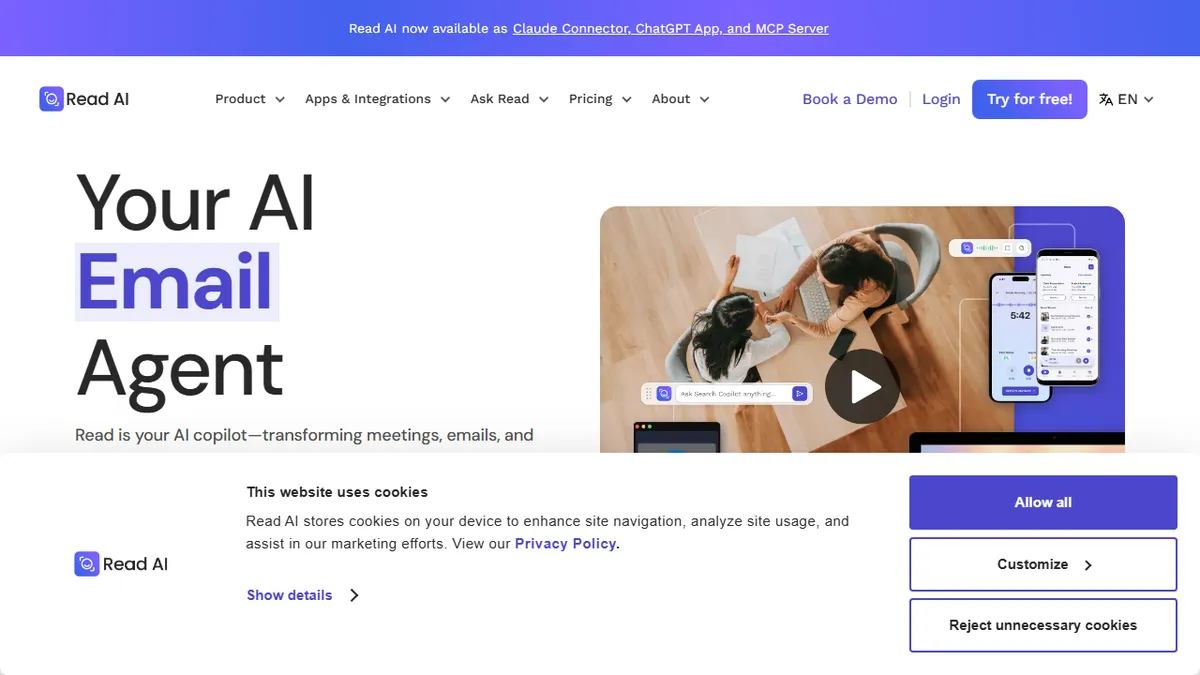
Read AI is a meeting and communication assistant that joins your video calls, transcribes them, and produces structured summaries with action items, decisions, and speaker analytics. Beyond live meetings, it indexes emails and chat messages so you can run a single search across everything that was said this week, and it ships an agent called Ada that handles follow-ups like drafting recap emails or updating CRM records.
The product sits in the same neighborhood as Otter, Fireflies, and Fathom but leans harder into the cross-channel angle: meetings, Gmail/Outlook threads, and Slack/Teams chats are all queryable from one prompt box. There is a free tier capped at five meetings per month, with paid plans climbing into Enterprise pricing for SOC 2 / HIPAA / GDPR-compliant deployments. It works on Windows, macOS, iOS, Android, and as a Chrome extension, and supports 20+ languages.
Integrations cover Slack, HubSpot, Salesforce, Notion, Asana, and the usual calendar and conferencing suspects. Caveats: the always-on bot model raises real consent and privacy questions on external calls, the free tier is thin, and the most useful agentic features are gated to higher tiers.
Read AI is one of the more ambitious meeting copilots, pushing past pure transcription into a cross-channel index plus an agent layer. The breadth is genuinely useful for sales and ops teams, but the value depends on getting your org comfortable with a persistent bot in every call, and the best features sit above the free tier.
— The AI Tool Bible editorial team
Pros
- ✅ Works across Zoom, Google Meet, and Microsoft Teams out of the box
- ✅ Cross-channel search spans meetings, email, and chat in one query
- ✅ SOC 2 Type 2, GDPR, and HIPAA compliance for regulated teams
- ✅ Solid integration list (Slack, HubSpot, Salesforce, Notion, Asana)
- ✅ Free tier and broad device coverage including mobile
Cons
- ⚠️ Always-on meeting bot raises consent friction on external calls
- ⚠️ Free plan capped at 5 meetings/month
- ⚠️ Agentic Ada features locked behind higher tiers
- ⚠️ Summary quality varies on noisy or multi-language calls
Use cases
Frequently asked
- Which video conferencing platforms does Read AI support?
- Read AI works out of the box with Zoom, Google Meet, and Microsoft Teams.
- What is included in the free plan?
- The free tier is capped at five meetings per month.
- Does Read AI integrate with other business tools?
- Yes, it integrates with Slack, HubSpot, Salesforce, Notion, and Asana, among other calendar and conferencing tools.
- Is Read AI suitable for regulated industries?
- Paid plans offer SOC 2 Type 2, GDPR, and HIPAA compliance for regulated teams.
- What are the limitations of the free version?
- The free plan is limited to five meetings per month, and the most useful agentic features are gated to higher tiers.
Explore related
Compare with similar tools
All in Audio →ElevenLabs
FeaturedThe gold standard for AI voice cloning and TTS.
Suno
FeaturedText-to-song AI — full vocal tracks from a prompt.
Udio
Suno's main rival for AI-generated full songs.
AssemblyAI
Speech-to-text API with diarisation, summarisation, and topic detection.
Chorus by ZoomInfo
Enterprise conversation intelligence bundled with ZoomInfo's B2B data graph
Whisper
OpenAI's open-source speech-to-text — the de-facto baseline.