Horch
Privacy-first, on-device meeting assistant for macOS
Privacy-conscious macOS knowledge workers, consultants, lawyers, therapists, and founders who run many meetings and want a local, Markdown-native record they can pipe into Claude or Cursor via MCP.
Windows or Linux users, distributed teams that need a shared cloud workspace, or anyone who wants a hands-off SaaS with built-in CRM/Slack/HubSpot integrations.
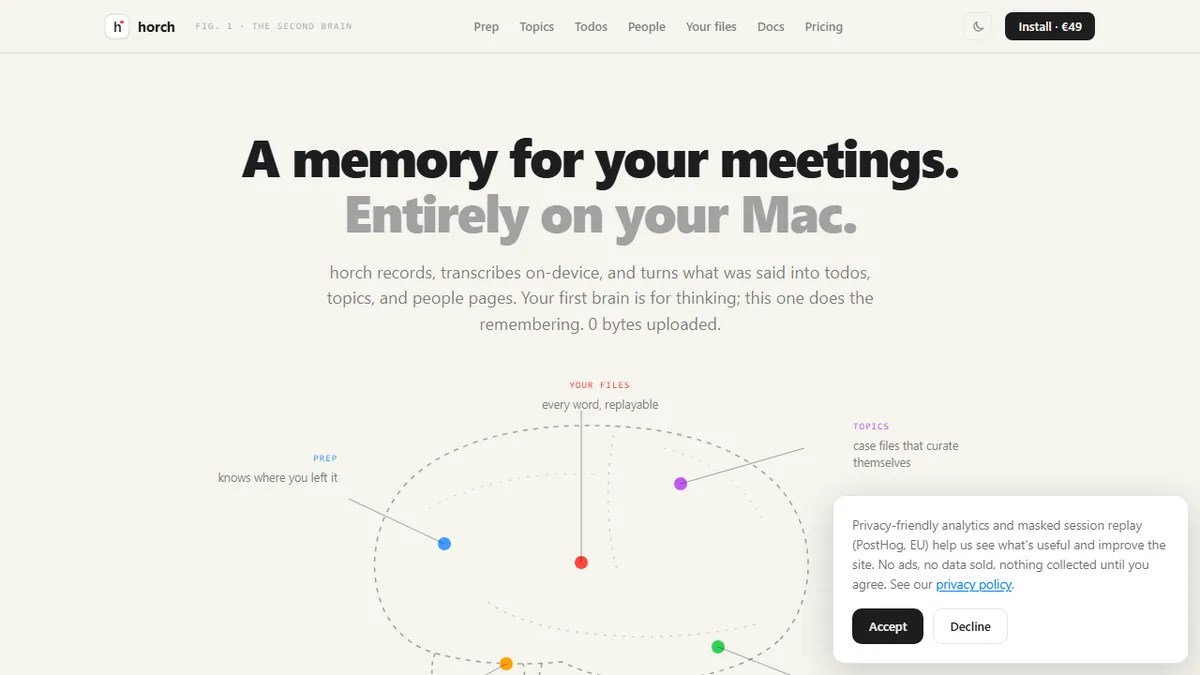
Horch is a privacy-focused meeting assistant for macOS that captures, transcribes, and organizes spoken conversations entirely on-device. Instead of joining calls as a bot the way Otter, Fireflies, or Read.ai do, Horch records at the operating-system level, then runs Whisper locally to produce transcripts without sending audio to the cloud. From those transcripts it extracts action items, generates topic summaries, and builds people pages that accrue discussion history and open follow-ups over time, so every recurring contact effectively gets a living dossier. Everything is written as plain Markdown into ~/Meetings, which means the resulting knowledge base is diff-able, greppable, and portable to any other tool that reads Markdown (Obsidian, Logseq, ripgrep, editor search). It also exposes those notes over the MCP protocol, so Claude, Cursor, and other MCP-aware assistants can query your meeting history directly and use it as long-lived context. A CLI is provided for scripting and batch operations. The intended user is a knowledge worker who runs many meetings, cares about confidentiality (legal, medical, executive, security work, or anyone under NDA), and doesn't want a SaaS vendor storing recordings or transcripts. Because processing is local, there's no per-minute transcription fee and no bot showing up in the participant list; because storage is Markdown on disk, the notes outlive the app itself. Optional local model backends (Ollama, MLX) let users choose their own summarization model without ever leaving the machine.
Horch is the meeting-notes tool I recommend to people who visibly flinch when a bot joins their call. The on-device Whisper pipeline plus plain-Markdown output plus MCP server is exactly the right shape for 2026: your transcripts stay yours, and your agents can still read them. The €49 one-time price is refreshing, but you're buying into a macOS-only, single-user product — that's the trade.
— The AI Tool Bible editorial team
Pros
- ✅ Fully on-device by default — audio and transcripts never leave the Mac unless the user opts in
- ✅ One-time €49 purchase instead of a recurring per-seat SaaS bill
- ✅ Records at OS level so no bot appears in the meeting and any app (Zoom, Meet, Teams, in-person) works
- ✅ Notes stored as plain Markdown in ~/Meetings — portable, greppable, Obsidian-friendly
- ✅ Auto-generates action items, topic summaries, and per-person profiles from spoken content
- ✅ MCP server exposes meeting history to Claude, Cursor, and other agent clients
- ✅ Local Whisper transcription plus optional Ollama/MLX means you pick the summarizer
Cons
- ⚠️ macOS only — no Windows, Linux, iOS, or web client
- ⚠️ Local Whisper and summarization need a reasonably modern Apple Silicon Mac to feel fast
- ⚠️ No cloud sync or team workspace, so sharing across a team requires bring-your-own storage
- ⚠️ Small independent product without the integrations catalog of Fireflies, Otter, or Fathom
- ⚠️ OS-level capture depends on macOS screen/audio permissions, which some corporate MDM setups block
Use cases
Explore related
Compare with similar tools
All in Audio →ElevenLabs
FeaturedThe gold standard for AI voice cloning and TTS.
Suno
FeaturedText-to-song AI — full vocal tracks from a prompt.
Udio
Suno's main rival for AI-generated full songs.
AssemblyAI
Speech-to-text API with diarisation, summarisation, and topic detection.
Chorus by ZoomInfo
Enterprise conversation intelligence bundled with ZoomInfo's B2B data graph
Whisper
OpenAI's open-source speech-to-text — the de-facto baseline.