
Notion AI
✓ Editorially verifiedIn-line AI inside your Notion docs and databases.
In short
Notion AI integrates directly into the Notion workspace to summarize pages, draft notes, and answer questions across your documents with citations. It is best for teams already using Notion who want zero-setup search and automation without managing external AI tools.
Pick Notion AI when your team's knowledge already lives in Notion and you want zero-setup RAG across it.
Skip it if you're not on Notion or you need fine control over which model handles which query.
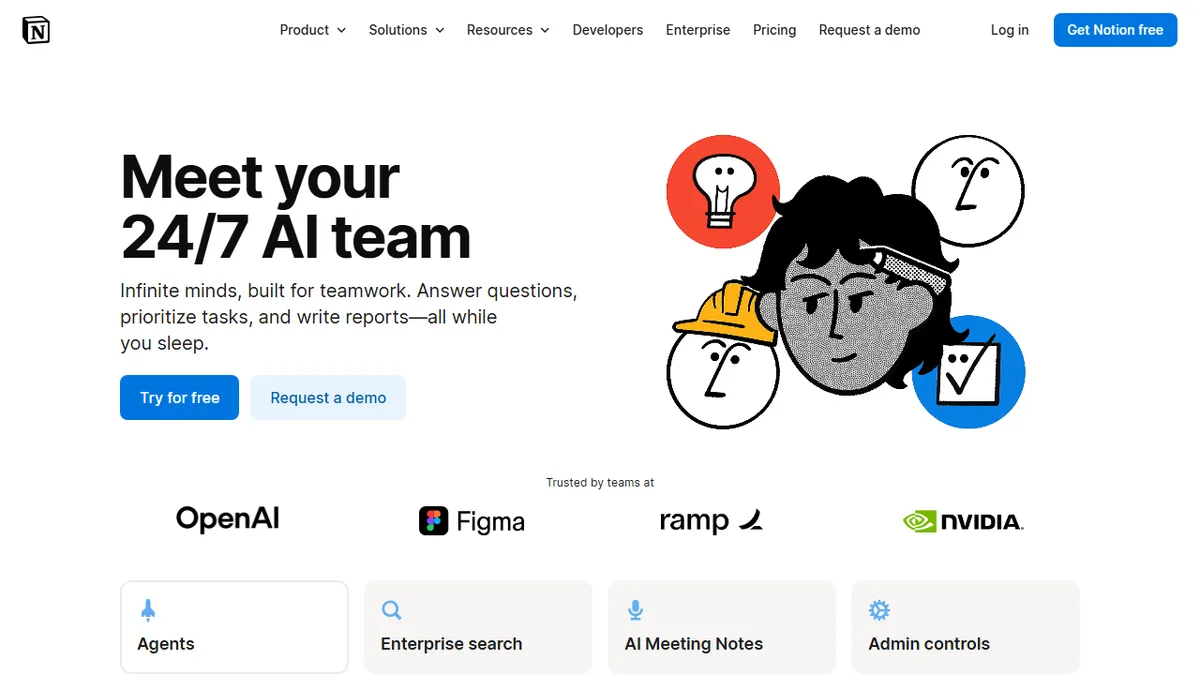
Notion AI lives inside Notion — summarize pages, draft notes from bullets, fill in database fields with formula-style AI prompts. It's not a standalone assistant; it's a layer that activates inside the workspace where your team already keeps wikis, project plans, and meeting notes.
The killer feature is in-doc Q&A across your workspace — ask a question and Notion AI searches across every page you have access to and answers with citations. For a wiki-heavy team this is genuinely useful, the kind of feature that used to require setting up a custom RAG pipeline.
Limitations are predictable: you're locked into Notion, you can't choose the underlying model, and the AI features don't extend beyond what Notion's data model supports.
Notion AI proves the in-product AI thesis: the assistant that wins is often the one that's already where the data lives. The pricing is honest, the search-across-workspace is the killer feature, and it makes a fresh Notion subscription harder to leave.
— The AI Tool Bible editorial team
Pros
- ✅ Tight Notion integration
- ✅ Excellent for personal/team wiki Q&A
- ✅ Database auto-fill is genuinely useful
- ✅ Pricing is per-seat add-on, not per-query
Cons
- ⚠️ Locked to Notion ecosystem
- ⚠️ Limited model choice
Use cases
Frequently asked
- How much does Notion AI cost?
- Notion AI is a paid add-on that costs $10 per month per member.
- Can Notion AI search across my entire workspace?
- Yes, it allows you to ask questions and searches across every page you have access to, providing answers with citations.
- Does Notion AI work outside of the Notion platform?
- No, it is not a standalone assistant and is locked into the Notion ecosystem, meaning it only works within the Notion workspace.
- Can I choose which AI model Notion AI uses?
- No, you cannot choose the underlying model, as the AI features are limited to what Notion's data model supports.
Explore related
Compare with similar tools
All in Writing →Claude
FeaturedAnthropic's flagship assistant for long-form writing, analysis, and coding.
GPT-4o
FeaturedOpenAI's multimodal flagship behind ChatGPT.
Gemini Advanced
Google's flagship — strong at math, long context, and Workspace integration.
Llama 3
Meta's open-weights LLM family that put serious frontier-adjacent models in everyone's hands.
Qwen
Alibaba's open-weight foundation model family covering chat, vision, image generation, translation, and safety classification.
Jan
Open-source desktop ChatGPT alternative that runs local LLMs and routes to cloud providers from one app.