Notion AI vs Whimsical AI
A side-by-side look at pricing, capabilities, pros, cons, and our editorial scores.

Tagline
Notion AI
In-line AI inside your Notion docs and databases.Whimsical AI
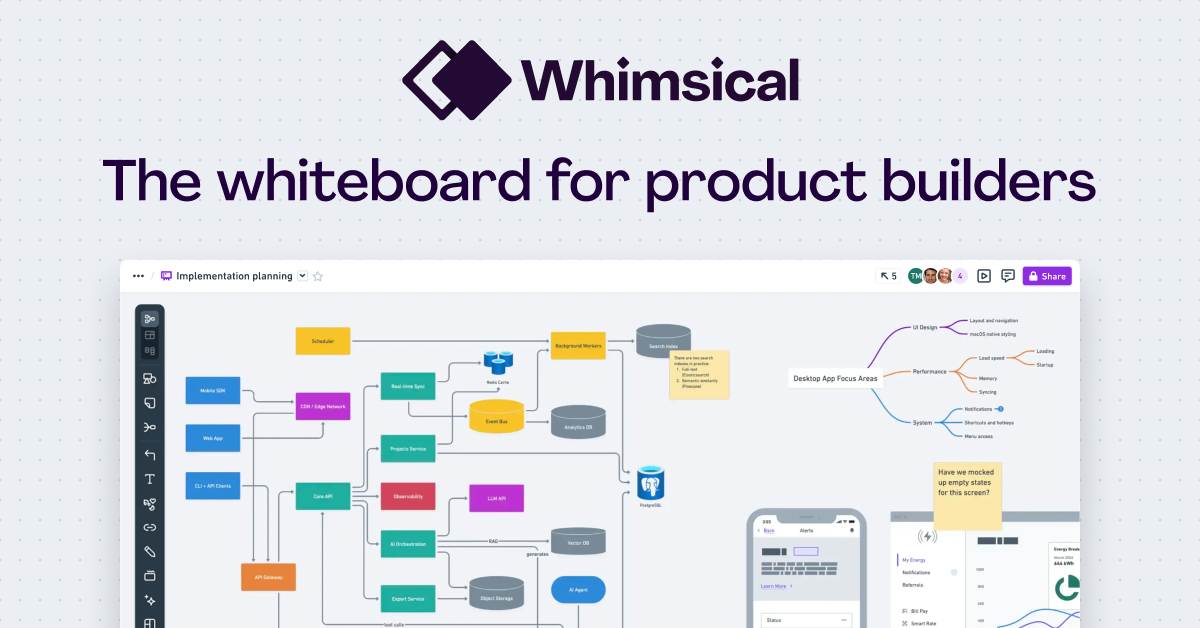
AI-assisted flowcharts, mind maps, and wireframes on an infinite collaborative canvas.Pricing
Notion AI
Paid· $10/mo per member add-onWhimsical AI
Freemium· Free: $0 · Pro: $10 · Business: $20Lowest paid tier
Notion AI
—Whimsical AI
$10 · Pro
captured 2026-08-01
Free trial
Notion AI
Not listedWhimsical AI
YesAPI
Notion AI
Not listedWhimsical AI
YesPlatforms
Notion AI
notion
Whimsical AI
api
Model used
Notion AI
Multi-model (OpenAI / Anthropic via API)Whimsical AI
Claude, ChatGPT, Cursor, CodexBest for
Notion AI
Pick Notion AI when your team's knowledge already lives in Notion and you want zero-setup RAG across it.Whimsical AI
Pick Whimsical AI if your team already lives in a visual canvas and you want flowcharts and mind maps drafted from a prompt instead of dragged out by hand.Not for
Notion AI
Skip it if you're not on Notion or you need fine control over which model handles which query.Whimsical AI
Skip it if you need general AI writing, image generation, or a heavyweight diagramming engine like Lucidchart for complex engineering diagrams.Editorial score
Notion AI
8.0 / 10Whimsical AI
7.0 / 10Use cases
Notion AI
doc summariesin-doc Q&Adatabase autofill
Whimsical AI
flowchartsmind-mappingwireframingdiagrammingbrainstorming
Pros
Notion AI
- Tight Notion integration
- Excellent for personal/team wiki Q&A
- Database auto-fill is genuinely useful
- Pricing is per-seat add-on, not per-query
Whimsical AI
- Turns text prompts into editable flowcharts and mind maps in seconds
- MCP server lets Claude and Cursor draw directly into your workspace
- Clean visual defaults; output looks presentable without manual styling
- Sits inside an existing collaborative canvas with boards and wireframes
Cons
Notion AI
- Locked to Notion ecosystem
- Limited model choice
Whimsical AI
- AI is scoped to diagrams and mind maps, not broader content generation
- Underlying model is not disclosed
- Best value only if you already use Whimsical as your visual workspace
Editorial score: rule-based, 0–10, from AI-assisted profile inputs (see /methodology) — not a user rating; “—” means unscored. “Not listed” means we have no record of it, not that it is absent. GitHub figures and prices carry the date they were checked or captured; prices are shown as published, unconverted.
Pick Notion AI if
- ✅ Tight Notion integration
- ✅ Excellent for personal/team wiki Q&A
- ✅ Database auto-fill is genuinely useful
- ✅ Pricing is per-seat add-on, not per-query
Pick Whimsical AI if
- ✅ Turns text prompts into editable flowcharts and mind maps in seconds
- ✅ MCP server lets Claude and Cursor draw directly into your workspace
- ✅ Clean visual defaults; output looks presentable without manual styling
- ✅ Sits inside an existing collaborative canvas with boards and wireframes