
InVideo AI
✓ Editorially verifiedAgentic AI video platform that turns scripts into fully edited, multi-shot videos across 200+ models.
In short
InVideo AI transforms text prompts or scripts into fully edited, multi-shot videos with generated footage, music, and voiceover. It is best for solo creators and small marketing teams seeking a single canvas to manage the entire video production workflow without switching between multiple tools.
Pick InVideo AI if you're a solo creator or small marketing team who wants a single canvas to script, generate, and edit AI video without touching six separate tools.
Skip it if you need programmatic API access, deterministic frame-level control, or a fully open-source pipeline you can self-host.
InVideo AI (rebranded to Invideo Agent One) is an AI-native video creation platform that treats video production as an agent-driven workflow rather than a timeline you scrub. Users can feed it a prompt or script and get a storyboarded, shot-by-shot video with generated footage, music, and voiceover; a full timeline editor is still there for hand-tuning. Its headline capability is agent memory: the tool retains project context across shots so characters, locations, and costumes stay consistent when you regenerate or batch-edit scenes.
The pitch is aimed at solo creators, marketers, and small production teams who want Runway/Sora-tier generation without stitching together six different tools. Rather than locking you to one backbone, Invideo routes to 200+ models under the hood, including Sora 2, Google Veo 3.1, Kling 3.0, ElevenLabs, and Minimax, and integrates iStock and Storyblocks for licensed stock. Pricing splits into Individual and Team & Enterprise tiers; a free tier exists but watermarks output and gates the strongest models.
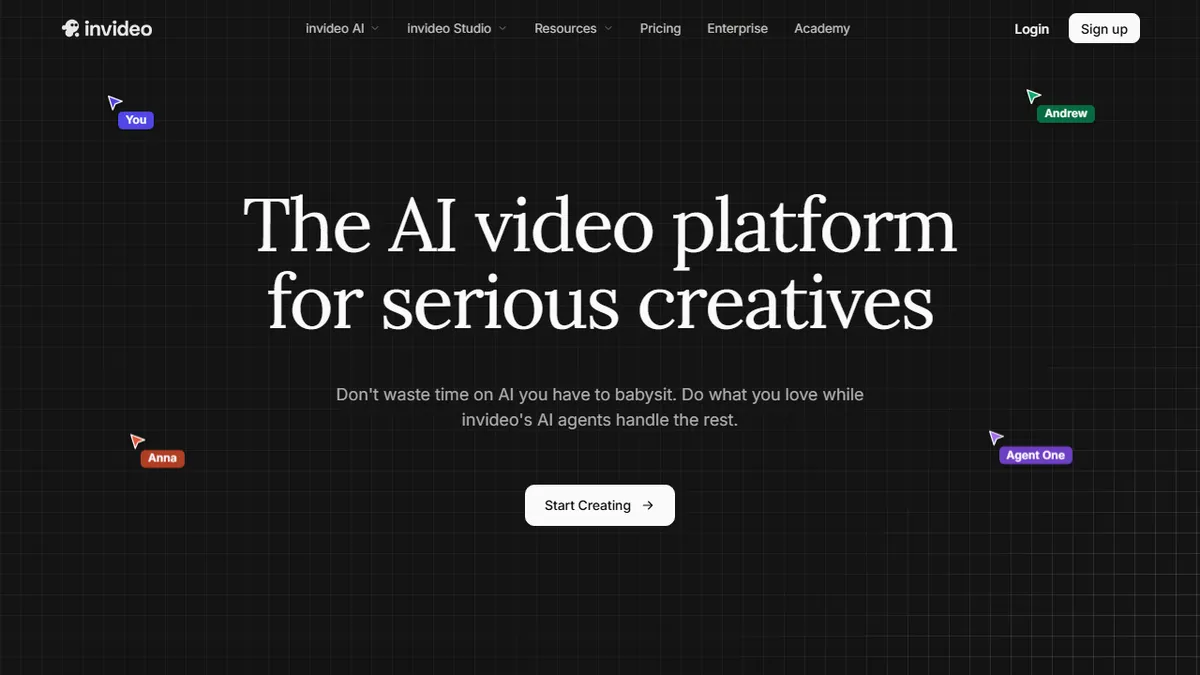
Multiplayer editing with live cursors and custom "role" agents (cinematographer, music designer) push it further toward a Figma-for-video posture. There's no documented public API, so this is a UI product, not a workflow primitive you can wire into your own stack.
Invideo has pivoted from template-based video to a genuinely agentic platform, and the multi-model routing plus persistent project memory is the right architecture for this moment. The lack of an API and opaque enterprise pricing are the main frictions. For creators, though, it's one of the more coherent script-to-final-cut experiences shipping today.
— The AI Tool Bible editorial team
Pros
- ✅ Agent memory keeps characters and locations consistent across shots
- ✅ Routes across 200+ generation models instead of locking to one
- ✅ Real script-to-storyboard-to-timeline flow, not just a clip generator
- ✅ Multiplayer editing with live cursors for team production
- ✅ Batch-edit multiple shots at once (change location, costume, character)
Cons
- ⚠️ No public API; UI-only product
- ⚠️ Free tier watermarks output and gates top models
- ⚠️ Enterprise pricing is opaque, gated behind sales
- ⚠️ Model routing quality varies by provider and can drift between runs
Use cases
Frequently asked
- How does InVideo AI maintain visual consistency across different video shots?
- The platform uses agent memory to retain project context across shots. This ensures that characters, locations, and costumes remain consistent when you regenerate or batch-edit scenes.
- Which AI models does InVideo AI use for video generation?
- InVideo AI routes requests across more than 200 models, including Sora 2, Google Veo 3.1, Kling 3.0, ElevenLabs, and Minimax. It also integrates iStock and Storyblocks for licensed stock footage.
- Is there a public API available for InVideo AI?
- No, there is no documented public API. InVideo AI is a UI-only product designed for direct user interaction rather than integration into external programmatic workflows.
- What are the limitations of the free tier for InVideo AI?
- The free tier includes limits and watermarks on the output. It also gates access to the strongest generation models, which are available on paid Individual and Team/Enterprise plans.
- Can teams collaborate on videos using InVideo AI?
- Yes, the platform supports multiplayer editing with live cursors. It also allows for custom 'role' agents, such as cinematographers or music designers, to facilitate team production.
Explore related
Compare with similar tools
All in Video →Runway
FeaturedPro-grade AI video editor and Gen-4 generation.
Sora
FeaturedOpenAI's flagship text-to-video model.
Luma Dream Machine
Fast, accessible text-to-video with strong camera control.
HeyGen
Avatar video + lip-sync translation at scale.
Google Veo
Google DeepMind's flagship text-to-video model with native audio generation and cinematic camera control.
Higgsfield
AI video and image generation suite that aggregates 30+ frontier models under one workflow.