
Luma Dream Machine
✓ Editorially verifiedFast, accessible text-to-video with strong camera control.
In short
Luma Dream Machine offers fast, accessible text-to-video with strong camera control. It is ideal for short marketing clips and storyboarding, sitting between social toys and pro studios.
Pick Dream Machine when you want a fast, accessible video AI with real camera control.
Skip it for long narrative clips or pro post-production needs.
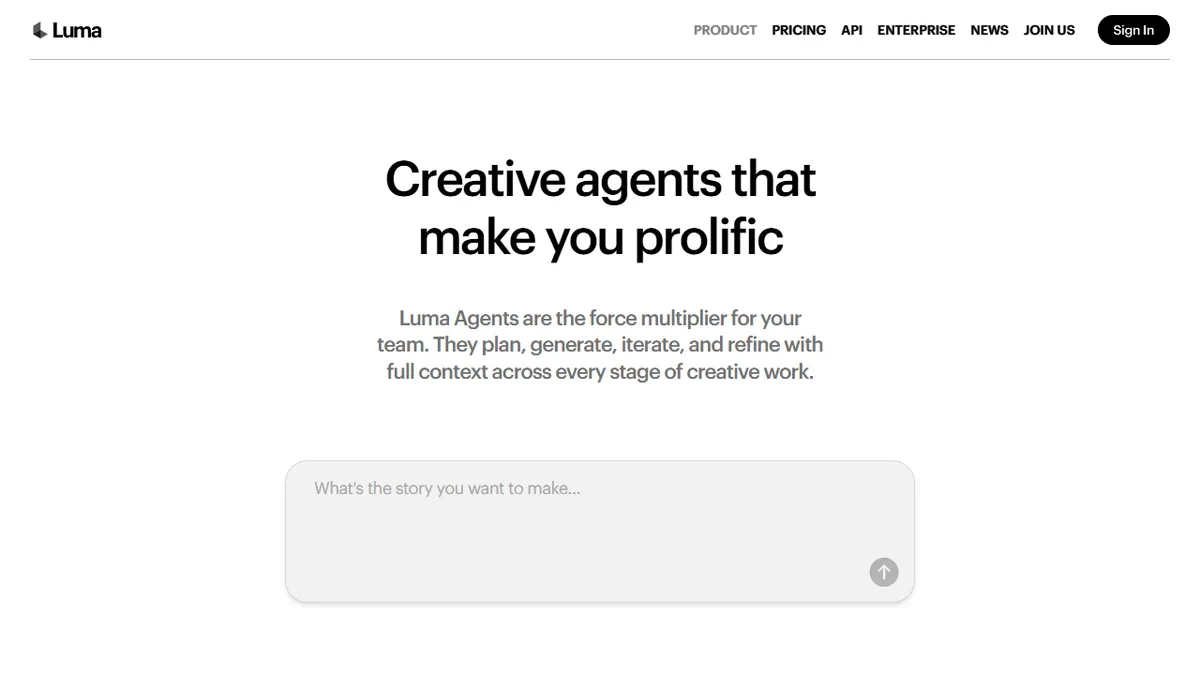
Luma's Dream Machine is one of the easiest text-to-video tools to get started with — fast generation, clean UI, and surprisingly strong camera motion control. Image-to-video with keyframe interpolation is particularly good; you can paint a start frame and end frame and get a smooth, controlled motion between them.
It sits in a comfortable middle ground: better controls than Pika, faster than Runway, cheaper than Sora. For creators who want something between "social toy" and "pro studio," it's often the best fit.
Clip length is capped shorter than Runway or Sora can produce, and cinematic polish is a step below Runway's Gen-4. But for storyboarding, mood reels, and short marketing clips, Dream Machine is the workhorse.
Dream Machine is the daily-driver AI video tool for working creators who don't want Runway's price tag or Pika's randomness. It's the most balanced product in the category right now.
— The AI Tool Bible editorial team
Pros
- ✅ Fast generation
- ✅ Excellent camera control
- ✅ Decent free tier
- ✅ Image-to-video keyframing is best in class
Cons
- ⚠️ Output length capped short
- ⚠️ Not as cinematic as Runway
Use cases
Frequently asked
- How much does Luma Dream Machine cost?
- Luma Dream Machine uses a freemium model. The Basic plan costs $10, the Pro plan is $20, and Enterprise pricing requires contacting sales. This makes it cheaper than Sora while offering better controls than Pika.
- Is Luma Dream Machine good for beginners?
- Yes, it is one of the easiest text-to-video tools to get started with. It features a clean UI and fast generation, making it accessible for creators who want something between a social toy and a pro studio.
- What are the main use cases for Dream Machine?
- It is best for camera motion, keyframing, and social video. It is a workhorse for storyboarding, mood reels, and short marketing clips, offering strong camera motion control and image-to-video capabilities.
- How does Dream Machine compare to Runway and Sora?
- Dream Machine is faster than Runway and cheaper than Sora. However, its clip length is capped shorter than Runway or Sora, and its cinematic polish is a step below Runway's Gen-4. It offers better controls than Pika.
- Can I use keyframes in Luma Dream Machine?
- Yes, image-to-video with keyframe interpolation is particularly good. You can paint a start frame and an end frame to get smooth, controlled motion between them, which is useful for specific camera movements.
- Is Dream Machine suitable for long narrative films?
- No, you should skip it for long narrative clips or pro post-production needs. Clip length is capped shorter than competitors like Runway or Sora, making it better suited for short marketing clips and storyboards.
Explore related
Compare with similar tools
All in Video →Runway
FeaturedPro-grade AI video editor and Gen-4 generation.
Sora
FeaturedOpenAI's flagship text-to-video model.
HeyGen
Avatar video + lip-sync translation at scale.
Google Veo
Google DeepMind's flagship text-to-video model with native audio generation and cinematic camera control.
Higgsfield
AI video and image generation suite that aggregates 30+ frontier models under one workflow.
HyperFrames
Open-source video composition framework that lets AI agents build videos by writing HTML, CSS, and JS.