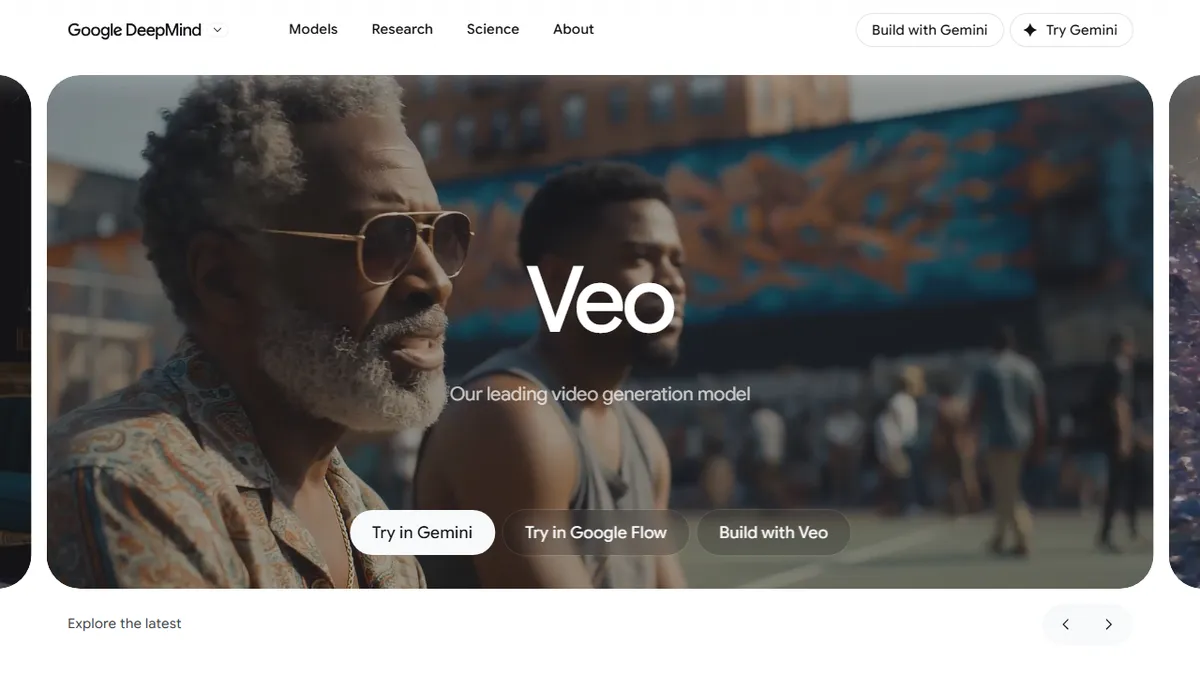

Google Veo
✓ Editorially verifiedGoogle DeepMind's flagship text-to-video model with native audio generation and cinematic camera control.
In short
Google Veo 3.1 generates high-resolution video clips with synchronized dialogue and sound effects in a single pass. It is best for creative professionals requiring precise camera controls and character consistency within Google's ecosystem.
Pick Google Veo if you need cinematic, audio-synced short clips with tight camera and character control from a first-party Google API.
Skip it if you need long-form video, an open-weights model, or a workflow that avoids Google account gating.
Google Veo (currently Veo 3.1) is DeepMind's high-end video generation model, producing up to 8-second clips at 1080p or 4K from text prompts, reference images, or existing video. Its headline capability is native audio generation - dialogue, sound effects, ambient noise, and music are produced in the same pass as the visuals, rather than dubbed in afterward. It also supports character consistency across scenes via reference images, scene extension, first-and-last-frame transitions, camera framing controls, object insertion and removal, and outpainting for aspect-ratio adjustment.
Veo is aimed squarely at creative professionals - studios, motion designers, and ad shops - who need controllable shots rather than one-off gimmick clips. Access is fragmented across Google's stack: Gemini for casual use, Google Flow for filmmaking, Google Vids for workplace video, and Google AI Studio plus the Gemini API for developers. There is no standalone Veo subscription; you pay through whichever surface you use, and API pricing is metered per second of generated video.
All outputs carry SynthID watermarking for provenance. Veo publishes benchmark wins on MovieGenBench and VBench against Sora, Kling, and Runway, though the 8-second clip cap and Google-account gating make it less flexible than some competitors for long-form or self-hosted workflows.
Veo 3.1 is genuinely competitive with Sora and Kling on quality, and the built-in audio generation is a real workflow win. The 8-second limit and Google's confusing multi-surface distribution hold it back - most teams will end up using it via Flow or the Gemini API rather than as a standalone product.
— The AI Tool Bible editorial team
Pros
- ✅ Native synchronized audio (dialogue, SFX, music) in one pass
- ✅ Up to 4K output with strong camera and shot controls
- ✅ Character consistency via reference images across scenes
- ✅ Available through both Gemini API and creative tools like Flow
- ✅ SynthID watermarking built in for provenance
Cons
- ⚠️ Clips capped at 8 seconds; longer pieces require stitching
- ⚠️ Access spread across Gemini, Flow, Vids, and AI Studio
- ⚠️ Closed model with no self-hosting option
- ⚠️ API usage can get expensive at 4K
Use cases
Frequently asked
- Does Google Veo generate audio with the video?
- Yes, Veo produces native audio including dialogue, sound effects, ambient noise, and music in the same pass as the visuals, rather than dubbing it in afterward.
- What are the limitations on video length and resolution?
- Veo generates clips up to 8 seconds long at resolutions of 1080p or 4K. Longer videos require stitching multiple clips together.
- How is Google Veo priced and accessed?
- There is no standalone subscription; access is metered via the Gemini API or bundled in Google AI and Workspace plans. API pricing is based on the number of seconds of generated video.
- Can I use Veo for self-hosted or open-source workflows?
- No, Veo is a closed model with no self-hosting option. It requires a Google account and is distributed across various Google surfaces like Gemini, Flow, and Vids.
Explore related
Compare with similar tools
All in Video →Runway
FeaturedPro-grade AI video editor and Gen-4 generation.
Sora
FeaturedOpenAI's flagship text-to-video model.
Luma Dream Machine
Fast, accessible text-to-video with strong camera control.
HeyGen
Avatar video + lip-sync translation at scale.
Higgsfield
AI video and image generation suite that aggregates 30+ frontier models under one workflow.
HyperFrames
Open-source video composition framework that lets AI agents build videos by writing HTML, CSS, and JS.