Opus Clip vs Recast Studio
A side-by-side look at pricing, capabilities, pros, cons, and our editorial scores.
Tagline
Opus Clip
OpusClip turns long videos into shorts and publishes them to social platforms in one click.Recast Studio
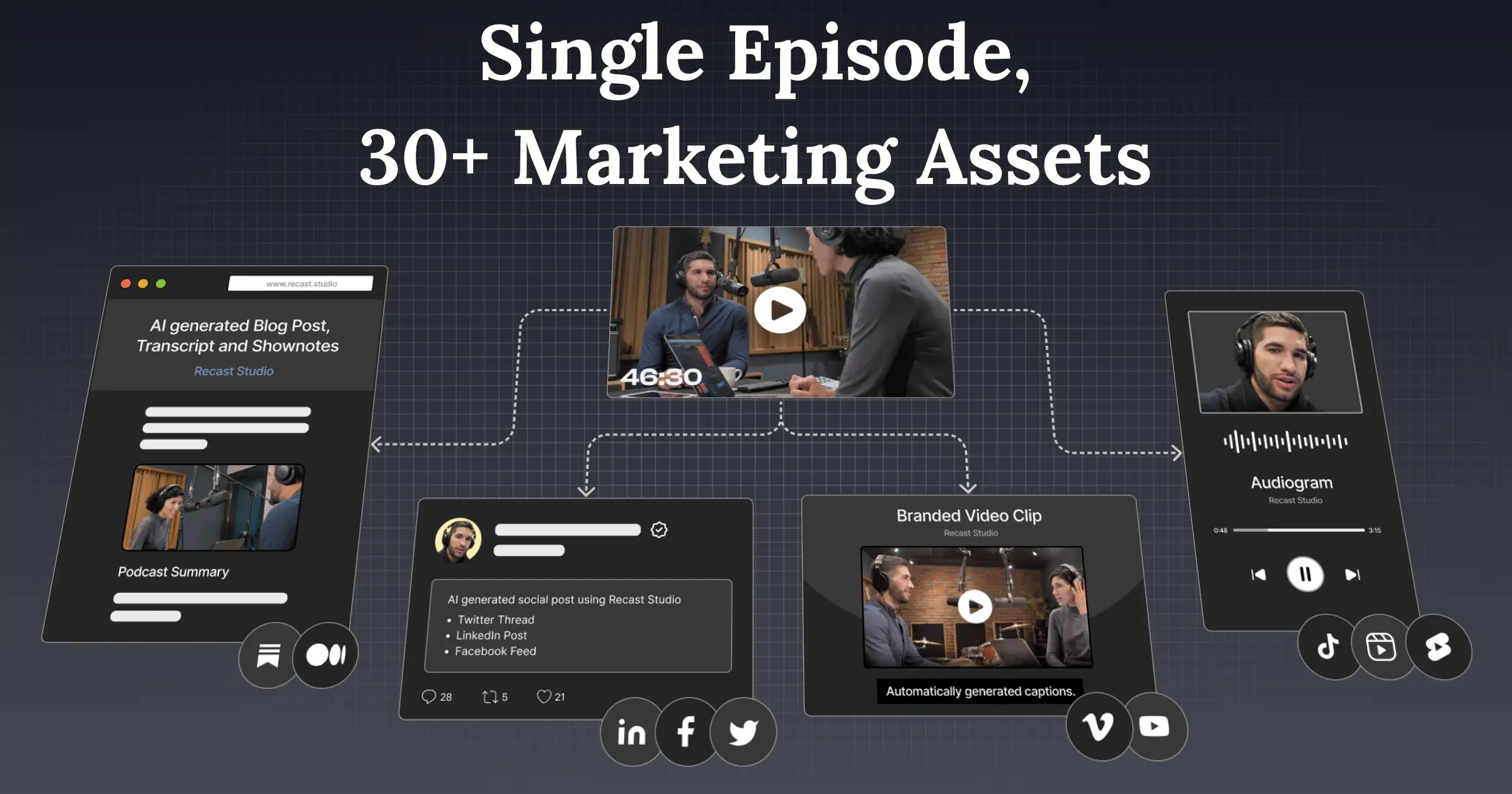
Turns webinars, podcasts, interviews, and Zoom recordings into social-ready clips in minutes.Pricing
Opus Clip
Freemium· Free tier · from $15 USD/moRecast Studio
Freemium· Free plan; Free Trial: $0 USD / month (one-time purchase); Starter: $14 USD / month or $170 charged per year; Professional: $26 USD / month or $310 charged per yearLowest paid tier
Opus Clip
$15 USD /mo · Starter
captured 2026-11-18
Recast Studio
$14 USD / month · Starter
captured 2026-11-06
Free trial
Opus Clip
YesRecast Studio
YesAPI
Opus Clip
YesRecast Studio
Not listedPlatforms
Opus Clip
web
Recast Studio
web
Hacker News stories
Opus Clip
0
checked 2026-11-18
Recast Studio
1
checked 2026-11-19
Earliest Wayback capture
Opus Clip
—Recast Studio
2019-07-16
earliest archived capture of the site, not a launch date
Founded
Opus Clip
2022
Wikidata
Recast Studio
—Headquarters
Opus Clip
United States
Wikidata
Recast Studio
—Model used
Opus Clip
in-house (proprietary ClipAnything and ReframeAnything models, plus third-party ASR)Recast Studio
—Editorial score
Opus Clip
—Recast Studio
6.7 / 10Use cases
Opus Clip
Clipping vlogs, gaming, sports, and interviewsAutomating video creation workflows via APITeam collaboration on creative projectsPublishing shorts to social platforms
Recast Studio
social-clipstranscription
Pros
Opus Clip
- Publishes clips to social platforms in one click.
- Clips various video genres including vlogs, gaming, and sports.
- Keeps moving subjects centered using AI object tracking.
- Automatically adds editable captions with high accuracy.
- Integrates with CMS and other tools via API to automate workflows.
- Provides a team workspace for collaboration and project management.
Recast Studio
- Transcript-based editing keeps captions in sync while trimming video.
- Direct publishing and scheduling are available from the editor.
- Auto-reframe detects faces and scenes to adjust the frame automatically.
- Filler words and silences are removed automatically.
- The vendor says that transcription supports 20+ languages.
Editorial score: rule-based, 0–10, from AI-assisted profile inputs (see /methodology) — not a user rating; “—” means unscored. “Not listed” means we have no record of it, not that it is absent. GitHub figures and prices carry the date they were checked or captured; prices are shown as published, unconverted.
Pick Opus Clip if
- ✅ Publishes clips to social platforms in one click.
- ✅ Clips various video genres including vlogs, gaming, and sports.
- ✅ Keeps moving subjects centered using AI object tracking.
- ✅ Automatically adds editable captions with high accuracy.
Pick Recast Studio if
- ✅ Transcript-based editing keeps captions in sync while trimming video.
- ✅ Direct publishing and scheduling are available from the editor.
- ✅ Auto-reframe detects faces and scenes to adjust the frame automatically.
- ✅ Filler words and silences are removed automatically.