Opus Clip
✓ Editorially verifiedAI that turns long videos into short viral clips ready to post everywhere
Podcasters, coaches, B2B marketing teams and social agencies who publish long-form video weekly and need a fast, near-turnkey way to cut it into vertical shorts with captions and cross-post to every platform.
Editors doing bespoke narrative work, film-style cutting, music videos or ad creative — the tool assumes 'find talking moments and make them square' and offers no real timeline for anything more.
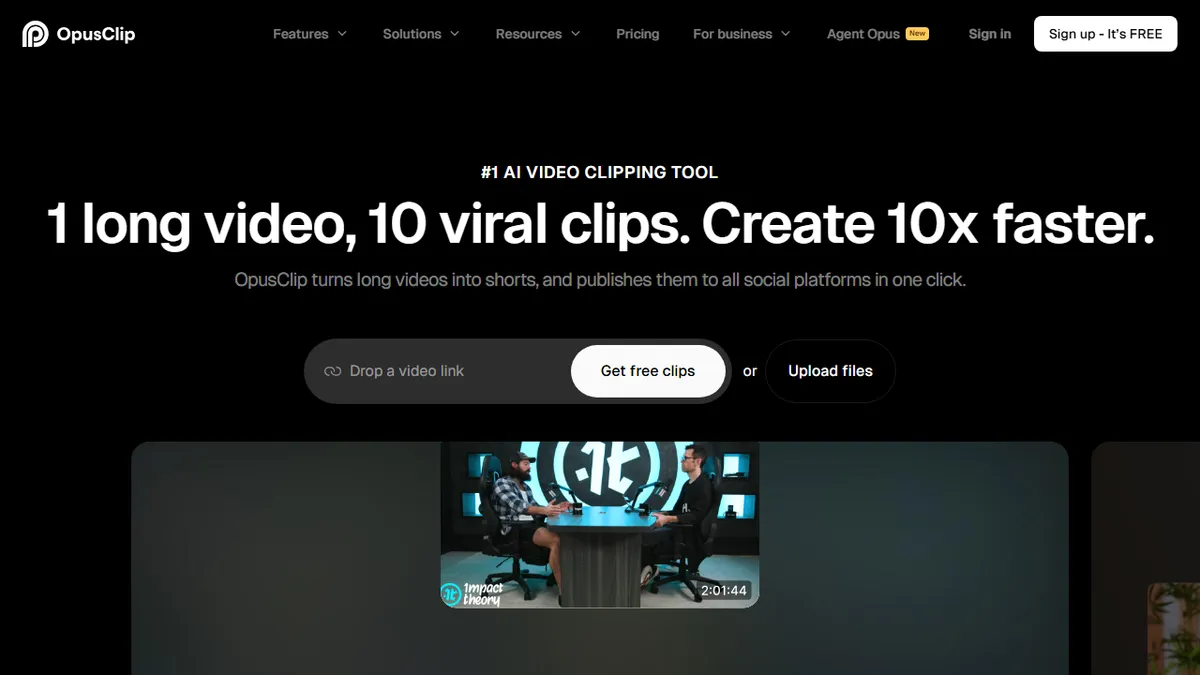
Opus Clip is an AI-powered repurposing tool that ingests a long-form video — a podcast, webinar, sermon, interview, livestream, lecture, sales call, vlog or gaming stream — and automatically produces a stack of short vertical clips sized for TikTok, Instagram Reels, YouTube Shorts and LinkedIn. The engine scores segments for 'virality' based on hook strength, story arc, emotional peaks and quotability, then adds animated captions, active-speaker reframing, keyword highlights, B-roll suggestions, chapter titles, hashtags and platform-specific descriptions in one pass. It is aimed at creators, agencies, marketing teams, coaches and B2B brands who publish talking-head or long-conversation content and need volume without hiring an editor for every cut. Two features do most of the heavy lifting: ClipAnything, a general-purpose model that works on non-podcast footage (sports plays, gaming highlights, product demos, event recordings), and ReframeAnything, which uses object tracking to keep the intended subject centered even in scenes with multiple people. A team workspace layer adds brand kits, shared drafts, approvals, roles and scheduled multi-account publishing across YouTube, TikTok, Instagram, Facebook, LinkedIn and X. Typical workflows are 'drop a two-hour podcast, get 15-30 vertical clips ranked by score, tweak captions and post from the same dashboard' or 'plug into a webinar platform via API and auto-generate a highlight reel the moment the recording is available.' It is not a full NLE — you can trim, restyle and rearrange captions but not do complex multi-track edits — the point is to compress the podcast-to-shorts pipeline from a full editor day into roughly the time it takes to review the AI's picks.
The category leader for podcast-to-shorts, and the one competitors keep chasing. The virality score is marketing more than science, but the underlying transcription, reframing and multi-platform publishing genuinely collapse a full editing day into an afternoon of review. I'd pay for Pro before I'd hire a junior editor for the same throughput — just don't expect it to replace a real NLE.
— The AI Tool Bible editorial team
Pros
- ✅ Genuine time-saver for talking-head repurposing — a 90-minute episode returns a batch of ranked clips in a few minutes
- ✅ Caption accuracy and animated styling are among the best in the category, with editable transcripts and per-word emphasis
- ✅ ReframeAnything's speaker tracking handles multi-person shots better than fixed-crop competitors
- ✅ ClipAnything extends the tool beyond podcasts to gaming, sports, tutorials and event footage
- ✅ Built-in multi-platform scheduler and analytics remove the need for a separate Buffer/Hootsuite step
- ✅ Team plans include brand kits, shared workspaces and reviewer roles, which suit agencies producing for multiple clients
- ✅ API access enables piping recordings straight from Zoom, Riverside or a CMS into the clip pipeline
Cons
- ⚠️ 'Virality score' is a heuristic, not a guarantee — the top-ranked clip is often not the one that actually performs, so review is still required
- ⚠️ Upload/processing minutes cap tightly on lower tiers; heavy podcast operations burn through Pro credits quickly and jump to Business pricing
- ⚠️ Editing controls are deliberately shallow — no real timeline, no multi-track audio, no advanced color or transition work
- ⚠️ Auto-captions and reframing occasionally misidentify the active speaker in cross-talk or when guests appear in a small PIP
- ⚠️ Output style leans heavily on the same caption templates, which is starting to be recognizable ('made in Opus') in creator feeds
- ⚠️ Non-English languages work but transcript accuracy and hook detection are noticeably weaker than for English content
Use cases
Explore related
Compare with similar tools
All in Video →Runway
FeaturedPro-grade AI video editor and Gen-4 generation.
Sora
FeaturedOpenAI's flagship text-to-video model.
Luma Dream Machine
Fast, accessible text-to-video with strong camera control.
HeyGen
Avatar video + lip-sync translation at scale.
Google Veo
Google DeepMind's flagship text-to-video model with native audio generation and cinematic camera control.
Higgsfield
AI video and image generation suite that aggregates 30+ frontier models under one workflow.