Recast Studio
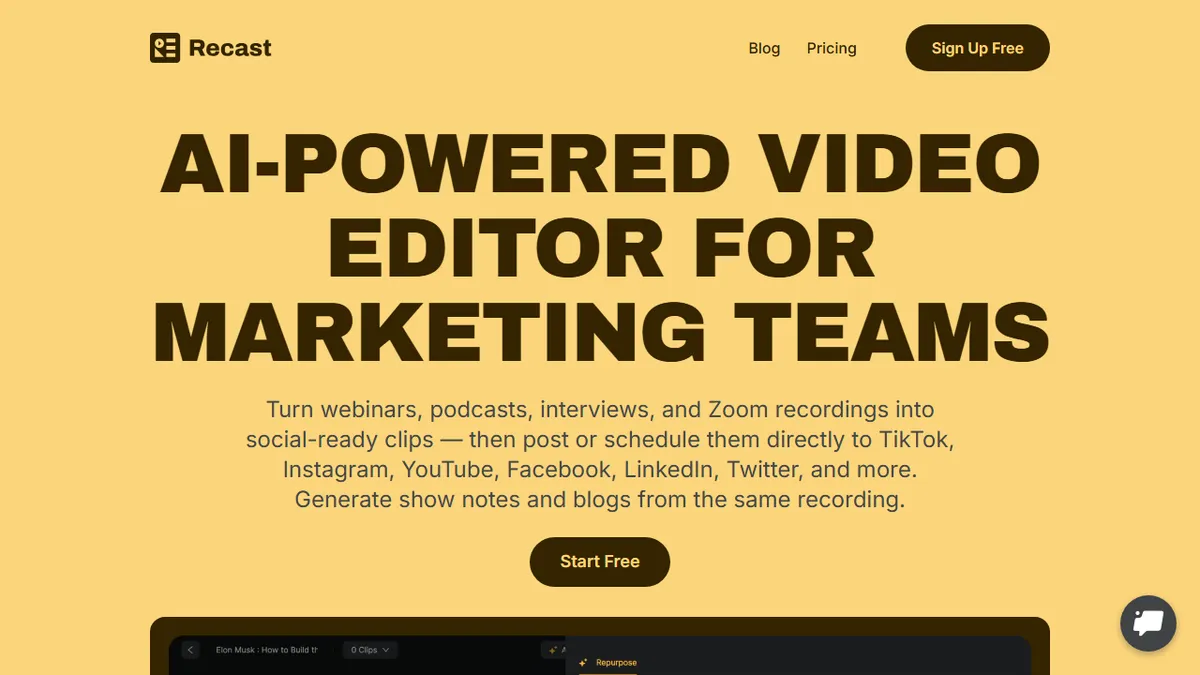
Turns webinars, podcasts and Zoom recordings into short social clips and written posts via transcript-based editing.
In short
Recast Studio turns long-form webinars and podcasts into short social clips and copy using transcript-based editing. It is ideal for marketing teams needing quick repurposing without NLE skills.
Pick Recast Studio if you run a marketing or content team that needs to chop weekly webinars or podcast episodes into social clips and copy without learning Premiere or Descript.
Skip it if you need API access, broadcast-grade editing, or you produce original short-form video rather than repurposing long-form recordings.
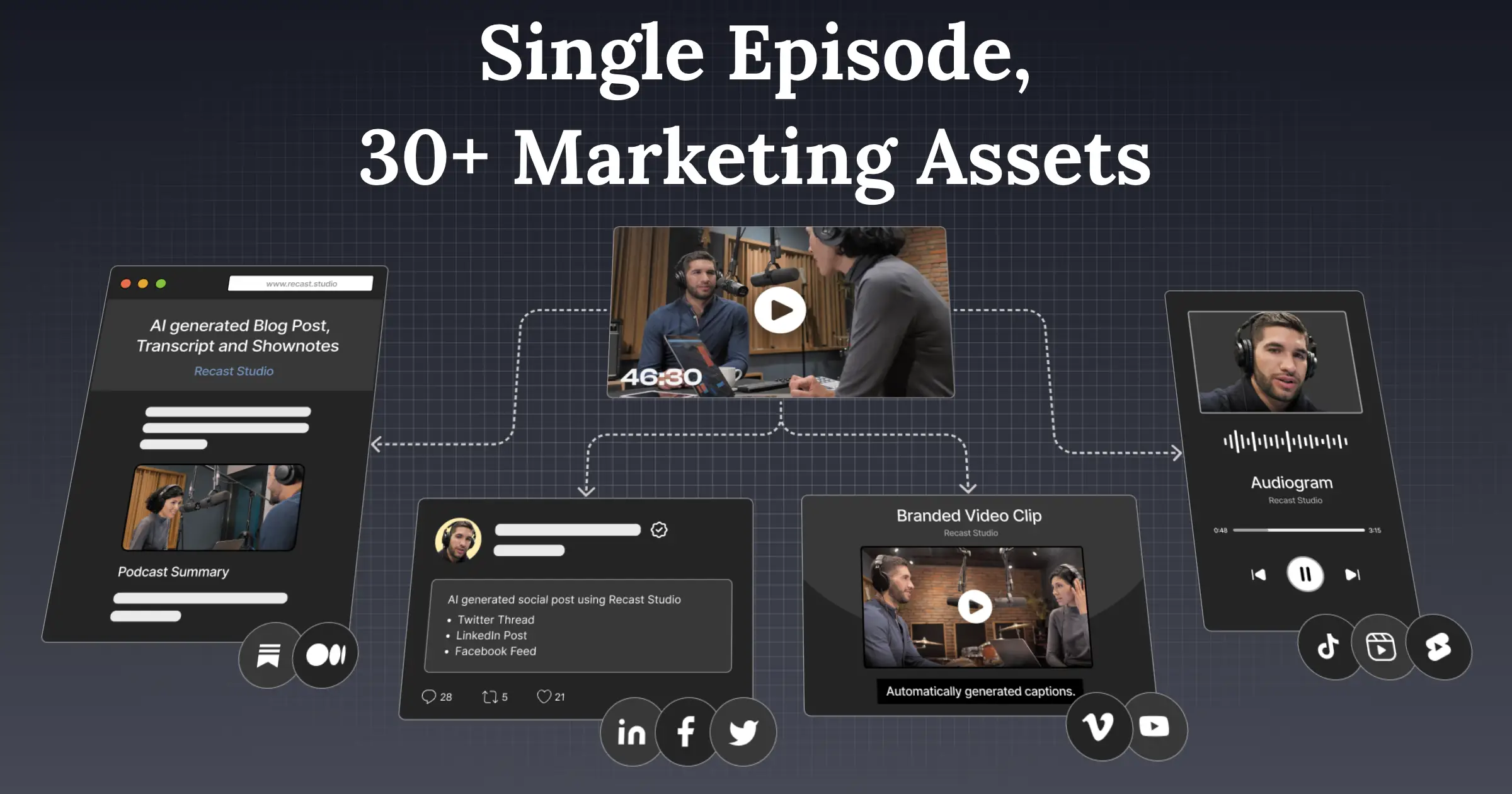
Recast Studio is an AI video repurposing tool aimed at marketing teams who already have long-form content (webinars, podcasts, interviews, Zoom calls) and want to slice it into short-form clips, audiograms, blog posts, show notes, LinkedIn updates and email copy without opening a real NLE. The headline feature is transcript-based editing: you highlight text to trim the video, captions stay in sync, and filler words and dead air can be removed in one pass. Auto-reframe detects faces and scenes for vertical exports, and finished assets can be published or scheduled directly to TikTok, Instagram, YouTube, Facebook, LinkedIn and X.
The pitch is repurposing speed for non-editors. Pricing is straightforward and cheap by category standards: a free trial with 60 credits and 5 minutes of monthly exports, Starter at $14/month (300 export minutes, 15GB storage), and Professional at $26/month (600 export minutes, 50GB). Transcription covers 20+ languages and team workspaces are available. There is no documented public API, so this is a UI-bound tool rather than a building block, and the credit-plus-minute system means heavy podcast volumes will push you to the higher tier quickly.
A focused, fairly priced entry in the crowded long-to-short repurposing space. It does not try to out-feature Descript or Opus Clip, but the transcript editor plus built-in social scheduler hits the actual workflow marketing teams care about. The lack of an API and the tight free trial are the main reasons to demo before committing.
— The AI Tool Bible editorial team
Pros
- ✅ Transcript-based editing keeps captions in sync while you trim
- ✅ Direct publishing/scheduling to all major social platforms
- ✅ Cheap entry tier ($14/mo) vs Opus Clip and Descript
- ✅ Auto-reframe and filler-word removal are one-click
Cons
- ⚠️ No public API, so no programmatic pipeline integration
- ⚠️ Free trial is heavily capped (5 export minutes total)
- ⚠️ Credit + minute caps make heavy podcast volume push to Pro fast
Use cases
Frequently asked
- How much does Recast Studio cost?
- Recast Studio offers a free trial with 60 credits. The Starter plan costs $14/month for 300 export minutes, while the Professional plan is $26/month for 600 export minutes and 50GB storage.
- Is there a public API for developers?
- No, there is no documented public API. Recast Studio is a UI-bound tool designed for direct user interaction rather than serving as a building block for other applications.
- Do I need video editing experience to use it?
- No. It is designed for non-editers. You use transcript-based editing to highlight text for trimming, and the tool handles captions, filler word removal, and auto-reframing automatically.
- Which platforms can I publish to directly?
- You can publish or schedule finished assets directly to TikTok, Instagram, YouTube, Facebook, LinkedIn, and X. The tool also generates written posts like blog posts and email copy.
- What are the limitations for heavy users?
- The credit-plus-minute system means heavy podcast volumes will push you to the higher Professional tier quickly. Additionally, it lacks broadcast-grade editing and API access, making it unsuitable for original short-form production.
Explore related
Compare with similar tools
All in Video →Runway
FeaturedPro-grade AI video editor and Gen-4 generation.
Sora
FeaturedOpenAI's flagship text-to-video model.
Luma Dream Machine
Fast, accessible text-to-video with strong camera control.
HeyGen
Avatar video + lip-sync translation at scale.
Google Veo
Google DeepMind's flagship text-to-video model with native audio generation and cinematic camera control.
Higgsfield
AI video and image generation suite that aggregates 30+ frontier models under one workflow.