AnkiDecks AI vs Rember
A side-by-side look at pricing, capabilities, pros, cons, and our editorial scores.

Tagline
AnkiDecks AI
AI flashcard generator that turns PDFs, slides, YouTube videos and handwritten notes into Anki-ready decks.Rember
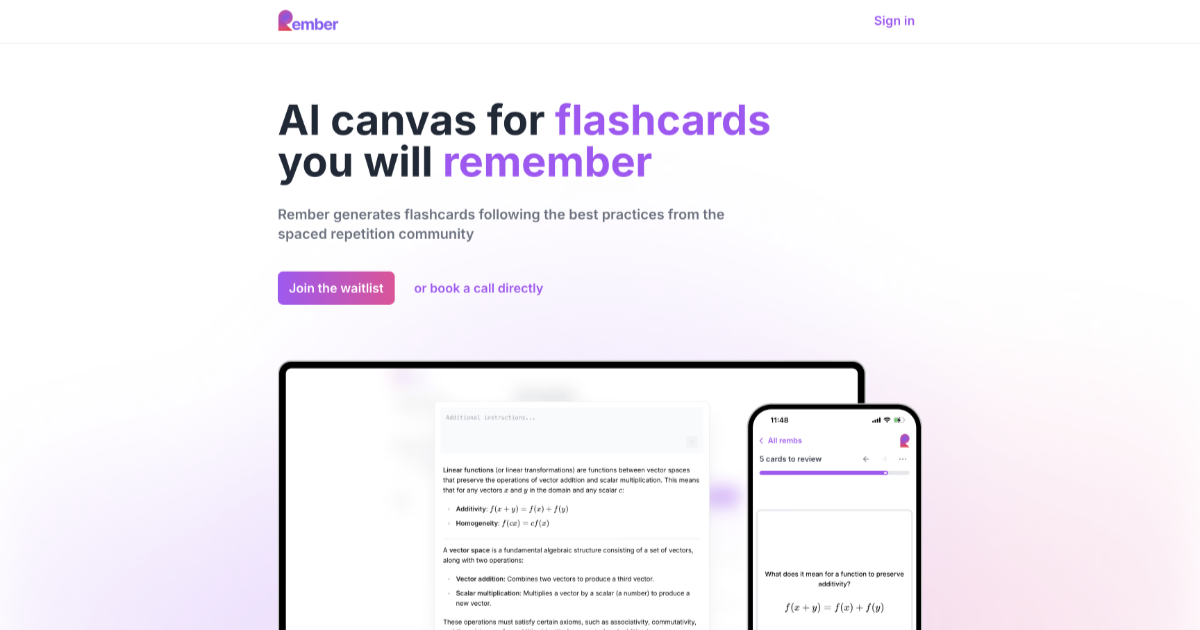
AI flashcard generator that turns PDFs, videos, and chats into spaced-repetition decks.Pricing
AnkiDecks AI
FreemiumRember
FreemiumFree trial
AnkiDecks AI
YesRember
YesPlatforms
AnkiDecks AI
androidapi
Rember
web
Open source
AnkiDecks AI
Not listedRember
Not listed · MITGitHub stars
AnkiDecks AI
—Rember
63
checked 2026-11-13
Last GitHub push
AnkiDecks AI
—Rember
2025-03-28First commit
AnkiDecks AI
—Rember
2025-02Hacker News stories
AnkiDecks AI
0
checked 2026-11-07
Rember
0
checked 2026-11-20
Earliest Wayback capture
AnkiDecks AI
2023-07-06
earliest archived capture of the site, not a launch date
Rember
—Model used
AnkiDecks AI
—Rember
Multi-modelBest for
AnkiDecks AI
Pick AnkiDecks AI if you're a med student, language learner or exam-prepper who lives in Anki and wants to skip hours of manual card authoring.Rember
Pick Rember if you want spaced-repetition learning without spending hours writing cards yourself.Not for
AnkiDecks AI
Skip it if you need an API, on-prem deployment, transparency about the underlying model, or you're not already invested in the Anki ecosystem.Rember
Skip it if you're a committed Anki power user who needs bidirectional sync and a mature plugin ecosystem.Editorial score
AnkiDecks AI
7.1 / 10Rember
7.0 / 10Use cases
AnkiDecks AI
flashcard-generationspaced-repetitionmedical-studylanguage-learninglecture-notesexam-prep
Rember
flashcard generationspaced repetitionstudy aidpdf-to-notesvideo-to-notes
Pros
AnkiDecks AI
- Accepts a wide range of inputs: PDFs, slides, YouTube, audio, handwritten notes
- Generates four card formats including image occlusion for anatomy diagrams
- Exports native .apkg files so you keep your decks in Anki
- 50+ language support with cross-language translation
- Free tier with no credit card needed
Rember
- Eliminates the worst part of SRS: hand-authoring cards
- Native MCP hooks into Claude and ChatGPT for inline capture
- Modern FSRS scheduling, not legacy SM-2
- Offline PWA with cross-device sync
- Cheap Pro tier at $8/mo
Cons
AnkiDecks AI
- No public API for automation or integration
- Underlying AI model is not disclosed
- Free plan capped at 4 decks per month
- Closed source, so no self-hosting option
Rember
- Anki sync is one-way only
- Free tier capped at 30 AI notes per month
- AI-generated cards still need human review for accuracy
- Smaller ecosystem than Anki's plugin world
Editorial score: rule-based, 0–10, from AI-assisted profile inputs (see /methodology) — not a user rating; “—” means unscored. “Not listed” means we have no record of it, not that it is absent. GitHub figures and prices carry the date they were checked or captured; prices are shown as published, unconverted.
Pick AnkiDecks AI if
- ✅ Accepts a wide range of inputs: PDFs, slides, YouTube, audio, handwritten notes
- ✅ Generates four card formats including image occlusion for anatomy diagrams
- ✅ Exports native .apkg files so you keep your decks in Anki
- ✅ 50+ language support with cross-language translation
Pick Rember if
- ✅ Eliminates the worst part of SRS: hand-authoring cards
- ✅ Native MCP hooks into Claude and ChatGPT for inline capture
- ✅ Modern FSRS scheduling, not legacy SM-2
- ✅ Offline PWA with cross-device sync