Rember
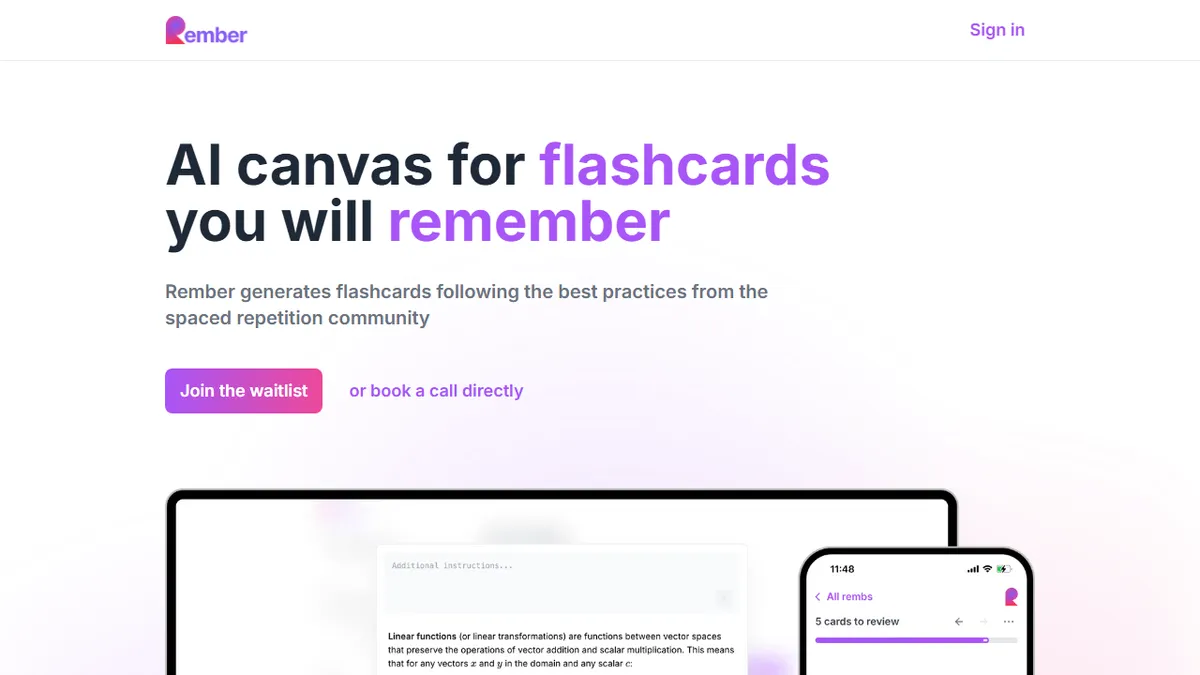
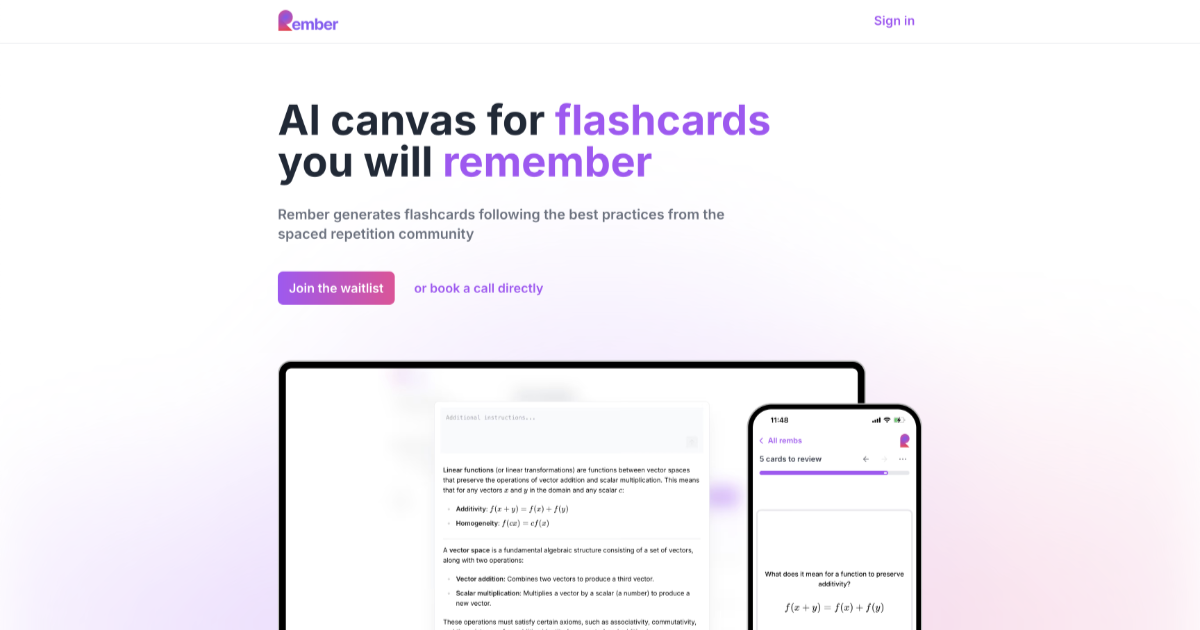
AI flashcard generator that turns PDFs, videos, and chats into spaced-repetition decks.
In short
Rember automates flashcard creation from diverse sources like PDFs and AI chats to support spaced repetition. It is best for learners who want to avoid manual card authoring while using modern FSRS scheduling.
Pick Rember if you want spaced-repetition learning without spending hours writing cards yourself.
Skip it if you're a committed Anki power user who needs bidirectional sync and a mature plugin ecosystem.
Rember is an AI-powered learning tool that ingests source material - PDFs, YouTube videos, web pages, pasted text, and even conversations with Claude or ChatGPT - and automatically produces flashcards tuned for long-term retention. Reviews are scheduled with the FSRS algorithm (a modern successor to SM-2), and the app runs as a PWA with offline support and cross-device sync, so the daily review habit isn't tied to a desktop.
The pitch is that you stop hand-authoring cards, which is the step that kills most spaced-repetition workflows. Rember leans into AI assistants as first-class inputs via MCP - you can say "add this to Rember" inside Claude or ChatGPT and it captures the concept into your deck. Pricing is gentle: a free tier covers 30 AI-generated notes per month, and Pro is $8/month for 1,000 notes plus priority support. Power users who want to keep their existing library can one-way sync into Anki.
It's aimed at students, autodidacts, and knowledge workers who already believe in spaced repetition but find Anki's authoring overhead punishing. The trade-off is that you're trusting an LLM to extract the right atomic facts, and the Anki bridge is export-only, so committed Anki natives may find the round-trip limiting.
Rember is the most credible attempt yet to fix the authoring bottleneck that keeps spaced repetition niche. The MCP integration is a smart bet - capturing what you just learned from an AI chat into a review deck closes a real loop. We'd like two-way Anki sync, but at $8/mo this is an easy recommendation for learners.
— The AI Tool Bible editorial team
Pros
- ✅ Eliminates the worst part of SRS: hand-authoring cards
- ✅ Native MCP hooks into Claude and ChatGPT for inline capture
- ✅ Modern FSRS scheduling, not legacy SM-2
- ✅ Offline PWA with cross-device sync
- ✅ Cheap Pro tier at $8/mo
Cons
- ⚠️ Anki sync is one-way only
- ⚠️ Free tier capped at 30 AI notes per month
- ⚠️ AI-generated cards still need human review for accuracy
- ⚠️ Smaller ecosystem than Anki's plugin world
Use cases
Frequently asked
- What types of content can Rember convert into flashcards?
- Rember ingests PDFs, YouTube videos, web pages, pasted text, and conversations with AI assistants like Claude or ChatGPT to generate flashcards.
- How does Rember schedule reviews?
- The app uses the FSRS algorithm, described as a modern successor to SM-2, to schedule reviews for long-term retention.
- Can I sync my existing Anki deck with Rember?
- Rember offers a one-way sync into Anki, allowing users to export their library, but it does not support bidirectional sync.
- What are the pricing options for Rember?
- Rember offers a free tier with 30 AI-generated notes per month and a Pro plan at $8 per month for 1,000 notes plus priority support.
- Does Rember work offline?
- Yes, the app runs as a PWA with offline support and cross-device sync, allowing reviews without a desktop connection.
Explore related
Compare with similar tools
All in Writing →Claude
FeaturedAnthropic's flagship assistant for long-form writing, analysis, and coding.
GPT-4o
FeaturedOpenAI's multimodal flagship behind ChatGPT.
Gemini Advanced
Google's flagship — strong at math, long context, and Workspace integration.
Llama 3
Meta's open-weights LLM family that put serious frontier-adjacent models in everyone's hands.
Qwen
Alibaba's open-weight foundation model family covering chat, vision, image generation, translation, and safety classification.
Jan
Open-source desktop ChatGPT alternative that runs local LLMs and routes to cloud providers from one app.