AI Watermark Remover vs Magic Eraser
A side-by-side look at pricing, capabilities, pros, cons, and our editorial scores.
Tagline
AI Watermark Remover
Free online tool to remove watermarks from photos using AI.Magic Eraser
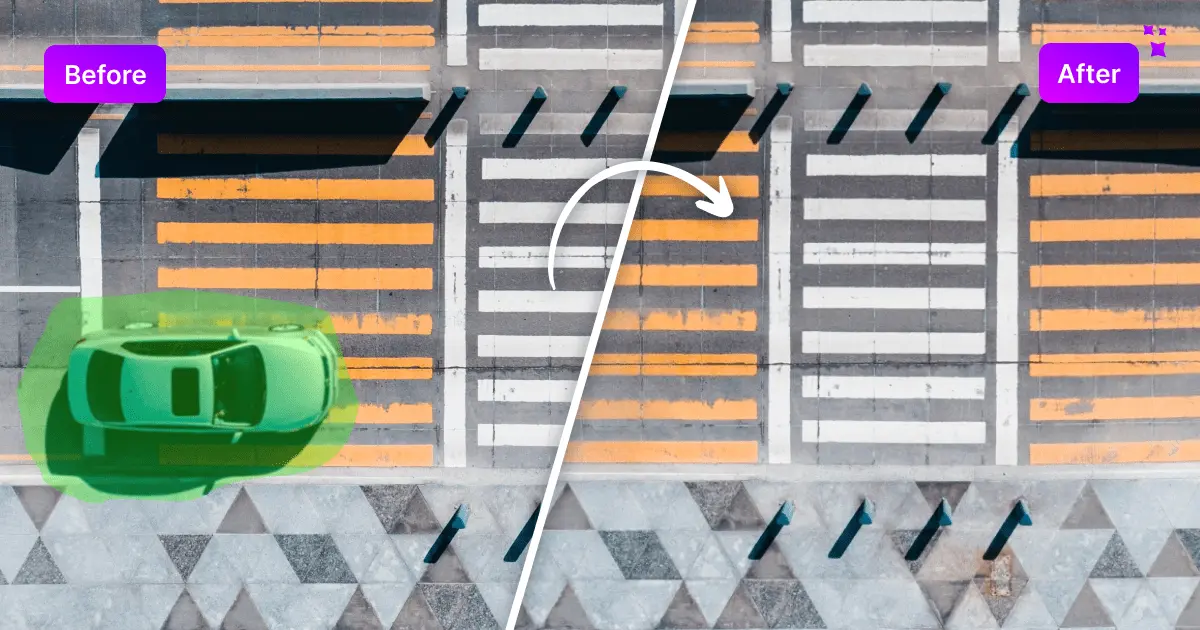
Remove unwanted objects, people, and text from photos in seconds.Pricing
AI Watermark Remover
FreeMagic Eraser
FreemiumFree trial
AI Watermark Remover
Not listedMagic Eraser
YesPlatforms
AI Watermark Remover
web
Magic Eraser
web
Hacker News stories
AI Watermark Remover
0
checked 2026-11-07
Magic Eraser
1
checked 2026-11-15
Earliest Wayback capture
AI Watermark Remover
2024-09-04
earliest archived capture of the site, not a launch date
Magic Eraser
—Model used
AI Watermark Remover
—Magic Eraser
Magic Studio (proprietary inpainting)Editorial score
AI Watermark Remover
6.8 / 10Magic Eraser
6.8 / 10Use cases
AI Watermark Remover
watermark removallogo and text removalsocial media content preparation
Magic Eraser
Real estate photographySocial media
Pros
AI Watermark Remover
- The tool is completely free and does not add watermarks to the output.
- Users can adjust the brush size to accurately highlight objects for removal.
- The vendor says that the vendor states that the service does not store user data.
- The vendor says that no specific skills or additional software are required to use the tool.
Magic Eraser
- The tool is free to use and does not require a signup.
- Users can edit 50 pictures at once.
- The tool supports popular image formats including JPG, JPEG, PNG, HEIC, WEBP, and TIFF.
- AI-assisted image editing allows for edits to be completed in seconds.
Cons
AI Watermark Remover
—Magic Eraser
- Users without a paid plan are limited to downloads at a maximum dimension of 600 pixels with a Magic Studio imprint.
Editorial score: rule-based, 0–10, from AI-assisted profile inputs (see /methodology) — not a user rating; “—” means unscored. “Not listed” means we have no record of it, not that it is absent. GitHub figures and prices carry the date they were checked or captured; prices are shown as published, unconverted.
Pick AI Watermark Remover if
- ✅ The tool is completely free and does not add watermarks to the output.
- ✅ Users can adjust the brush size to accurately highlight objects for removal.
- ✅ The vendor says that the vendor states that the service does not store user data.
- ✅ The vendor says that no specific skills or additional software are required to use the tool.
Pick Magic Eraser if
- ✅ The tool is free to use and does not require a signup.
- ✅ Users can edit 50 pictures at once.
- ✅ The tool supports popular image formats including JPG, JPEG, PNG, HEIC, WEBP, and TIFF.
- ✅ AI-assisted image editing allows for edits to be completed in seconds.