Magic Eraser
One-click AI object remover that wipes people, text, and clutter out of photos in seconds.
In short
Magic Eraser is a browser-based AI tool that removes objects, people, or watermarks from photos with one click. It requires no signup and supports bulk editing up to 50 images.
Pick Magic Eraser if you need to quickly wipe an object, person, or watermark out of a photo without opening Photoshop or signing up for anything.
Skip it if you need API access, batch automation beyond 50 images, or surgical control over complex inpainting tasks.
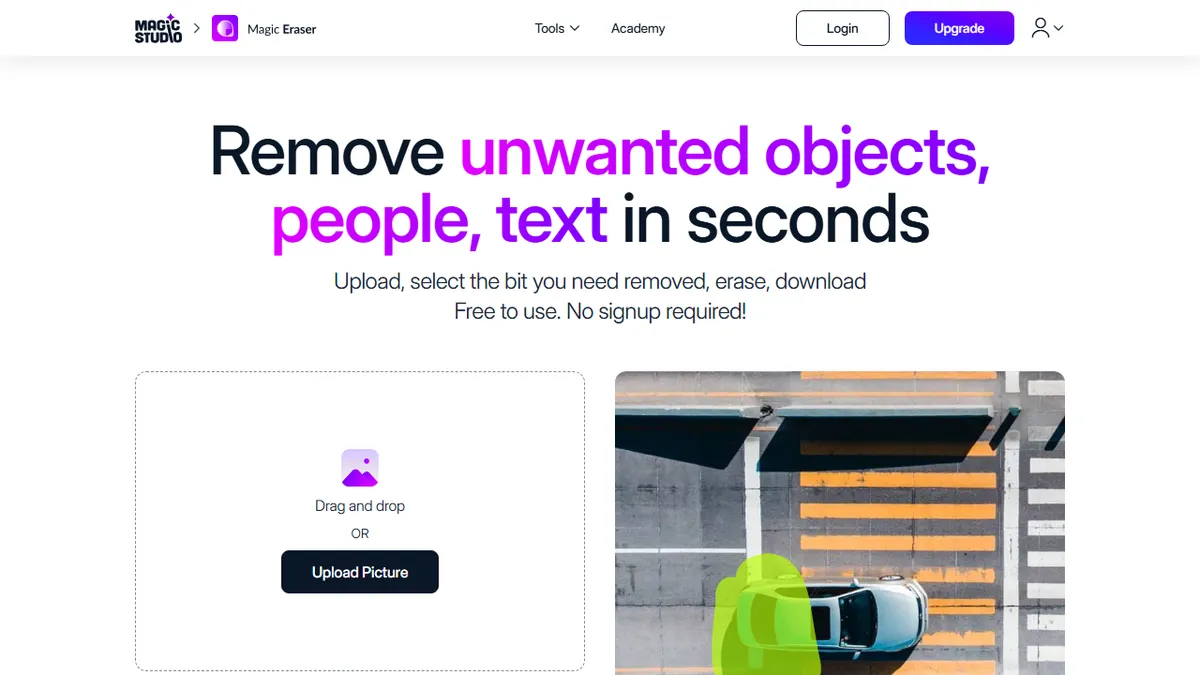
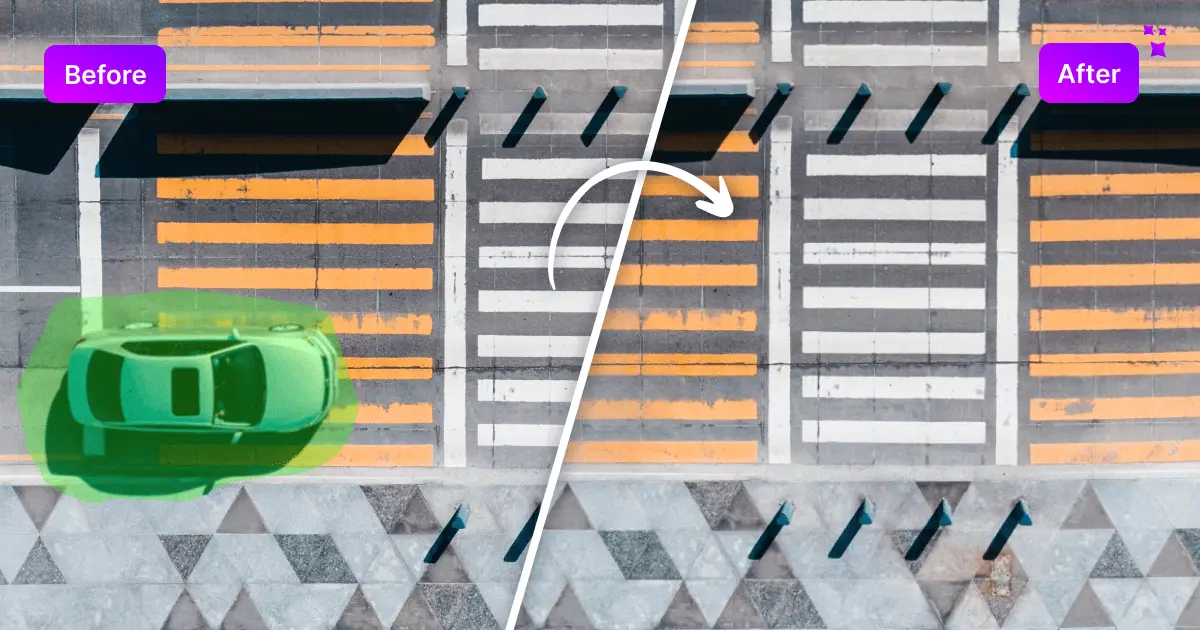
Magic Eraser (now part of Canva-owned Magic Studio) is a browser-based AI inpainting tool that lets you brush over an unwanted object, person, watermark, or text and have it intelligently replaced with plausible background. The original draw is friction: no signup, no install, drop an image in and start painting. It supports JPG, PNG, AVIF, WEBP, HEIC and TIFF, has bulk mode for editing up to 50 images at once, and offers brush sizing, zoom, and unlimited retries when the fill isn't quite right.
It's aimed squarely at non-designers who need fast cleanup: real estate listings, e-commerce product shots, auto marketplace photos, fashion flat-lays, and social media posts. The free tier is genuinely usable but caps downloads at low resolution with watermarks and ads; paying unlocks full-res exports and commercial rights. There's no public API, and the quality won't match a careful Photoshop generative-fill session on complex scenes, but for one-off cleanup tasks it's faster than opening any pro tool.
Now folded into Magic Studio alongside Canva's wider AI suite, it benefits from the broader model investment but is also clearly positioned as a funnel into Canva's paid ecosystem rather than a standalone power-user product.
A solid free entry point to AI object removal that does exactly what it says on the tin. We'd rank it above most novelty erasers for its format support and bulk mode, but serious users will outgrow the watermarked free tier quickly and may prefer Photoshop's generative fill or a dedicated API like Cleanup.pictures for production work.
— The AI Tool Bible editorial team
Pros
- ✅ No signup required to try, works directly in the browser
- ✅ Bulk mode handles up to 50 images at once
- ✅ Wide format support including HEIC, AVIF, and TIFF
- ✅ Genuinely fast for simple cleanups like watermarks and stray people
Cons
- ⚠️ Free tier outputs are watermarked and low-resolution
- ⚠️ No public API for automation or integration
- ⚠️ Quality degrades on complex scenes with detailed backgrounds
- ⚠️ Effectively a funnel into the broader Canva/Magic Studio paid suite
Use cases
Frequently asked
- How much does Magic Eraser cost?
- Magic Eraser uses a freemium model. The free tier is available but limits downloads to low resolution with watermarks and ads. The PRO plan costs a monthly fee and unlocks full-resolution exports and commercial rights.
- Do I need to create an account to use it?
- No, Magic Eraser is designed for friction-free use. You do not need to sign up or install anything. You can simply drop an image into the browser and start painting over unwanted objects immediately.
- What file formats are supported?
- The tool supports JPG, PNG, AVIF, WEBP, HEIC, and TIFF files. It also includes a bulk mode that allows you to edit up to 50 images at once for efficient workflow management.
- Is there an API for developers?
- No, there is no public API available for Magic Eraser. It is positioned as a standalone browser tool for non-designers rather than a developer-facing service, so it lacks API access and batch automation beyond 50 images.
- Who is this tool best for?
- It is best for non-designers needing fast cleanup for real estate listings, e-commerce shots, or social media. It is ideal for quick one-off tasks where opening professional software like Photoshop is too time-consuming.
Explore related
Compare with similar tools
All in Image Generation →Midjourney
FeaturedThe gold standard for aesthetic AI image generation.
Flux
FeaturedBlack Forest Labs' open-weights image model — rivals Midjourney quality.
Stable Diffusion
Open-source image generation — run anywhere, fine-tune anything.
Nano Banana (Gemini Image)
Google DeepMind's Gemini-powered image generation and conversational editing model family
DALL·E 3
OpenAI's image model — strong on prompt adherence and text-in-image.
Canva Magic Studio
Canva's all-in-one AI creative suite for design, image, video, copy, and presentations