AI Watermark Remover
Free browser-based watermark eraser that inpaints brushed-over regions in photos.
In short
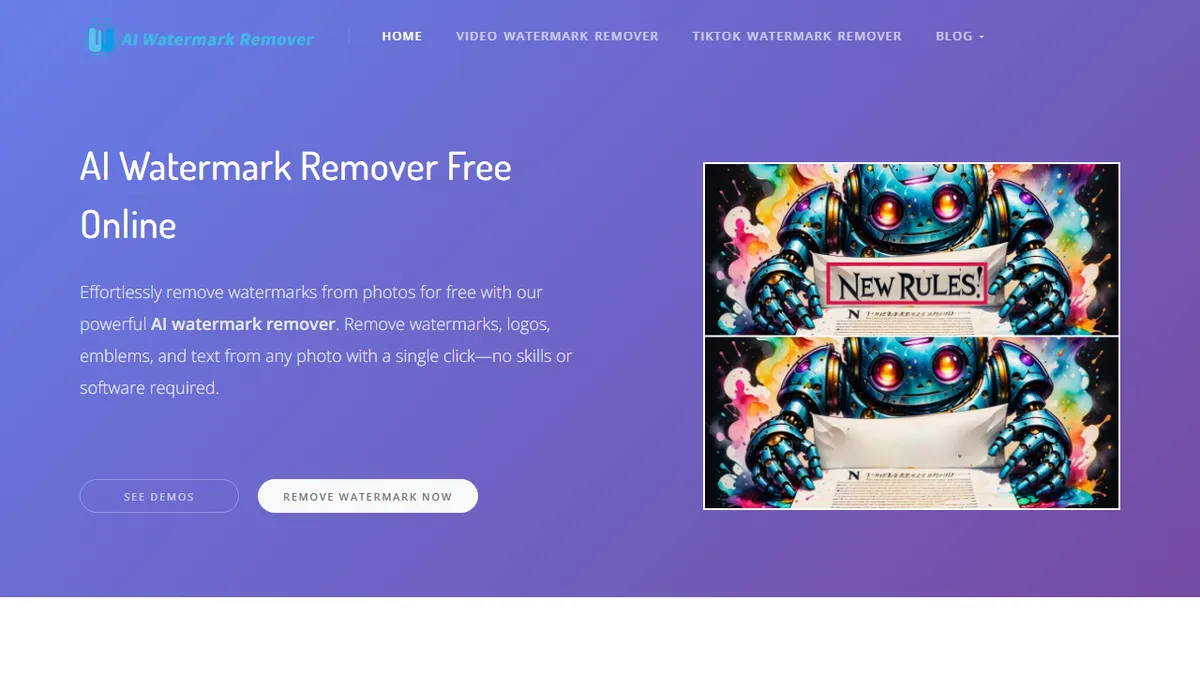
AI Watermark Remover is a free web app that uses generative inpainting to erase watermarks and logos from images. It is best for casual users needing a quick, one-off cleanup of a single still image without a signup process.
Pick AI Watermark Remover if you need a quick, free way to brush out a watermark or logo from a single still image in the browser.
Skip it if you need batch processing, video watermark removal, automatic detection, or an API to integrate into a production pipeline.
AI Watermark Remover is a free web app that uses generative inpainting to erase watermarks, logos, and stamps from images. You upload a photo, paint over the unwanted area with an adjustable brush, and the model reconstructs the underlying pixels. The interface is deliberately minimal and aimed at one-off cleanups rather than a full editing pipeline.
It's pitched at content creators, marketers, and casual users who hit a watermark on a stock photo or social-media screenshot and just want it gone. Everything ships free with no signup or output watermarking, and the operator claims uploaded files aren't stored. The trade-off is that the product is still early: automatic detection, batch processing, and video support are all listed as 'coming soon' rather than shipped, and the underlying model is not disclosed.
There is no public API, no team plan, and no integration story with editors like Photoshop or Figma. If you need professional, repeatable watermark removal at scale or anything beyond a quick brush-and-fix on still images, this isn't the workflow tool for it yet.
A serviceable free utility for one-off watermark cleanups, but the feature list leans heavily on 'coming soon' promises. Useful to bookmark for occasional use; not something to build a workflow around until auto-detect, video, and batch actually ship.
— The AI Tool Bible editorial team
Pros
- ✅ Genuinely free with no output watermark or signup wall
- ✅ Simple brush-based UI runs in the browser
- ✅ Adjustable brush sizes for tight selections
- ✅ Operator states uploads aren't stored
Cons
- ⚠️ Manual selection only; auto-detect not yet shipped
- ⚠️ No batch processing or video support at launch
- ⚠️ Underlying model is undisclosed
- ⚠️ No API or integrations for power users
Use cases
Frequently asked
- Is AI Watermark Remover free to use?
- Yes, the tool is completely free with no signup required. It does not add an output watermark to your images.
- How do I remove a watermark using this tool?
- You upload a photo, paint over the unwanted area with an adjustable brush, and the model reconstructs the underlying pixels to erase the watermark.
- Does the tool support batch processing or video files?
- No, batch processing and video support are listed as 'coming soon' and are not currently available. The tool is designed for one-off cleanups of still images.
- Is there an API available for integration?
- There is no public API, team plan, or integration story with editors like Photoshop or Figma.
- Are uploaded images stored by the service?
- The operator claims that uploaded files are not stored.
Explore related
Compare with similar tools
All in Image Generation →Midjourney
FeaturedThe gold standard for aesthetic AI image generation.
Flux
FeaturedBlack Forest Labs' open-weights image model — rivals Midjourney quality.
Stable Diffusion
Open-source image generation — run anywhere, fine-tune anything.
Nano Banana (Gemini Image)
Google DeepMind's Gemini-powered image generation and conversational editing model family
DALL·E 3
OpenAI's image model — strong on prompt adherence and text-in-image.
Canva Magic Studio
Canva's all-in-one AI creative suite for design, image, video, copy, and presentations