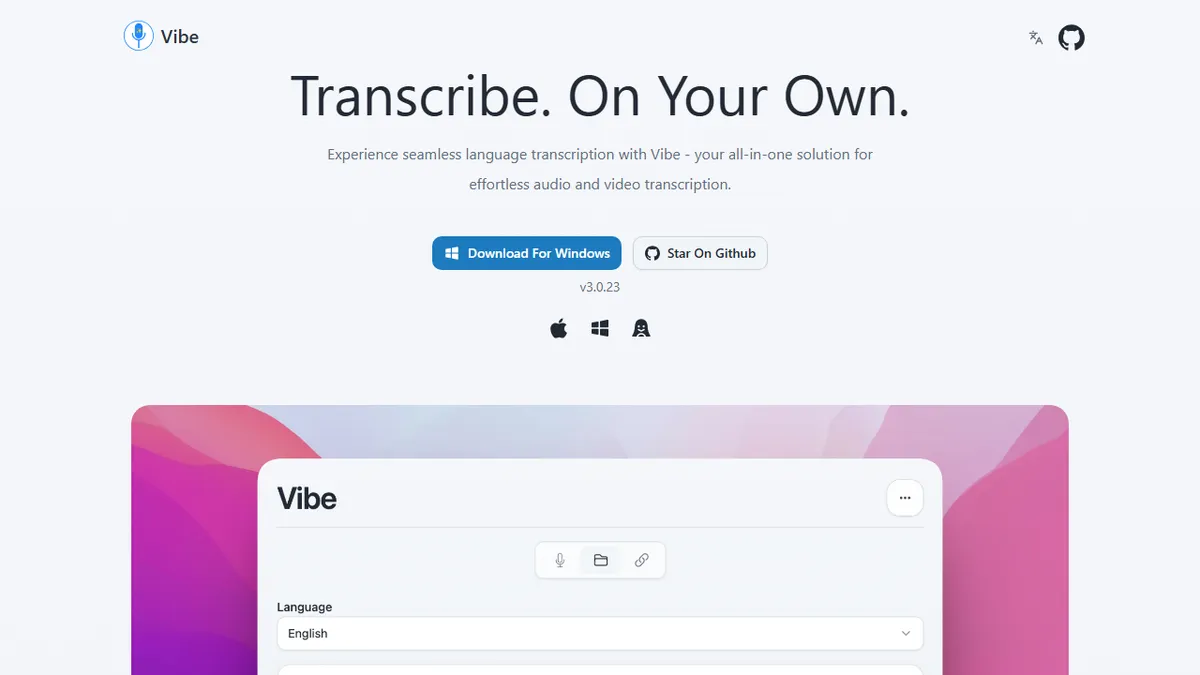
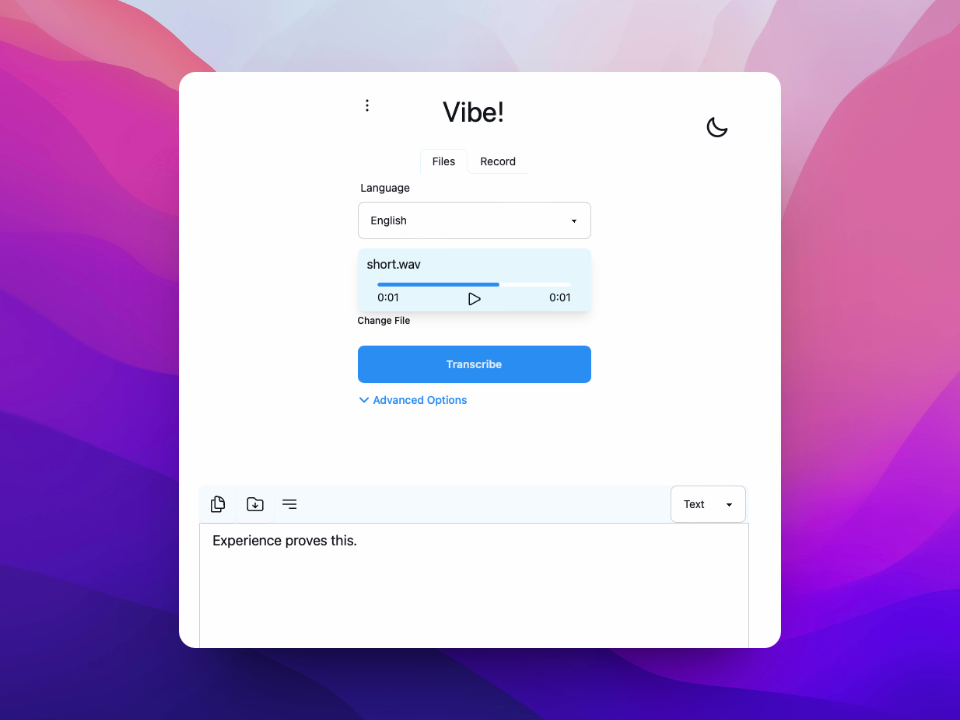
Vibe
Offline desktop transcription app powered by Whisper, with diarization, batch processing, and an HTTP API.
In short
Vibe is a free, open-source desktop app for offline Whisper transcription with diarization and a local API. It runs locally on macOS, Windows, and Linux without cloud uploads.
Pick Vibe if you want a free, private, GPU-accelerated Whisper desktop app with diarization and a scriptable local API.
Skip it if you need a cloud SaaS with team workspaces, SLAs, or mobile capture today.
Vibe is a free, open-source desktop app that runs OpenAI's Whisper model locally via whisper.cpp to transcribe audio and video without sending anything to the cloud. Built on Tauri, it ships native binaries for macOS, Windows, and Linux, supports GPU acceleration across all three, and handles dozens of languages with optional translation to English. Output formats include SRT, VTT, TXT, HTML, PDF, JSON, and DOCX, which is wider coverage than most local Whisper wrappers bother with.
Where Vibe earns its place is the feature density for a hobbyist project: speaker diarization, microphone and system-audio capture, batch transcription of folders, a CLI, and a local HTTP API for scripting. There's also an optional Claude integration for AI summarization on top of the transcript. It's aimed at content creators, journalists, researchers, and privacy-conscious users who don't want to upload sensitive recordings to a SaaS. Because it's MIT-licensed and entirely local, there's no pricing, no quota, and no account.
The trade-offs are the usual ones for local Whisper: transcription speed depends on your GPU, and the largest models need real VRAM to be tolerable. iOS and Android are listed as coming soon, so if you need mobile capture today, look elsewhere. There's no managed cloud option, so collaborative or team workflows have to be built on top of the HTTP API.
Vibe is one of the better-polished local Whisper wrappers, and the fact that it bundles diarization, batch jobs, and an HTTP API into a Tauri app puts it well ahead of the typical weekend project. If your recordings can't legally leave your machine, this is a serious option.
— The AI Tool Bible editorial team
Pros
- ✅ 100% offline; no audio ever leaves the device
- ✅ GPU-accelerated Whisper on Windows, macOS, and Linux
- ✅ Speaker diarization plus batch and CLI workflows
- ✅ Exports to SRT, VTT, PDF, DOCX, JSON, HTML, and TXT
- ✅ Free and MIT-licensed with an HTTP API
Cons
- ⚠️ Quality and speed depend on your local hardware
- ⚠️ No mobile apps yet (iOS/Android marked coming soon)
- ⚠️ No managed cloud or team collaboration features
Use cases
Frequently asked
- Is Vibe free to use?
- Yes, Vibe is free and open-source under the MIT license. There is no pricing, quota, or account required because it runs entirely locally on your device.
- Does Vibe work on mobile devices?
- No, iOS and Android support is listed as coming soon. Currently, Vibe ships native binaries for macOS, Windows, and Linux only. If you need mobile capture today, you should look elsewhere.
- Can I use Vibe for team collaboration?
- There is no managed cloud option or team workspaces. Collaborative workflows must be built on top of the local HTTP API, as the app is designed for individual, privacy-conscious use.
- What output formats does Vibe support?
- Vibe supports SRT, VTT, TXT, HTML, PDF, JSON, and DOCX. This wider coverage includes options often missing from other local Whisper wrappers, facilitating various downstream uses.
- How does Vibe handle privacy?
- Vibe runs OpenAI's Whisper model locally via whisper.cpp, ensuring audio and video are transcribed without sending anything to the cloud. This makes it suitable for sensitive recordings.
Explore related
Compare with similar tools
All in Audio →ElevenLabs
FeaturedThe gold standard for AI voice cloning and TTS.
Suno
FeaturedText-to-song AI — full vocal tracks from a prompt.
Udio
Suno's main rival for AI-generated full songs.
AssemblyAI
Speech-to-text API with diarisation, summarisation, and topic detection.
Chorus by ZoomInfo
Enterprise conversation intelligence bundled with ZoomInfo's B2B data graph
Whisper
OpenAI's open-source speech-to-text — the de-facto baseline.