Lindy
✓ Editorially verifiedNo-code AI agents for email, meetings, and the rest of your admin work
In short
Lindy allows users to build autonomous AI agents for administrative tasks like inbox triage, scheduling, and CRM updates without coding. It is best for founders and operations teams seeking to delegate repetitive work using a visual flow editor and extensive app integrations.
Founders, executives, sales, recruiting, and ops teams who want to hand off email triage, scheduling, meeting notes, and CRM housekeeping to configurable AI agents without writing code.
Engineering teams that need self-hosting, model choice, source-code access, or a first-class API/SDK for embedding agents inside their own product — pick an open framework instead.
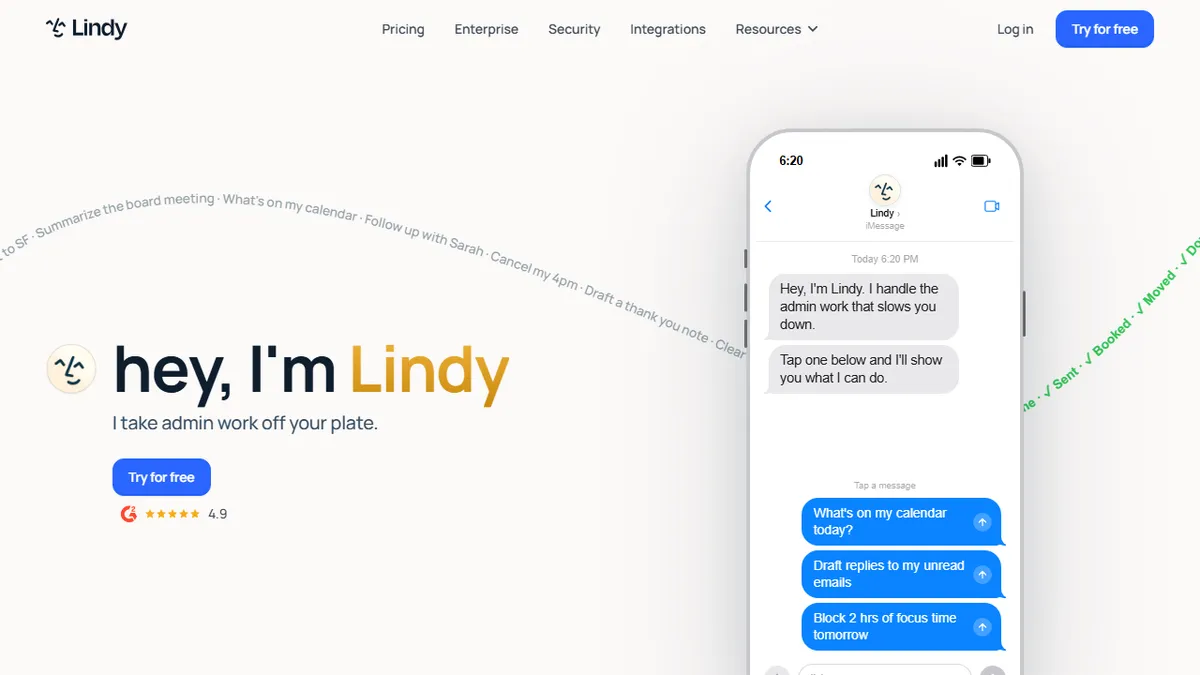
Lindy is a no-code AI agent platform that lets non-engineers build and deploy autonomous assistants ("Lindies") for the administrative work that eats a knowledge worker's day: inbox triage, meeting scheduling, meeting prep, note-taking, CRM updates, lead qualification, customer support ticketing, and multi-step follow-ups. Each Lindy is defined by a trigger (new email, calendar event, form submission, webhook, schedule, text message, phone call), a set of tools it can use (Gmail, Google Calendar, Slack, HubSpot, Salesforce, Notion, Airtable, Zoom, Google Meet, plus a long tail of 3,000+ integrations via native connectors and web actions), and natural-language instructions that describe its judgement. A visual flow editor lets you branch, loop, and hand off to other Lindies, and a shared memory store lets agents remember prior interactions with a contact.
The product started as an AI executive assistant — the marketed use cases are still email drafting in your voice, scheduling negotiation over email, pre-meeting briefs, and post-meeting recaps — but has expanded into a general-purpose agent builder used by sales teams (SDR outreach, meeting booking, CRM enrichment), recruiters (inbound triage, screening, interview scheduling), and support teams (Zendesk/Intercom autoresponders). Higher tiers include a computer-use agent that can drive a browser to fill out forms, extract data, and interact with sites that lack an API. Everything runs in the cloud with a task-credit meter; the Enterprise tier adds SSO/SCIM, HIPAA, and shared usage pools. Lindy is closed-source, model-agnostic under the hood (drawing on frontier LLMs including Anthropic Claude and OpenAI GPT models depending on the task), and aimed squarely at operators who want working agents in an afternoon rather than an engineering project.
Lindy is the most polished consumer-grade way to put an AI agent on your inbox and calendar today, and the flow builder is genuinely usable by non-engineers. I'd pay for it as an EA replacement well before I'd stitch the same thing together in n8n. The catch is opacity — you rent the model, the runtime, and the credit meter — so treat it as a productivity subscription, not infrastructure you'd bet a product on.
— The AI Tool Bible editorial team
Pros
- ✅ Visual, no-code agent builder with triggers, branches, and inter-agent hand-offs — non-developers ship working automations quickly
- ✅ Deep first-party integrations with Gmail, Google Calendar, Slack, HubSpot, Salesforce, Zoom, and 3,000+ apps
- ✅ Meeting agent that can join Zoom/Meet calls, transcribe, extract action items, and push them into your CRM or task tracker
- ✅ SMS/iMessage and phone-call channels let you delegate to a Lindy without opening the web app
- ✅ Higher-tier computer-use agent handles sites and workflows that have no API
- ✅ Enterprise controls (SSO/SCIM, HIPAA, shared usage pool, dedicated onboarding) suitable for regulated teams
- ✅ Shared memory across agents so a contact recognised by one Lindy is remembered by the others
Cons
- ⚠️ No free tier — after the 7-day trial every seat is a real monthly cost, and heavier automations push you up the tiers fast
- ⚠️ Task-credit meter can be opaque; long-running or computer-use flows burn usage in ways that are hard to predict in advance
- ⚠️ Closed-source and cloud-only — no self-hosted option, and you cannot pin or swap the underlying model
- ⚠️ Public developer API and webhooks-as-a-first-class-citizen are limited compared with orchestration frameworks like n8n or LangGraph
- ⚠️ Reliability on long agentic chains still requires human review, especially for outbound email sent in your voice
- ⚠️ Pricing is per-inbox rather than per-seat, which gets awkward for teams with shared mailboxes
Use cases
Frequently asked
- Who is Lindy designed for?
- Lindy is aimed at founders, executives, sales, recruiting, and ops teams who want to automate administrative work without writing code. It is not suitable for engineering teams requiring self-hosting or source-code access.
- What administrative tasks can Lindy agents handle?
- Agents can manage inbox triage, email drafting, meeting scheduling, note-taking, CRM updates, lead qualification, and customer support ticketing. They can also perform multi-step follow-ups and browser-based tasks for sites without APIs.
- How does Lindy pricing work?
- Lindy offers paid plans starting at $29.99 per user per month for the Plus tier, with Pro and Max tiers available at higher rates. There is no free tier, though a 7-day trial is available, and usage is metered by task credits.
- Does Lindy support self-hosting or custom model selection?
- No, Lindy is closed-source and cloud-only, meaning it cannot be self-hosted. The underlying models are selected per task by the platform and are not user-configurable.
Explore related
Compare with similar tools
All in Agents →LangGraph
FeaturedStateful, graph-based agent orchestration from LangChain.
CrewAI
FeaturedPython framework for multi-agent orchestration.
Ernie Bot
Baidu's Mandarin-first ChatGPT rival, powered by the ERNIE model family
Moveworks
The enterprise AI assistant that searches, answers, and takes action across your business systems
AWS Bedrock
Build and scale generative AI applications with foundation models
Claude Agent SDK
Anthropic's official SDK for building autonomous Claude agents.