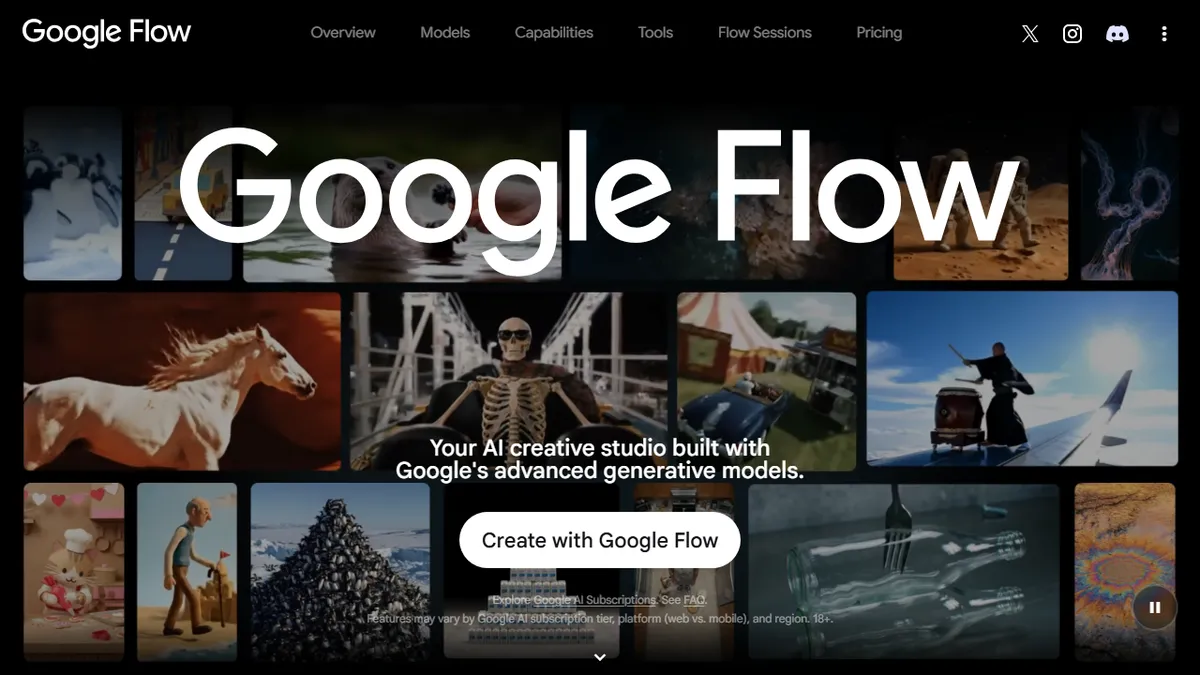

Google Flow
✓ Editorially verifiedGoogle's AI filmmaking studio built around Veo 3.1, Gemini, and natural-language scene editing.
In short
Google Flow is a Labs studio using Veo 3.1 and Gemini for iterative AI filmmaking. It offers timeline editing and character consistency, not a public API.
Pick Google Flow if you want hands-on access to Veo 3.1 inside a real editing surface rather than a one-shot prompt box.
Skip it if you need a video API, full commercial licensing clarity, or generation without burning subscription credits.
Google Flow is Google Labs' AI creative studio aimed squarely at filmmakers and visual storytellers. It wraps Google's heaviest generative models — Veo 3.1 for video, Gemini Omni for multimodal editing, and Nano Banana for image generation — into a single timeline-style workspace where you can generate clips from a prompt, extend or restyle existing footage, swap characters and cameras, and stitch shots together without leaving the app.
What sets Flow apart is the iteration loop. Instead of throwing one-shot prompts at a black box, you can converse with the underlying agent to refine a scene, lock a character across shots, or change a camera move while keeping continuity. Pricing is tied to Google's AI subscriptions: a free tier with 50 daily credits, Google AI Plus at $4.99/mo, Pro at $19.99/mo, and Ultra at $99.99–$199.99/mo for heavy Veo usage. Credits burn fast on Veo generations, so serious users will need Pro or Ultra.
Flow is still labeled a Labs product, which means rapid model upgrades but also occasional rough edges, queueing during peak hours, and region-gated availability. There is no public API — this is a hosted studio, not a backend service — so it competes with Runway and Kling on creative workflow rather than on programmatic generation.
Flow is the most coherent answer Google has shipped to Runway, and Veo 3.1 is genuinely class-leading for prompt-driven shots. The credit math punishes serious use on anything below Pro, and Labs status means the surface keeps shifting — fine for creators, frustrating for production pipelines.
— The AI Tool Bible editorial team
Pros
- ✅ Direct access to Veo 3.1, currently one of the strongest text-to-video models
- ✅ Timeline-style studio with character and shot consistency across generations
- ✅ Conversational editing via Gemini for iterative scene refinement
- ✅ Generous free daily credit allowance for casual experimentation
Cons
- ⚠️ Veo generations chew through credits; Pro or Ultra effectively required for real projects
- ⚠️ No public API — hosted studio only, no programmatic access
- ⚠️ Labs product with regional gating and occasional queueing
Use cases
Frequently asked
- How much does Google Flow cost?
- Flow offers a free tier with 50 daily credits. Paid plans include AI Plus at $4.99/mo, Pro at $19.99/mo, and Ultra ranging from $99.99 to $199.99/mo for heavy usage.
- Is there a public API for developers?
- No, there is no public API. Google Flow is a hosted creative studio, not a backend service, so it does not support programmatic generation or direct API integration.
- Which AI models power Google Flow?
- The platform utilizes Veo 3.1 for video generation, Gemini Omni for multimodal editing, and Nano Banana for image generation within its unified workspace.
- How does Flow handle scene continuity?
- You can converse with the underlying agent to refine scenes, lock characters across multiple shots, and adjust camera moves while maintaining visual continuity throughout the project.
- What are the limitations of the free tier?
- The free tier provides 50 daily credits. Since credits burn quickly on Veo generations, serious users requiring heavy video output will likely need Pro or Ultra subscriptions.
- Is Google Flow available in all regions?
- Availability is region-gated. As a Labs product, it may experience queueing during peak hours and occasional rough edges due to rapid model upgrades.
Explore related
Compare with similar tools
All in Video →Runway
FeaturedPro-grade AI video editor and Gen-4 generation.
Sora
FeaturedOpenAI's flagship text-to-video model.
Luma Dream Machine
Fast, accessible text-to-video with strong camera control.
HeyGen
Avatar video + lip-sync translation at scale.
Google Veo
Google DeepMind's flagship text-to-video model with native audio generation and cinematic camera control.
Higgsfield
AI video and image generation suite that aggregates 30+ frontier models under one workflow.