Fliki
✓ Editorially verifiedText-to-video platform that stitches AI voiceovers, stock footage, and avatars into shareable clips.
In short
Fliki transforms text, blogs, or PowerPoint presentations into shareable videos with AI voiceovers, stock footage, and captions. It is best for marketers and L&D teams producing high-volume, multilingual content without using a traditional timeline editor.
Pick Fliki if you need to turn scripts, blogs, or slides into multilingual narrated videos at scale without touching a timeline editor.
Skip it if you want frame-accurate editing, an API-first pipeline, or cinematic generative video as a single artifact.
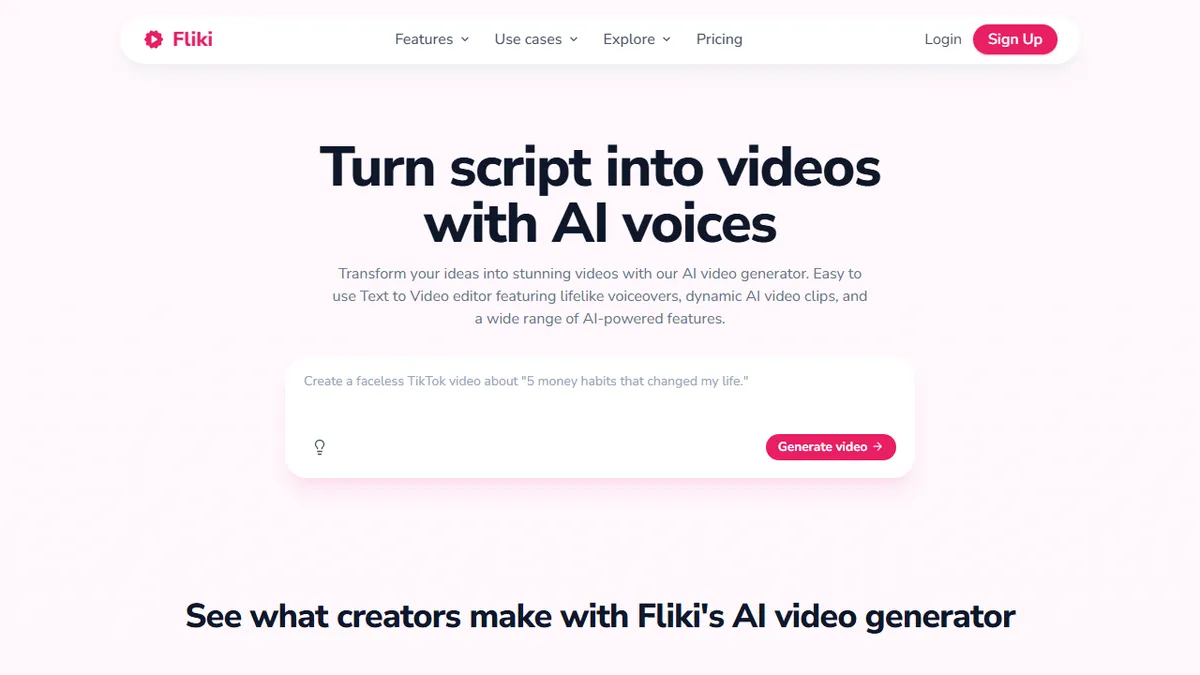
Fliki is a browser-based AI video generator built around a script-first workflow: paste a blog post, prompt, or PowerPoint and it produces a timeline of scenes with matched stock footage or generated visuals, AI voiceover, captions, and background music. The editor is closer to a slide-based tool than a traditional NLE, which is what makes it fast for talking-head explainers, social shorts, and learning content rather than cinematic edits.
What sets Fliki apart is the breadth of its voice library (2,000+ voices across 80+ languages, including ElevenLabs integration) and the fact that it routes to current frontier video models behind the scenes - Veo, Kling, Seedance, plus Gemini and Minimax for stills. That makes it a useful aggregator for teams who do not want to wire up each model themselves. Pricing is freemium with a no-credit-card free tier; paid plans unlock commercial use, longer exports, and higher-quality voices.
It is aimed squarely at marketers, L&D teams, agencies, and solo creators producing volume content - faceless YouTube channels, TikTok explainers, internal training, localized dubs. Power video editors will outgrow it quickly, and there is no public API surfaced on the homepage, so it is firmly a SaaS workflow tool rather than a building block.
Fliki is the pragmatic choice for content teams who measure output in videos-per-week rather than minutes-of-polish. The voice library and model aggregation are genuinely strong, but treat it as a faceless-content factory tool - not a Premiere replacement, and not something to build product workflows on top of.
— The AI Tool Bible editorial team
Pros
- ✅ 2,000+ AI voices in 80+ languages with ElevenLabs-grade quality
- ✅ Aggregates frontier video models (Veo, Kling, Seedance) in one editor
- ✅ Blog/PPT-to-video shortcuts make high-volume content cheap to produce
- ✅ Generous free tier with no credit card required
Cons
- ⚠️ No public API surfaced - SaaS workflow only
- ⚠️ Slide-based editor is limiting for cinematic or precision edits
- ⚠️ Pricing details buried behind promo banner
- ⚠️ Output leans generic without careful asset curation
Use cases
Frequently asked
- What types of content can I create with Fliki?
- Fliki is designed for talking-head explainers, social shorts, and learning content. It allows users to paste blog posts, prompts, or PowerPoint files to generate a timeline of scenes with matched visuals and audio.
- Does Fliki support multiple languages and voice options?
- Yes, the platform offers over 2,000 AI voices across more than 80 languages. It includes integration with ElevenLabs and routes to various frontier video models for visual generation.
- Is there a free plan available for Fliki?
- Fliki operates on a freemium model with a free tier that does not require a credit card. Paid plans are available for commercial use, longer exports, and higher-quality voices, though specific pricing requires contacting sales.
- Can I use Fliki for frame-accurate editing or API integration?
- No, Fliki is a SaaS workflow tool with a slide-based editor rather than a traditional NLE. It does not have a public API, making it unsuitable for frame-accurate editing or building product workflows.
Explore related
Compare with similar tools
All in Video →Runway
FeaturedPro-grade AI video editor and Gen-4 generation.
Sora
FeaturedOpenAI's flagship text-to-video model.
Luma Dream Machine
Fast, accessible text-to-video with strong camera control.
HeyGen
Avatar video + lip-sync translation at scale.
Google Veo
Google DeepMind's flagship text-to-video model with native audio generation and cinematic camera control.
Higgsfield
AI video and image generation suite that aggregates 30+ frontier models under one workflow.