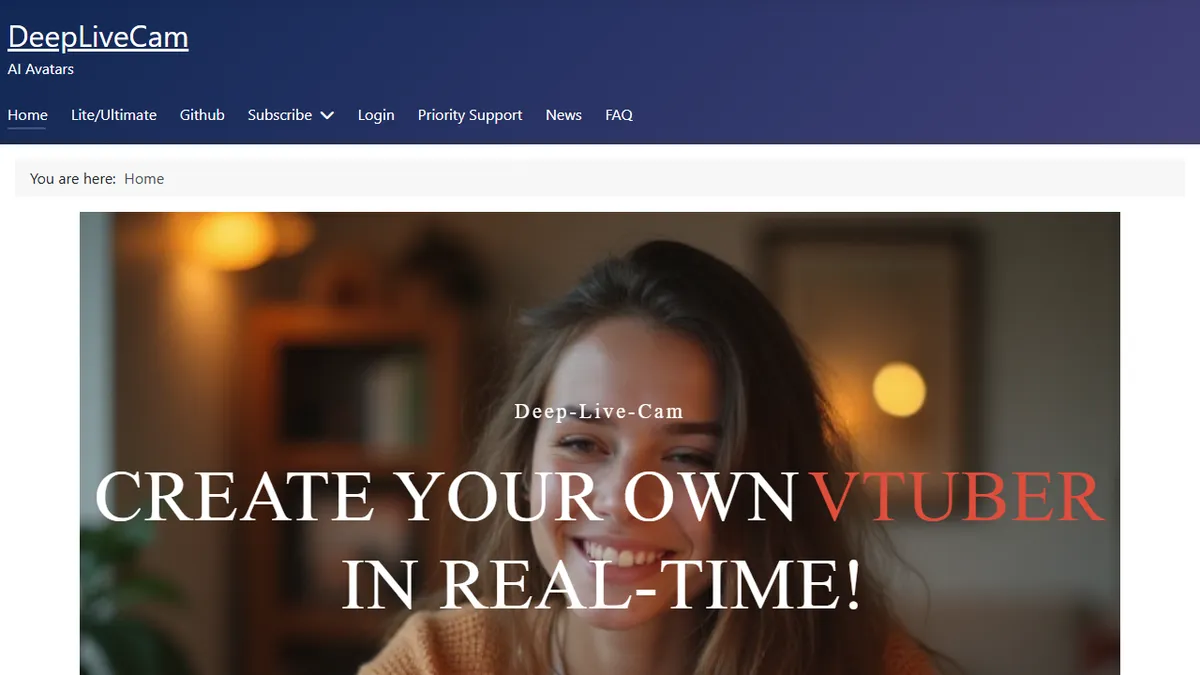
Deep Live Cam
Open-source real-time face-swap and one-click video deepfake from a single source image.
In short
Deep Live Cam enables real-time face swapping on webcam feeds using a single source image, requiring no training or dataset. It is best for streamers and VTubers seeking a free, local deepfake engine with broad hardware support.
Pick Deep Live Cam if you want a local, free, real-time face-swap engine for streaming or content work and you have a decent GPU to run it on.
Skip it if you need a hosted API, an enterprise compliance story, or you cannot guarantee consent from the people whose faces you are using.
Deep Live Cam is an AGPL-licensed face-swapping tool that performs live deepfakes on a webcam feed using only one source photo, no training run, no dataset, no per-identity fine-tune. Under the hood it stitches together InsightFace's inswapper_128 ONNX model for the swap and GFPGANv1.4 for restoration, with hardware acceleration paths for NVIDIA CUDA, AMD DirectML, Intel OpenVINO, and Apple CoreML. Features include a mouth mask that preserves the driver's actual lip movement, multi-face mapping so different identities can be pinned to different subjects in the same frame, and a basic three-step UI (pick face, pick camera, go live).
It is aimed squarely at streamers, VTubers, prank-video creators, and ML hobbyists who want a working real-time deepfake stack without paying SaaS rates or wiring up their own pipeline. The GitHub repo (94k+ stars) is free; deeplivecam.net packages a pre-built Windows binary for users who don't want to install Python 3.11, CUDA, and the model weights themselves. There is no hosted API, no cloud rendering, no subscription, everything runs locally on your GPU.
The project ships content filters that block obvious NSFW and CSAM material, and the maintainers are explicit about consent and ethical use, but this is still a deepfake engine and the obvious abuse surface (impersonation, non-consensual imagery, fraud) is on you. Treat it as a power tool, not a toy.
This is the de-facto open-source real-time deepfake stack right now, and that is a double-edged thing. The engineering is solid for what it is, the install story is rougher than the marketing site suggests, and the ethical surface is entirely on the operator. Use it for cosplay and VTubing, not for impersonating your CFO on a Zoom call.
— The AI Tool Bible editorial team
Pros
- ✅ True real-time webcam face swap from a single image, no training step
- ✅ Open source under AGPL-3.0 with 94k+ GitHub stars and active maintenance
- ✅ Broad hardware support: CUDA, DirectML, OpenVINO, Apple CoreML
- ✅ Mouth-mask mode preserves the driver's actual lip-sync
- ✅ Runs fully local, no cloud upload of your face or webcam feed
Cons
- ⚠️ Self-install path needs Python 3.11, CUDA, and weight downloads
- ⚠️ No hosted API or cloud rendering option
- ⚠️ Obvious misuse risk; only the bluntest content filters are built in
- ⚠️ Quality still tops out at inswapper_128 resolution, not photoreal in 4K
Use cases
Frequently asked
- Does Deep Live Cam require training data to work?
- No, it performs live deepfakes using only one source photo. It does not require a training run, dataset, or per-identity fine-tune.
- What hardware is supported for running Deep Live Cam?
- The tool supports hardware acceleration paths for NVIDIA CUDA, AMD DirectML, Intel OpenVINO, and Apple CoreML.
- Is Deep Live Cam available as a hosted API or cloud service?
- No, there is no hosted API or cloud rendering option. Everything runs locally on your GPU, and the free version is available on GitHub.
- How does the mouth mask feature work?
- The mouth mask preserves the driver's actual lip movement during the face swap, ensuring the lip-sync remains consistent with the original speaker.
- What are the licensing terms for Deep Live Cam?
- The project is open-source under the AGPL-3.0 license. A free build is on GitHub, while a paid pre-built Windows package is available on deeplivecam.net.
Explore related
Compare with similar tools
All in Video →Runway
FeaturedPro-grade AI video editor and Gen-4 generation.
Sora
FeaturedOpenAI's flagship text-to-video model.
Luma Dream Machine
Fast, accessible text-to-video with strong camera control.
HeyGen
Avatar video + lip-sync translation at scale.
Google Veo
Google DeepMind's flagship text-to-video model with native audio generation and cinematic camera control.
Higgsfield
AI video and image generation suite that aggregates 30+ frontier models under one workflow.