InVideo AI vs Shotstack Workflows
A side-by-side look at pricing, capabilities, pros, cons, and our editorial scores.

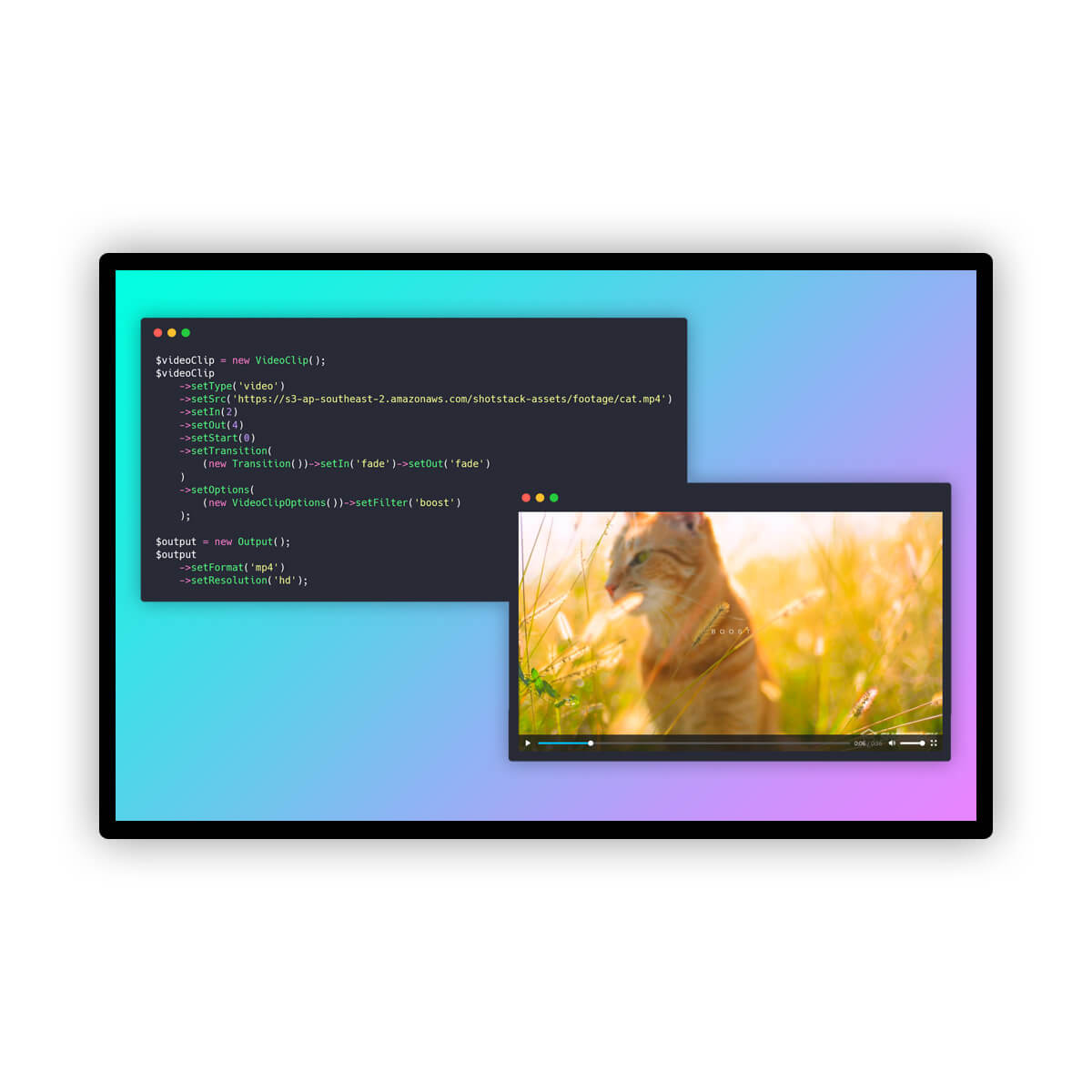
Tagline
InVideo AI
Agentic AI video platform that turns scripts into fully edited, multi-shot videos across 200+ models.Shotstack Workflows
No-code visual builder for AI-powered video and media automation pipelines.Pricing
InVideo AI
Freemium· Free tier with limits; paid Individual and Team/Enterprise plans (see pricing page)Shotstack Workflows
Freemium· PAY AS YOU GO: $0.30 / Per minute · SUBSCRIPTION: $39 · HIGH VOLUME SOLUTIONS: ?Lowest paid tier
InVideo AI
—Shotstack Workflows
$0.30 / Per minute · PAY AS YOU GO
captured 2026-08-11
Free trial
InVideo AI
YesShotstack Workflows
YesAPI
InVideo AI
Not listedShotstack Workflows
YesPlatforms
InVideo AI
web
Shotstack Workflows
api
Company
InVideo AI
InVideoShotstack Workflows
—Model used
InVideo AI
Multi-model (Sora 2, Veo 3.1, Kling 3.0, ElevenLabs, Minimax, 200+ others)Shotstack Workflows
Multi-model (OpenAI, Stability AI, ElevenLabs, HeyGen, D-ID)Best for
InVideo AI
Pick InVideo AI if you're a solo creator or small marketing team who wants a single canvas to script, generate, and edit AI video without touching six separate tools.Shotstack Workflows
Pick Shotstack Workflows if you need to generate thousands of personalized videos from a CSV or webhook without standing up your own ffmpeg and AI plumbing.Not for
InVideo AI
Skip it if you need programmatic API access, deterministic frame-level control, or a fully open-source pipeline you can self-host.Shotstack Workflows
Skip it if you only render a handful of one-off videos or want fine-grained control that justifies coding against the raw Edit API.Editorial score
InVideo AI
8.1 / 10Shotstack Workflows
6.9 / 10Use cases
InVideo AI
text-to-videoai-video-editingstoryboardingvoiceover-generationsocial-videomarketing-videos
Shotstack Workflows
personalized-videoad-variantsbatch-renderingai-video-pipelinesmedia-automation
Pros
InVideo AI
- Agent memory keeps characters and locations consistent across shots
- Routes across 200+ generation models instead of locking to one
- Real script-to-storyboard-to-timeline flow, not just a clip generator
- Multiplayer editing with live cursors for team production
- Batch-edit multiple shots at once (change location, costume, character)
Shotstack Workflows
- Visual builder chains multiple AI providers without glue code
- Native batch CSV and webhook triggers for bulk personalization
- Outputs to S3, GCS, Mux, or Shotstack CDN out of the box
- Backed by a mature programmable video API with SDKs in four languages
Cons
InVideo AI
- No public API; UI-only product
- Free tier watermarks output and gates top models
- Enterprise pricing is opaque, gated behind sales
- Model routing quality varies by provider and can drift between runs
Shotstack Workflows
- Pricing opaque on this page; render costs stack on top of third-party AI fees
- Locked into Shotstack's render layer once workflows get complex
- Less control than building the same pipeline directly against the Edit API
Editorial score: rule-based, 0–10, from AI-assisted profile inputs (see /methodology) — not a user rating; “—” means unscored. “Not listed” means we have no record of it, not that it is absent. GitHub figures and prices carry the date they were checked or captured; prices are shown as published, unconverted.
Pick InVideo AI if
- ✅ Agent memory keeps characters and locations consistent across shots
- ✅ Routes across 200+ generation models instead of locking to one
- ✅ Real script-to-storyboard-to-timeline flow, not just a clip generator
- ✅ Multiplayer editing with live cursors for team production
Pick Shotstack Workflows if
- ✅ Visual builder chains multiple AI providers without glue code
- ✅ Native batch CSV and webhook triggers for bulk personalization
- ✅ Outputs to S3, GCS, Mux, or Shotstack CDN out of the box
- ✅ Backed by a mature programmable video API with SDKs in four languages