Clipdrop vs PhotoRoom
A side-by-side look at pricing, capabilities, pros, cons, and our editorial scores.
Tagline
Clipdrop
AI image editing suite with one-click background removal, cleanup, upscaling, and text-to-image generation.PhotoRoom
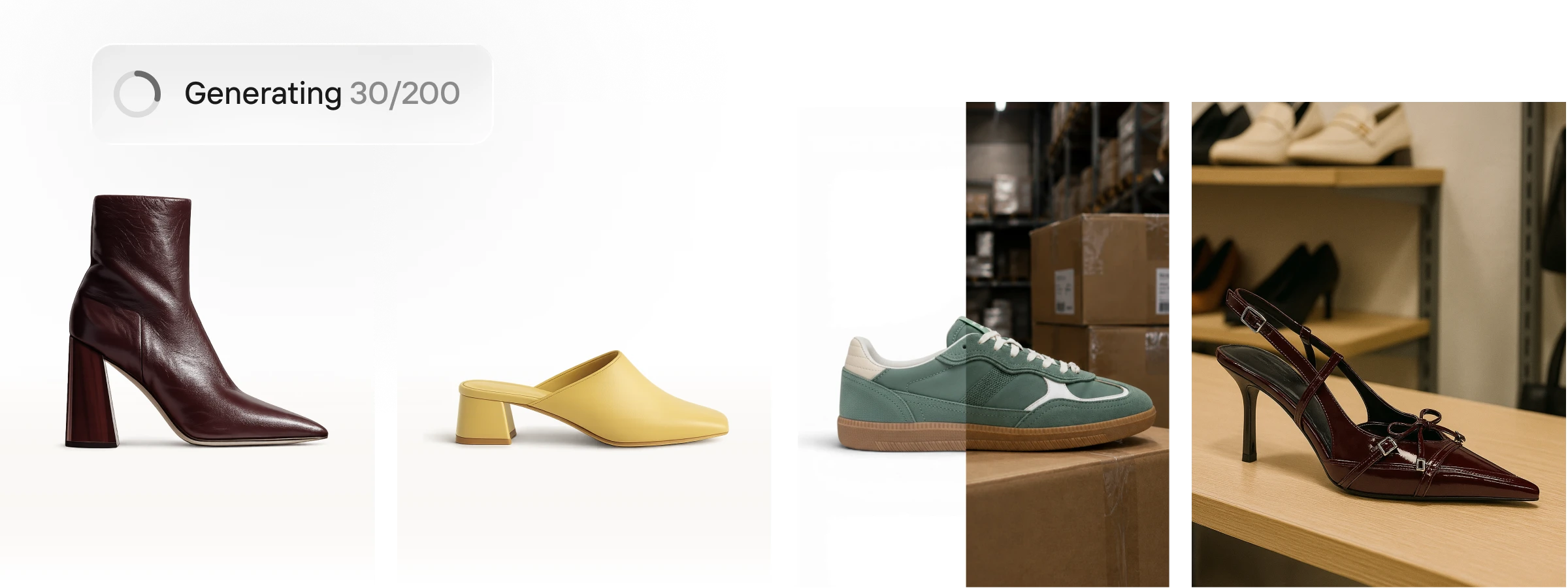
The full AI photo and video solution for e-commerce.Pricing
Clipdrop
Freemium· Free: Free · Pro: --per month · API: Usage-based costPhotoRoom
Freemium· Pro: 12.99 USD monthly or 89.99 USD yearly; Max: 34.99 USD monthly or 250.00 USD yearly; Ultra: 99.00 USD monthly or 990.00 USD yearlyFree trial
Clipdrop
YesPhotoRoom
YesAPI
Clipdrop
YesPhotoRoom
YesPlatforms
Clipdrop
webapi
PhotoRoom
iosandroidweb
Hacker News stories
Clipdrop
18
checked 2026-11-09
PhotoRoom
25
checked 2026-11-18
Founded
Clipdrop
—PhotoRoom
2019
Wikidata
Headquarters
Clipdrop
—PhotoRoom
France
Wikidata
Company
Clipdrop
InitMLPhotoRoom
—Model used
Clipdrop
Stable Diffusion-based (multi-model)PhotoRoom
Proprietary PhotoRoom modelsBest for
Clipdrop
Pick Clipdrop if you need a fast, no-friction web toolkit for product photos, social assets, or simple AI cleanups without opening a full editor.PhotoRoom
Solo entrepreneurs and enterprise teams.Not for
Clipdrop
Skip it if you want layered, non-destructive editing, cutting-edge generative models, or full creative control over prompts and parameters.PhotoRoom
—Editorial score
Clipdrop
7.0 / 10PhotoRoom
7.1 / 10Use cases
Clipdrop
background-removalimage-cleanupupscalingtext-to-imageuncroprelight
PhotoRoom
AI product photographyBackground removalBatch image editingProduct video adsMarketplace listingsBrand consistency
Pros
Clipdrop
- Nine focused tools cover most everyday image-edit chores without a learning curve
- Cleanup and background removal are best-in-class for one-click workflows
- Public API makes it easy to embed into e-commerce or content pipelines
- Generous free web tier for trying each tool
PhotoRoom
- Batch editing supports thousands of images in one pass.
- Brand library locks colors, logos, and layouts.
- Creates video ads with AI characters, music, and voiceover.
- Instant resize adapts one image to formats for Instagram, Amazon, and Shopify.
- Marketplace sync publishes on-brand to Shopify and other feeds.
Cons
Clipdrop
- Free tier watermarks or downsizes outputs
- Underlying models lag the latest open-source releases since the Jasper handover
- Functionality increasingly overlaps with Canva and Photoshop Generative Fill
PhotoRoom
- Shopify integration is not included in the Pro plan.
- Adjustable AI Shadows are not included in Pro, Max, or Ultra plans.
- 4K images and HD video are not included in the Pro plan.
Editorial score: rule-based, 0–10, from AI-assisted profile inputs (see /methodology) — not a user rating; “—” means unscored. “Not listed” means we have no record of it, not that it is absent. GitHub figures and prices carry the date they were checked or captured; prices are shown as published, unconverted.
Pick Clipdrop if
- ✅ Nine focused tools cover most everyday image-edit chores without a learning curve
- ✅ Cleanup and background removal are best-in-class for one-click workflows
- ✅ Public API makes it easy to embed into e-commerce or content pipelines
- ✅ Generous free web tier for trying each tool
Pick PhotoRoom if
- ✅ Batch editing supports thousands of images in one pass.
- ✅ Brand library locks colors, logos, and layouts.
- ✅ Creates video ads with AI characters, music, and voiceover.
- ✅ Instant resize adapts one image to formats for Instagram, Amazon, and Shopify.