WriteMage
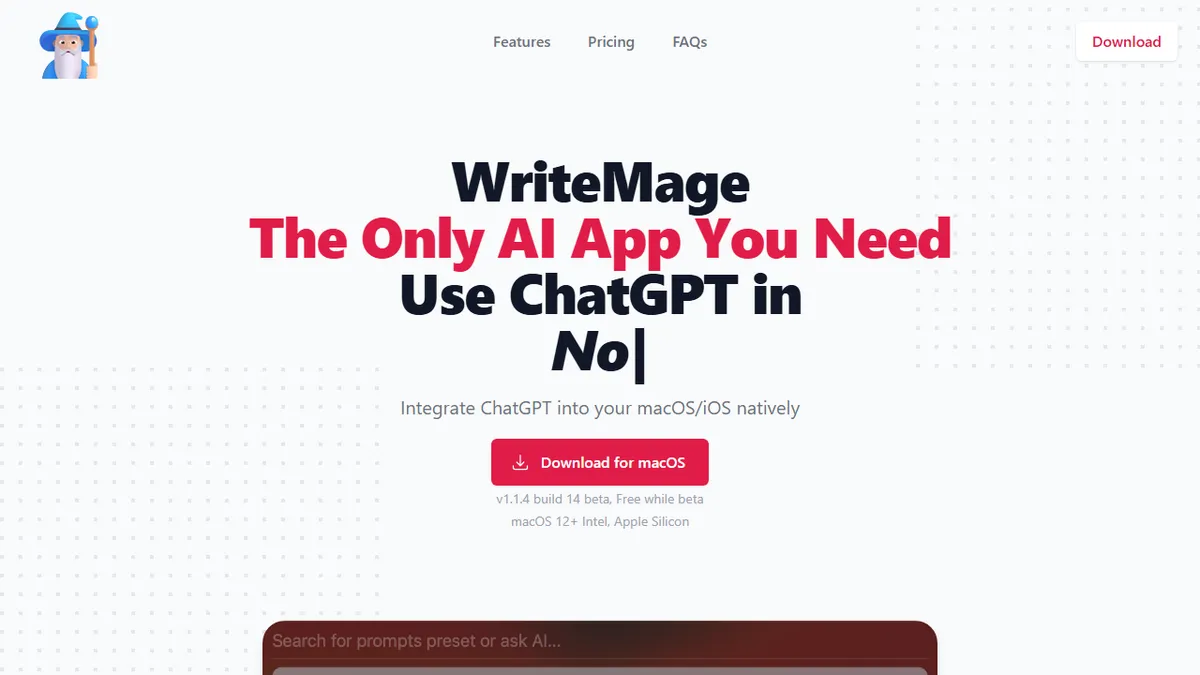
Native macOS and iOS overlay that drops ChatGPT into any app, Spotlight-style.
In short
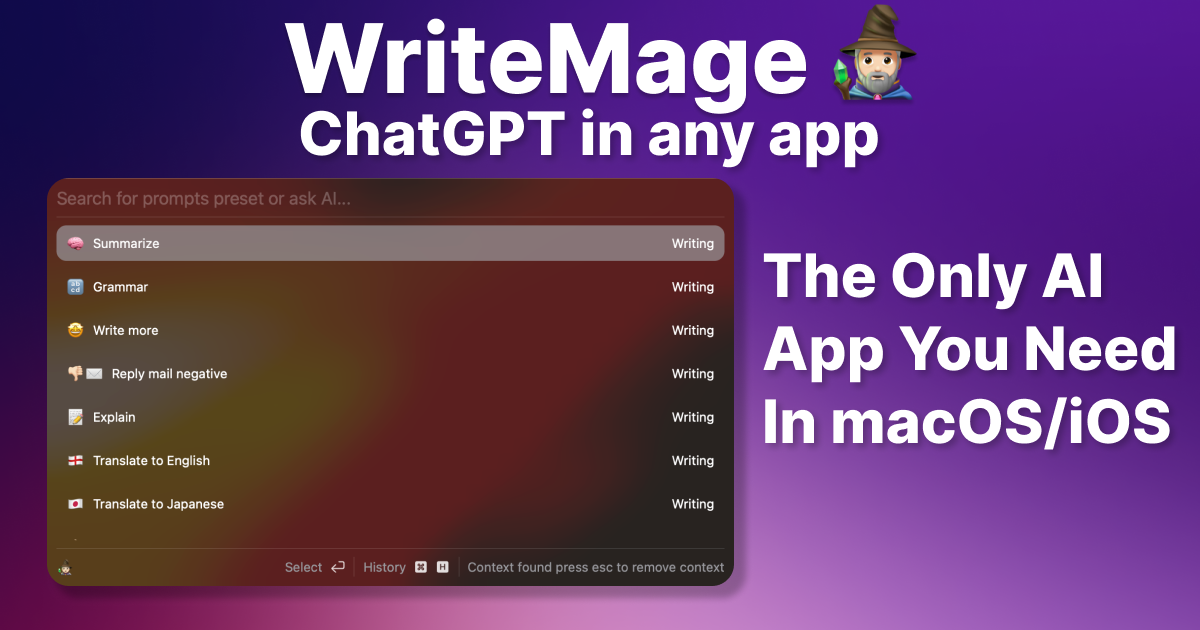
WriteMage is a native macOS and iOS overlay that brings ChatGPT to any text field via a Spotlight-style panel. It eliminates copy-pasting by sending context directly to the model.
Pick WriteMage if you live in macOS apps and want a Spotlight-style ChatGPT panel over every text field without copy-pasting into a browser.
Skip it if you're on Windows or Linux, need Claude/Gemini/local model support, or want team-shared prompts and chat history.
WriteMage is a native macOS and iOS utility that bolts ChatGPT onto every text field on your system. Instead of switching to a browser tab, you summon a floating panel (think Apple Spotlight) over whatever app you're in, send the surrounding context to the model, and paste the result back without leaving the document. It keeps per-session context and stores chat history locally with labels for retrieval.
It is aimed at writers, knowledge workers, and Mac power users who already pay for ChatGPT (or hold an OpenAI API key) and resent the constant alt-tab dance. Pricing is unusually founder-friendly: a one-time $58.99 lifetime deal covering both platforms, or subscriptions at $10-$11.87/month. The Personal plan bundles a managed API key, while the Basic plan expects you to bring your own.
This is a thin-but-useful native shell rather than a model lab: you're paying for the OS integration, the prompt editor, and the keyboard-driven workflow, not for a proprietary AI. There is no Windows or Linux version, no team/collab tier, and capability depends entirely on whichever OpenAI model you point it at.
A focused, well-priced native wrapper that does one thing: put ChatGPT exactly where your cursor already is. The lifetime tier is genuinely attractive if you'd otherwise pay a SaaS in perpetuity. Just understand you're buying integration, not intelligence; the model behind it is whatever OpenAI ships next.
— The AI Tool Bible editorial team
Pros
- ✅ Native macOS/iOS overlay works inside any app, no copy-paste
- ✅ One-time lifetime license option is rare for AI tooling
- ✅ Local chat history with labels and a GUI prompt editor
- ✅ Bring-your-own OpenAI API key keeps token costs transparent
Cons
- ⚠️ Apple-only; no Windows, Linux, or web client
- ⚠️ Locked to OpenAI models, no Claude/Gemini/local backends
- ⚠️ Still in beta at time of review
- ⚠️ Multi-device cap (2-4) on subscription tiers
Use cases
Frequently asked
- How much does WriteMage cost?
- WriteMage offers a free Beta, a $58.99 lifetime deal, or subscriptions. Basic costs $10/month for BYO API keys, while Personal is $11.87/month and includes a managed API key.
- Which operating systems are supported?
- WriteMage is exclusively for macOS and iOS. There is no Windows or Linux version available, so users on those platforms cannot use the tool.
- Do I need my own API key?
- You can use your own OpenAI API key on the Basic plan. Alternatively, the Personal plan bundles a managed API key, so you do not need to provide your own credentials.
- Does it support models other than ChatGPT?
- No, WriteMage only supports OpenAI ChatGPT. It does not support Claude, Gemini, or local models. Your capability depends entirely on the specific OpenAI model you point it at.
- Is there a team or collaboration feature?
- No, there is no team or collaboration tier. The tool is designed for individual writers and knowledge workers, storing chat history locally with labels for personal retrieval.
Explore related
Compare with similar tools
All in Writing →Claude
FeaturedAnthropic's flagship assistant for long-form writing, analysis, and coding.
GPT-4o
FeaturedOpenAI's multimodal flagship behind ChatGPT.
Gemini Advanced
Google's flagship — strong at math, long context, and Workspace integration.
Llama 3
Meta's open-weights LLM family that put serious frontier-adjacent models in everyone's hands.
Qwen
Alibaba's open-weight foundation model family covering chat, vision, image generation, translation, and safety classification.
Jan
Open-source desktop ChatGPT alternative that runs local LLMs and routes to cloud providers from one app.