Vidmoat
Agent-first AI video editor that cuts, captions, and reframes footage from a prompt
Solo creators, podcasters, coaches, and small marketing teams who publish talking-head or long-form video weekly and want to skip manual cutting, captioning, and multi-format reframing.
Cinematic editors, colourists, and narrative post teams who need frame-accurate timeline control, node-based grading, or complex multi-track audio mixing.
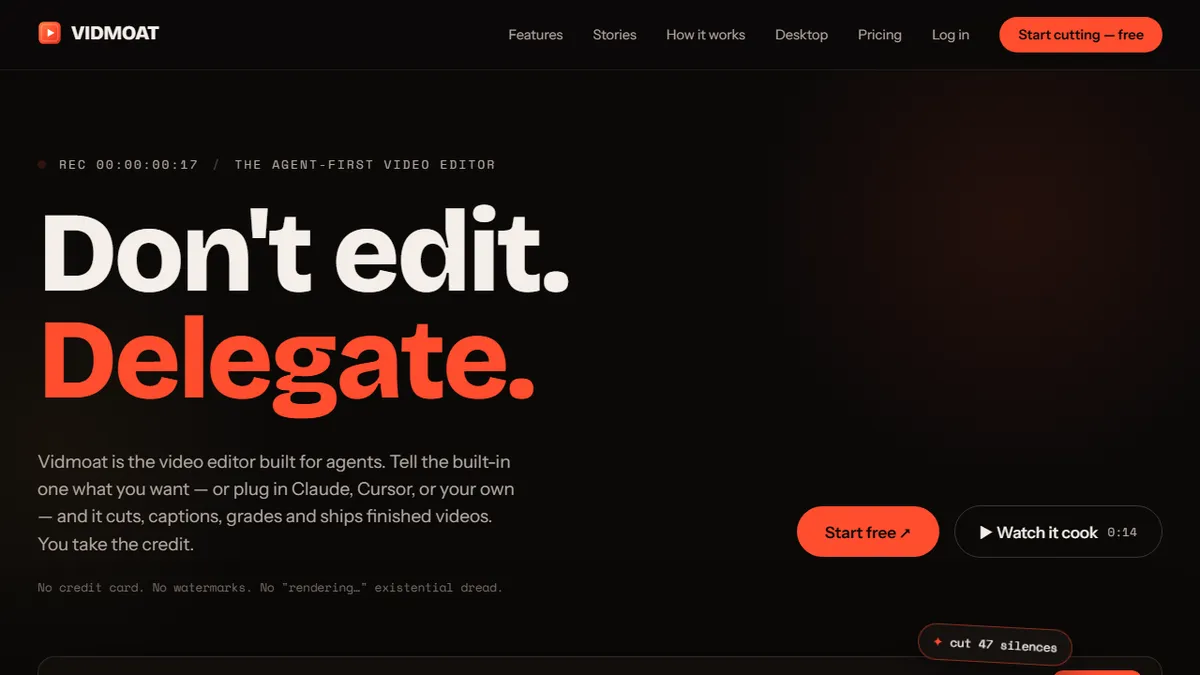
Vidmoat is an agent-first video editor built around the idea that most short-form and talking-head content should be produced by describing the outcome instead of scrubbing a timeline. Users upload raw footage and the Moat AI agent transcribes the audio at word-level, then handles the mechanical parts of editing: cutting silence and filler, syncing karaoke-style captions, colour-grading, removing backgrounds, and reframing the same source into vertical formats for TikTok, Instagram Reels, YouTube Shorts, and horizontal YouTube in one pass. A text-to-edit workflow lets creators trim the video by deleting words from the transcript, which is often faster than working with clips for interview, podcast, or tutorial footage. The one-click shorts feature auto-detects highlight moments in a longer video and exports a batch of vertical clips ready for distribution. Beyond the in-app agent, Vidmoat exposes a Model Context Protocol (MCP) server so external assistants such as Claude, Cursor, or GitHub Copilot can drive the editor programmatically, which is unusual for consumer video software and opens the door to scripted pipelines where an LLM generates a plan (script, cuts, captions, thumbnails) and hands the render off to Vidmoat. Typical users are solo creators, podcasters, coaches, and small marketing teams who publish weekly and would rather spend the time on script and hook than on rearranging b-roll. It is not aimed at cinematic colourists or narrative editors who need frame-level control and node-based grading.
The MCP server is the interesting bet here — Vidmoat is one of the first consumer video editors that treats an external LLM as a first-class user, which makes it worth watching even if the in-app agent still trails Descript on polish. For weekly short-form output the Creator tier pays for itself quickly; for anything that needs a real editor, keep your timeline app.
— The AI Tool Bible editorial team
Pros
- ✅ Text-to-edit driven by a word-level transcript makes trimming talking-head footage dramatically faster than a traditional timeline
- ✅ One source video exports to horizontal and multiple vertical aspect ratios in a single run, with auto-reframing on the speaker
- ✅ Auto-cut removes silences and filler words without manual scrubbing
- ✅ Karaoke-style animated captions are on by default and look competitive with dedicated caption apps
- ✅ MCP server lets external agents (Claude, Cursor, Copilot) drive edits programmatically, which is rare in this category
- ✅ Free tier is genuinely usable for testing the workflow before committing to a paid plan
Cons
- ⚠️ Free tier caps output at 720p and adds a watermark, so it is really a trial rather than a long-term free option
- ⚠️ Agent-driven editing gives up frame-level precision that professional editors expect from Premiere, Resolve, or Final Cut
- ⚠️ Auto-reframing on multi-speaker scenes and fast motion still needs supervision to avoid awkward crops
- ⚠️ API access is gated to the top Studio tier, which limits scripted use for solo creators
- ⚠️ Newer product with a smaller template and effects library than established competitors like Descript or CapCut
Use cases
Explore related
Compare with similar tools
All in Video →Runway
FeaturedPro-grade AI video editor and Gen-4 generation.
Sora
FeaturedOpenAI's flagship text-to-video model.
Luma Dream Machine
Fast, accessible text-to-video with strong camera control.
HeyGen
Avatar video + lip-sync translation at scale.
Google Veo
Google DeepMind's flagship text-to-video model with native audio generation and cinematic camera control.
Higgsfield
AI video and image generation suite that aggregates 30+ frontier models under one workflow.