
VectorArt.ai
Text-to-SVG generator that outputs editable, infinitely scalable vector illustrations instead of raster images.
In short
VectorArt.ai is a text-to-SVG generator that creates true vector graphics instead of raster images, allowing for infinite scalability and easy editing in tools like Figma or Illustrator. It is best for freelance designers and marketing teams who need on-brand, consistent icons and illustrations quickly without commissioning custom art.
Pick VectorArt.ai if you need on-brand, editable SVG icons and illustrations generated from prompts without retracing raster AI output.
Skip it if you need photorealistic images, complex character art, or a general-purpose image model with broad stylistic range.
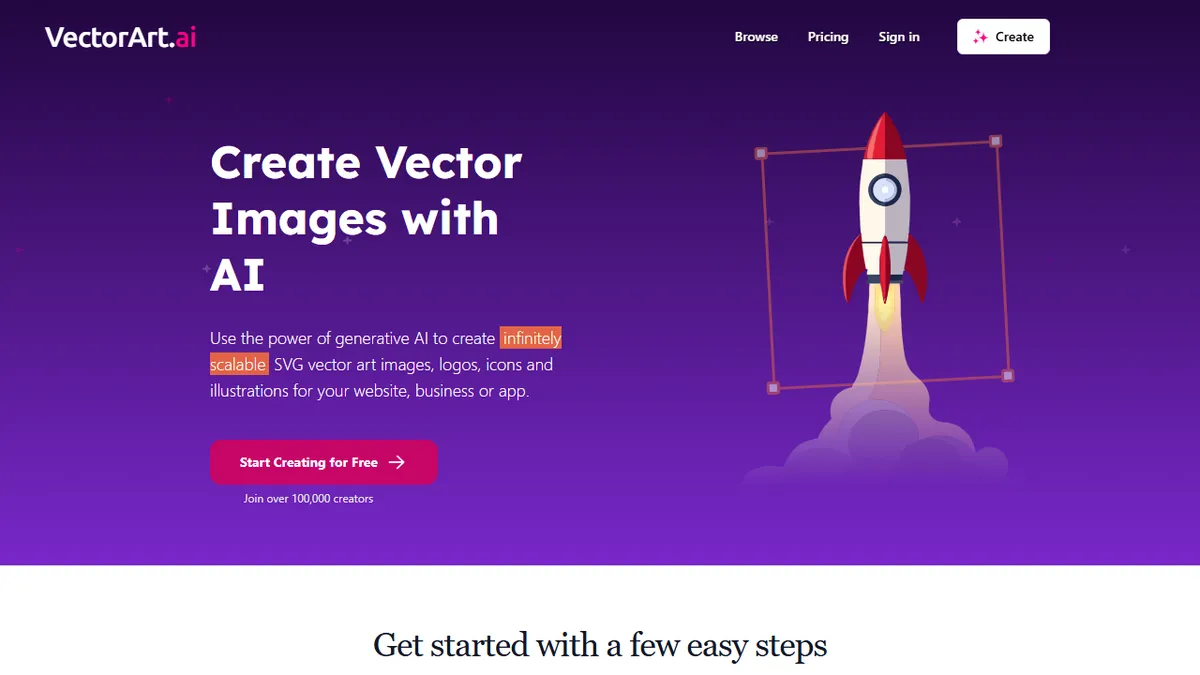
VectorArt.ai is a generative AI tool that turns text prompts into true SVG vector graphics rather than PNG raster images, which means every output stays crisp at any size and can be reopened in a vector editor for tweaking. The platform covers logos, icons, spot illustrations, and decorative artwork, and ships with a library of pre-generated community images plus a built-in SVG editor and background remover for post-generation cleanup.
It is squarely aimed at freelance designers, indie founders, web developers, and marketing teams who need on-brand illustrations fast without commissioning custom art or wrestling Stable Diffusion outputs into vector form. There is a free tier with limited downloads for personal and educational use, and a paid subscription that unlocks commercial rights; the company claims over 100,000 registered creators. Style consistency is enforced through curated illustration collections such as Flat Circles, Soft Blobs, and Geometric Grace, which is more useful than it sounds when you need a coherent set of icons.
The trade-off is scope: it is a focused vector illustration generator, not a general-purpose image model, so photorealism, complex characters, and intricate scenes are not its strength. If you live in Figma or Adobe Illustrator and just want clean editable SVGs from a prompt, the workflow is genuinely faster than retracing Midjourney output by hand.
A focused, pragmatic tool that solves a real designer pain point: AI image generators almost universally output pixels, and VectorArt.ai's vector-native approach drops cleanly into existing Figma and Illustrator workflows. The style collections are the underrated feature here.
— The AI Tool Bible editorial team
Pros
- ✅ Outputs true editable SVG, not raster traced after the fact
- ✅ Curated style collections keep multi-asset sets visually consistent
- ✅ Built-in SVG editor and background remover reduce tool-hopping
- ✅ Free tier is usable for personal and educational projects
Cons
- ⚠️ Narrow scope: illustrations and icons, not photoreal or complex scenes
- ⚠️ Commercial rights gated behind paid subscription
- ⚠️ Underlying model is not disclosed
Use cases
Frequently asked
- What types of images can VectorArt.ai generate?
- The tool specializes in logos, icons, spot illustrations, and decorative artwork. It is not designed for photorealistic images, complex characters, or intricate scenes.
- Does VectorArt.ai offer a free plan?
- Yes, there is a free tier with limited downloads for personal and educational use. Paid subscriptions unlock commercial rights and unlimited access.
- How does VectorArt.ai ensure style consistency?
- It uses curated illustration collections such as Flat Circles, Soft Blobs, and Geometric Grace to maintain visual coherence across multiple assets.
- Can I edit the generated SVGs directly?
- Yes, the platform includes a built-in SVG editor and background remover for post-generation cleanup, and outputs are fully editable in vector editors.
Explore related
Compare with similar tools
All in Image Generation →Midjourney
FeaturedThe gold standard for aesthetic AI image generation.
Flux
FeaturedBlack Forest Labs' open-weights image model — rivals Midjourney quality.
Stable Diffusion
Open-source image generation — run anywhere, fine-tune anything.
Nano Banana (Gemini Image)
Google DeepMind's Gemini-powered image generation and conversational editing model family
DALL·E 3
OpenAI's image model — strong on prompt adherence and text-in-image.
Canva Magic Studio
Canva's all-in-one AI creative suite for design, image, video, copy, and presentations