RowSpeak
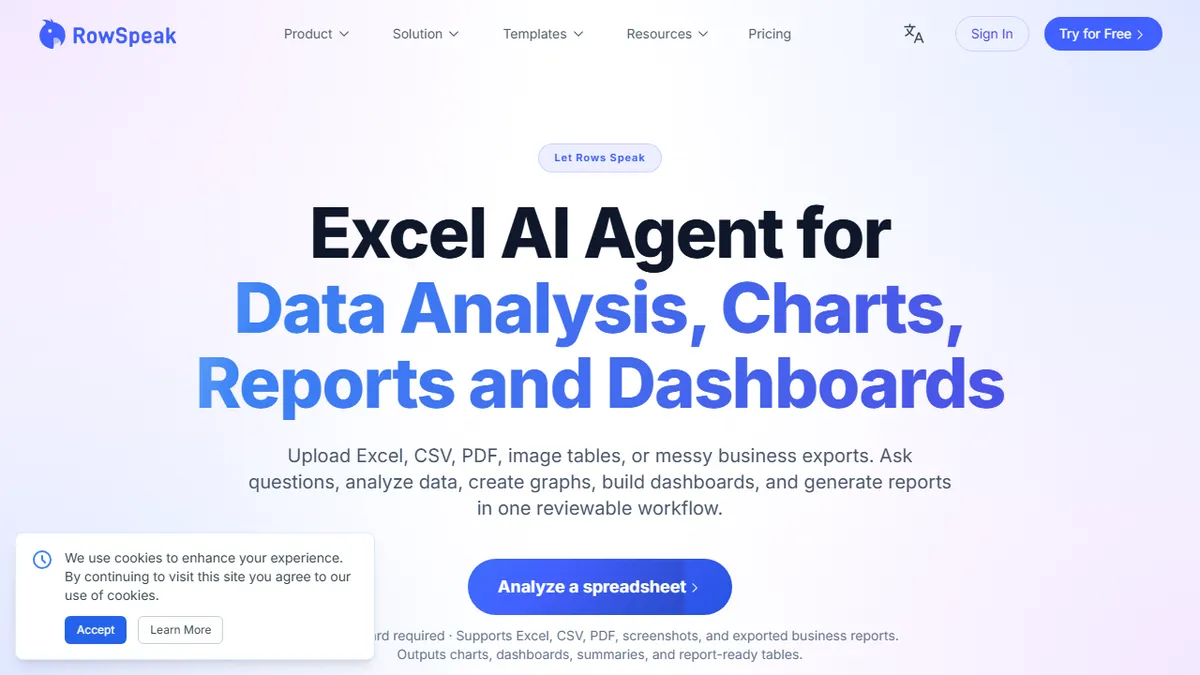
AI spreadsheet analyst that turns messy Excel, CSV, and PDF tables into dashboards and management-ready reports.
In short
RowSpeak automates spreadsheet cleaning and dashboard creation for business analysts. It turns messy Excel, CSV, and PDF data into reports using plain English queries.
Pick RowSpeak if you're a finance, sales-ops, or business analyst who burns hours each month cleaning exports and assembling the same dashboards.
Skip it if you need a developer-facing API, on-prem deployment, or transparent model and data-governance details before trusting a tool with sensitive financial data.
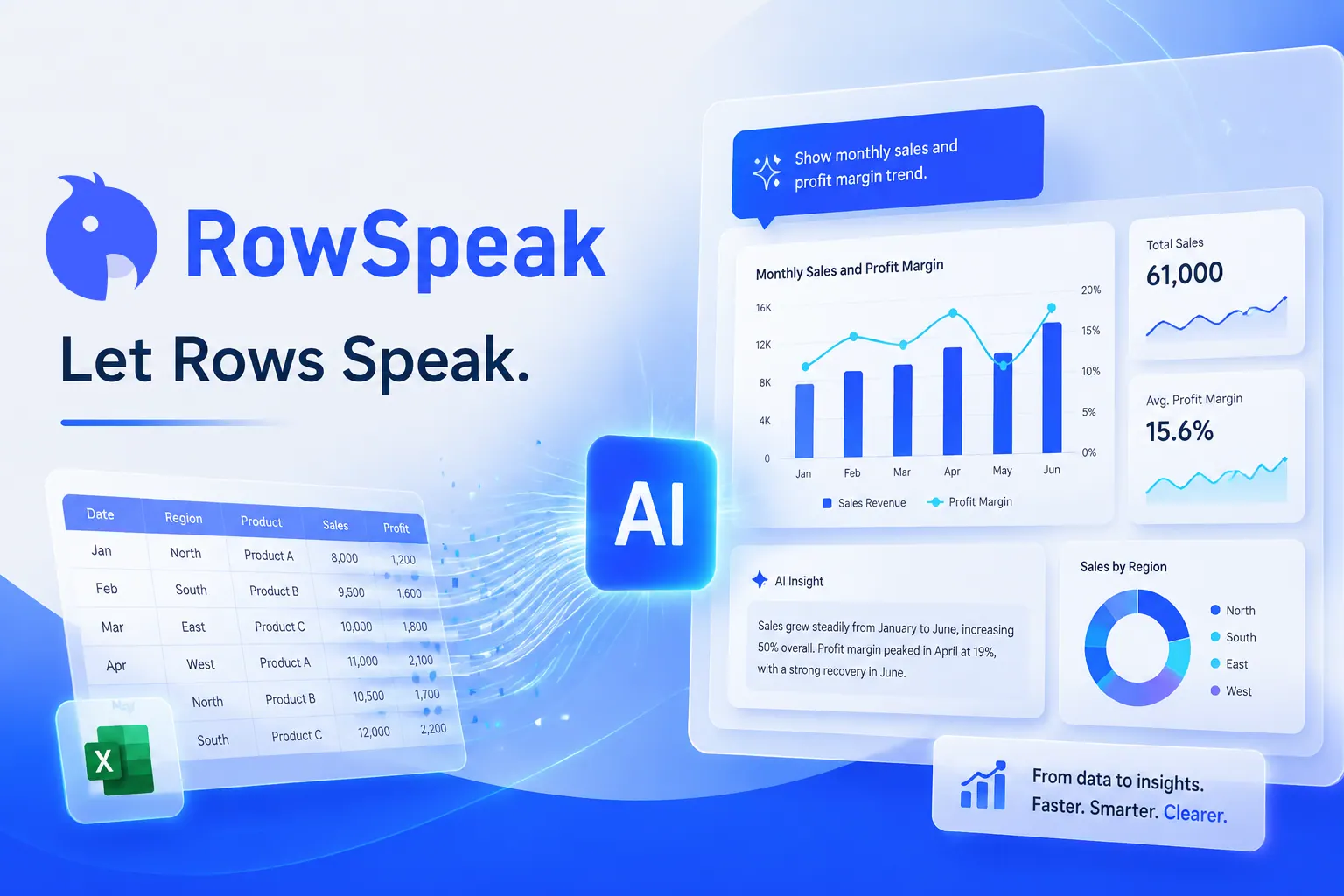
RowSpeak (formerly Excelmatic) is an AI-powered spreadsheet analysis platform that ingests Excel, CSV, PDF tables, and even image-based data, then automates the grunt work of cleaning, querying, charting, and reporting. You upload a file, ask questions in plain English, and it returns pattern detection, KPI dashboards, and variance notes without forcing you to write formulas or pivot tables by hand.
The pitch is aimed at finance, sales ops, marketing, and supply chain analysts who live in spreadsheets and produce recurring reports. Where it tries to differentiate from generic ChatGPT-style chat is reviewability: the assumptions and logic behind each output are inspectable and correctable in the UI, so the workflow can be repeated on next month's export rather than re-prompted from scratch. There's a free signup with no credit card required, but specific tier pricing isn't surfaced on the landing page.
The underlying model isn't disclosed, and there's no public API or self-hosting story mentioned — this is a hosted SaaS aimed at non-technical business users, not a developer toolkit. If you need programmatic access or strict data governance, you'll have to dig deeper than the marketing page.
RowSpeak is a sensible spreadsheet-AI play that leans into reviewability instead of treating analysis as a one-shot chat. The freemium hook is generous, but the lack of disclosed model and missing API ceiling make it best suited to business users rather than technical teams. Worth a kick of the tires before your next quarterly close.
— The AI Tool Bible editorial team
Pros
- ✅ Handles messy exports across Excel, CSV, PDF tables, and image data
- ✅ Natural-language queries replace formula-writing for non-technical users
- ✅ Generates dashboards and management-ready reports, not just chat answers
- ✅ Reviewable assumptions make recurring monthly workflows repeatable
- ✅ Free signup with no credit card required to try
Cons
- ⚠️ Underlying AI model is undisclosed
- ⚠️ No public API for programmatic use
- ⚠️ Pricing tiers not transparent on the landing page
- ⚠️ Recently rebranded from Excelmatic, so brand recognition is still building
Use cases
Frequently asked
- How much does RowSpeak cost?
- RowSpeak offers a freemium model. Paid tiers include Essential at $8.3/mo, Professional at $24.9/mo, and Premium at $49.9/mo. A free signup is available without requiring a credit card.
- Is RowSpeak suitable for developers?
- No, RowSpeak is a hosted SaaS for non-technical business users. It does not offer a public API or self-hosting options, making it unsuitable for developers needing programmatic access.
- What file formats can RowSpeak analyze?
- RowSpeak ingests Excel, CSV, PDF tables, and image-based data. It automates cleaning, querying, and charting to generate pattern detection, KPI dashboards, and variance notes from these sources.
- Can I review the logic behind RowSpeak's outputs?
- Yes, the assumptions and logic behind each output are inspectable and correctable in the UI. This allows workflows to be repeated on future exports without re-prompting from scratch.
- Which AI model powers RowSpeak?
- RowSpeak uses the Gemini model. However, the description notes that underlying model details are not fully disclosed on the landing page, and specific data governance details are not public.
Explore related
Compare with similar tools
All in Agents →LangGraph
FeaturedStateful, graph-based agent orchestration from LangChain.
CrewAI
FeaturedPython framework for multi-agent orchestration.
Ernie Bot
Baidu's Mandarin-first ChatGPT rival, powered by the ERNIE model family
Moveworks
The enterprise AI assistant that searches, answers, and takes action across your business systems
AWS Bedrock
Build and scale generative AI applications with foundation models
Claude Agent SDK
Anthropic's official SDK for building autonomous Claude agents.