PPT Master
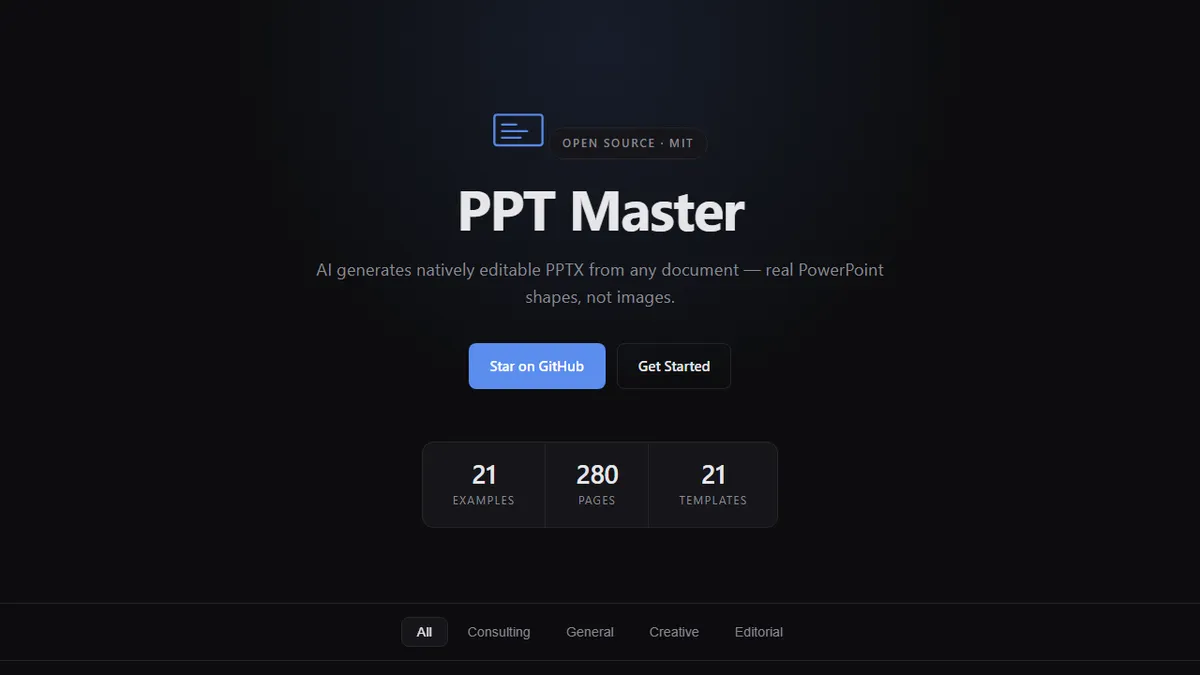
Open-source AI that turns documents into natively editable PowerPoint decks with real shapes, not flattened images.
In short
PPT Master is an MIT-licensed, self-hosted tool that transforms source documents into PowerPoint presentations with native, editable shapes. It is best suited for developers and power users who require full control over prompts and model choice rather than a managed SaaS experience.
Pick PPT Master if you want a self-hosted, scriptable way to turn documents into truly editable PowerPoint decks.
Skip it if you need a polished hosted SaaS, vendor support, or a no-code experience for non-technical users.
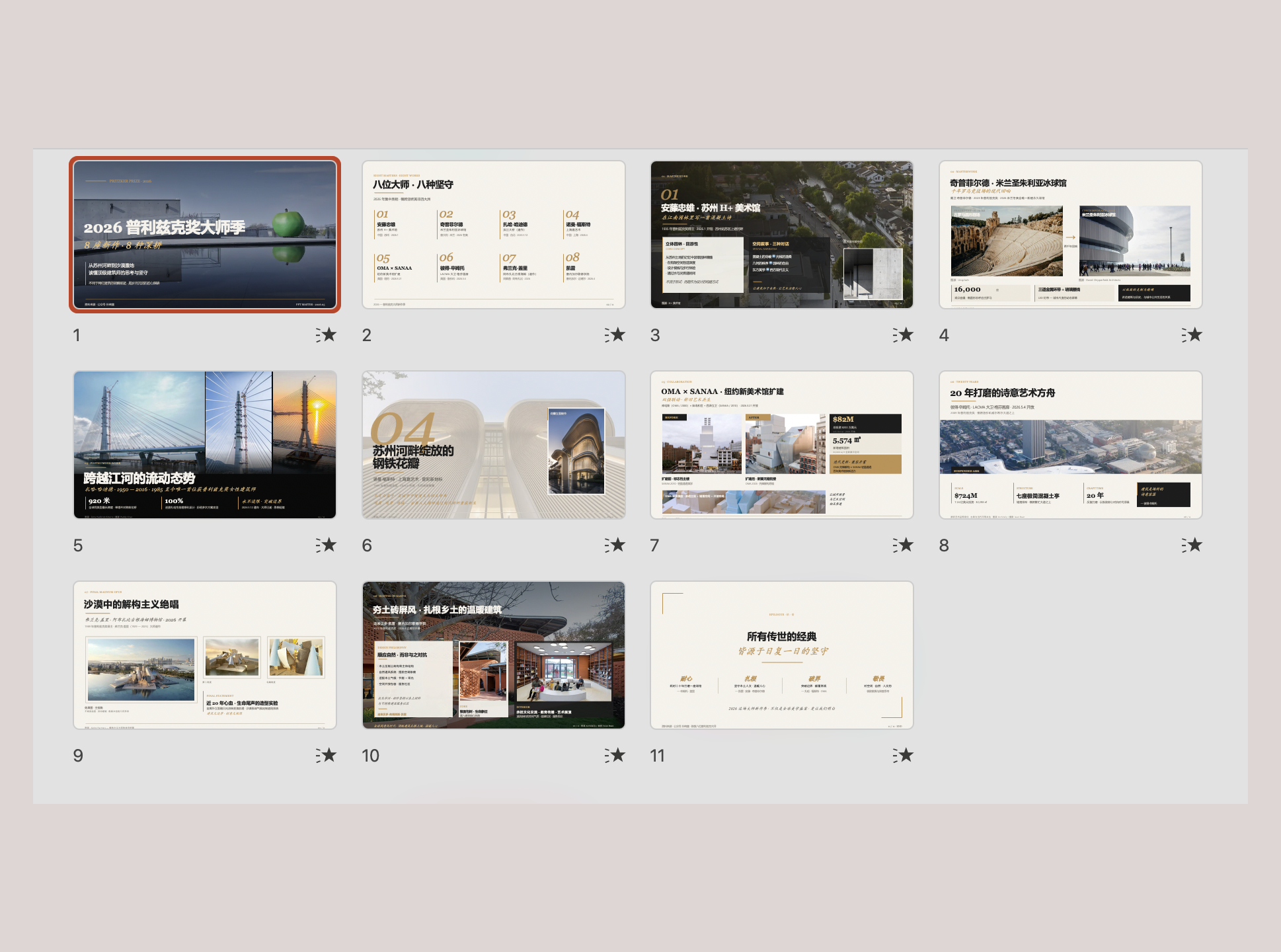
PPT Master is an open-source tool that converts source documents into PowerPoint presentations where every element is a native, editable PPTX shape rather than a rasterized image. That distinction matters: most AI deck generators produce slides you can barely tweak afterwards, whereas PPT Master's output drops into PowerPoint or Keynote and behaves like a deck a human built. It ships with template families covering Consulting, General, Creative, and Editorial styles.
The project is MIT-licensed and lives on GitHub under Hugo He, with a marketing landing page on GitHub Pages and a quick-start guide for self-hosting. There's no obvious managed SaaS or pricing page, so practical use means cloning the repo, wiring in your own LLM key, and running it locally or on your own infra. That makes it best suited for developers and power users who want full control over prompts, templates, and model choice rather than a polished web app for non-technical staff.
Because the underlying model isn't fixed by the project itself, you can point it at whichever provider you prefer, and the output is friendly to existing brand-template workflows. The trade-off is the usual open-source one: documentation is light, there's no support contract, and the burden of running it (and paying for the model calls) falls entirely on you.
A refreshingly focused open-source take on AI slide generation that solves the real pain: output you can actually edit. It's an early-stage GitHub project rather than a product, so treat it as a developer toolkit, not a Gamma or Tome replacement.
— The AI Tool Bible editorial team
Pros
- ✅ Outputs native editable PPTX shapes, not flattened image slides
- ✅ MIT-licensed and self-hostable
- ✅ Ships with multiple template families out of the box
- ✅ Bring-your-own-model means flexible cost and provider choice
Cons
- ⚠️ No hosted product; you have to run it yourself
- ⚠️ Sparse documentation and small community
- ⚠️ AI model and integration details not disclosed on the landing page
- ⚠️ No commercial support or SLA
Use cases
Frequently asked
- How does PPT Master differ from other AI slide generators?
- Unlike tools that produce rasterized images, PPT Master generates native, editable PPTX shapes. This allows the output to behave like a human-built deck in PowerPoint or Keynote, making it easy to tweak afterwards.
- Is PPT Master a hosted service or self-hosted?
- PPT Master is a self-hosted, open-source project. There is no managed SaaS or pricing page; users must clone the repository and run it locally or on their own infrastructure.
- What are the costs associated with using PPT Master?
- The software is free and MIT-licensed. However, users must bring their own LLM API key, meaning they are responsible for paying for the underlying model calls.
- Who is the target audience for PPT Master?
- It is designed for developers and power users who want full control over prompts, templates, and model choice. It is not intended for non-technical staff seeking a polished, no-code web application.
- Does PPT Master include presentation templates?
- Yes, the tool ships with template families covering Consulting, General, Creative, and Editorial styles to support various presentation needs.
Explore related
Compare with similar tools
All in Writing →Claude
FeaturedAnthropic's flagship assistant for long-form writing, analysis, and coding.
GPT-4o
FeaturedOpenAI's multimodal flagship behind ChatGPT.
Gemini Advanced
Google's flagship — strong at math, long context, and Workspace integration.
Llama 3
Meta's open-weights LLM family that put serious frontier-adjacent models in everyone's hands.
Qwen
Alibaba's open-weight foundation model family covering chat, vision, image generation, translation, and safety classification.
Jan
Open-source desktop ChatGPT alternative that runs local LLMs and routes to cloud providers from one app.