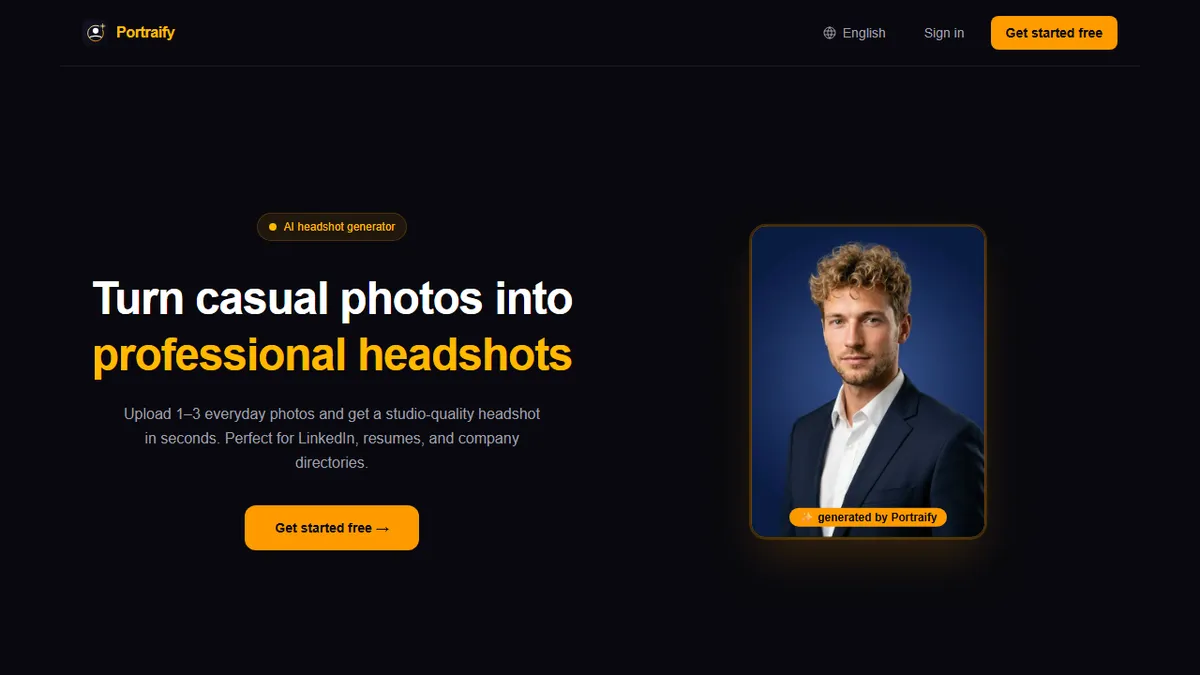
Portraify
Turn casual selfies into studio-quality AI headshots in about 90 seconds.
Individual professionals and small teams who need a clean, LinkedIn-ready headshot quickly and cheaply, without booking a photographer or committing to a subscription.
Photographers, agencies, or creative directors who need fine-grained control over pose, wardrobe, background, and lighting, or anyone needing an API to embed headshot generation in their own product.
Portraify is a lightweight web app that converts one to three casual phone photos into a set of professional-looking headshots suitable for LinkedIn, resumes, corporate directory pages, speaker bios, and press kits. The intended user is anyone who needs a passable business portrait without booking a photographer: job seekers refreshing a stale profile picture, remote employees whose company just asked for a directory shot, founders assembling a pitch deck team page, and consultants who need consistent-looking headshots across social platforms. The workflow is deliberately minimal: upload a handful of everyday selfies, wait roughly ninety seconds, and download processed portraits with automatic background removal and simulated studio lighting applied. Under the hood the app leans on Google's Gemini model family to read facial features and drive the generation. Portraify's positioning is time-and-cost-focused rather than creative-control-focused; it competes on turnaround (no queue), a pay-as-you-go credit model with no subscription trap, and a clear privacy stance: uploaded photos are not used to train models and can be deleted on request. It is best thought of as a utility that replaces a one-off trip to a portrait studio, not as a creative image editor.
Portraify is a focused utility, not a platform — and that's the point. If you just need a passable LinkedIn shot before Monday, the 90-second turnaround, one-time credit packs, and explicit no-training privacy line make it a sensible pick. Just don't expect the likeness fidelity of tools that fine-tune on 15-20 photos, and don't expect an API.
— The AI Tool Bible editorial team
Pros
- ✅ Fast turnaround — headshots delivered in roughly 90 seconds with no queue.
- ✅ Only requires 1-3 casual phone photos as input, not a full training set.
- ✅ One-time credit packs (from $9) with no subscription and credits that never expire.
- ✅ Free tier gives 3 portraits at signup without requiring a credit card.
- ✅ Explicit privacy stance: uploads aren't used for model training and can be deleted on request.
- ✅ Automatic background removal and lighting are handled without manual retouching.
- ✅ Output is purpose-built for LinkedIn, resumes, and corporate directories.
Cons
- ⚠️ Narrow scope — only professional headshots; not a general portrait or creative image tool.
- ⚠️ No public API, so it can't be embedded into HR onboarding or ATS workflows.
- ⚠️ Limited creative control over pose, wardrobe, or background style compared to fine-tune-based competitors like HeadshotPro or Aragon.
- ⚠️ Small input set (1-3 photos) can produce weaker likeness than tools that train a personal LoRA on 15-20 images.
- ⚠️ Per-portrait cost ($2-$3) adds up if you want to iterate through many looks.
- ⚠️ No stated commercial-use licensing, model versioning, or enterprise/team billing.
Use cases
Explore related
Compare with similar tools
All in Image Generation →Midjourney
FeaturedThe gold standard for aesthetic AI image generation.
Flux
FeaturedBlack Forest Labs' open-weights image model — rivals Midjourney quality.
Stable Diffusion
Open-source image generation — run anywhere, fine-tune anything.
Nano Banana (Gemini Image)
Google DeepMind's Gemini-powered image generation and conversational editing model family
DALL·E 3
OpenAI's image model — strong on prompt adherence and text-in-image.
Canva Magic Studio
Canva's all-in-one AI creative suite for design, image, video, copy, and presentations