Solo developers and small teams already using Claude Code, Cursor, or a custom shell-driven coding agent who want a fast, local way to point at UI bugs and have the agent fix them.
Windows-only shops, teams that need hosted collaborative review with permissions and dashboards, and anyone whose workflow is not centred on an AI coding agent.
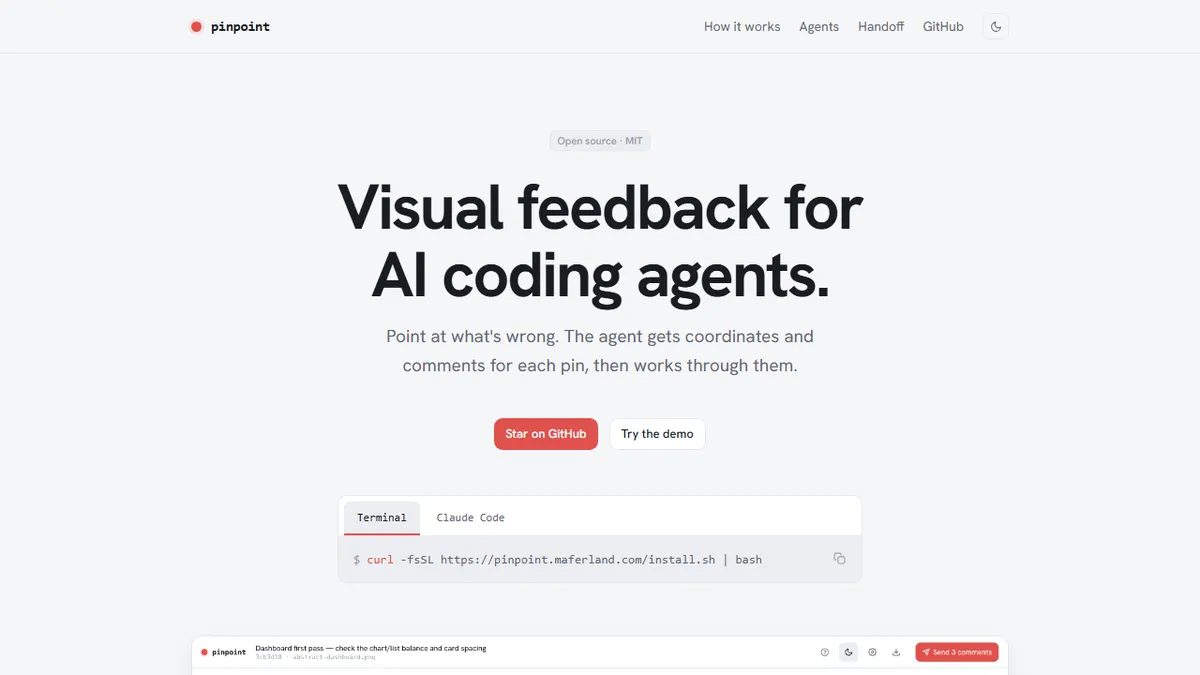
Pinpoint is an open-source, MIT-licensed command-line and browser tool that closes the visual-feedback loop between human reviewers and AI coding agents such as Claude Code and Cursor. When an agent produces something visible – a page in a dev server, a Storybook story, an iOS simulator screen – it hands a screenshot to Pinpoint. A local server pops open a browser UI where the user drops pins or drags region boxes on the screenshot and types a comment for each one (“button text is truncated on mobile”, “spacing is off here”). Pressing Send blocks the CLI, then prints structured JSON to stdout: an array of numbered annotations with percent-based bounding boxes and comment text, so coordinates survive across screen sizes and DPIs. The agent reads that JSON, turns each pin into a task, and works through them, optionally asking for another review round when it’s done. Pinpoint ships as a Claude Code slash command (`/pinpoint:review`) installed via the plugin marketplace, but the underlying binary (`pinpoint review app.png`) is agent-agnostic – anything that can spawn a shell process and read stdout can drive it. Reviews can also be exported as `.pinpoint.zip` bundles and handed off to a designer, PM, or teammate who opens the archive locally, adds their own pins, and sends it back – useful for async design review or QA hand-offs. It runs on macOS and Linux, has no cloud component, no accounts, and no telemetry beyond simple analytics on the marketing page.
A refreshingly small, sharp tool: a CLI that opens a browser, lets you drop pins on a screenshot, and hands the agent structured JSON. For anyone driving Claude Code or Cursor on UI work, it removes the awkward “let me describe where the problem is” step in one command. The lack of Windows support and the single-maintainer footprint are the honest caveats.
— The AI Tool Bible editorial team
Pros
- ✅ Free, MIT-licensed, and runs entirely locally with no accounts or cloud dependency
- ✅ Agent-agnostic: works with Claude Code, Cursor, or any shell-driving agent via a plain CLI + JSON contract
- ✅ Percentage-based coordinates make annotations resolution- and viewport-independent
- ✅ Native Claude Code slash command (`/pinpoint:review`) installs in seconds via the plugin marketplace
- ✅ Blocking CLI + stdout JSON is trivial to wire into custom agent loops or CI-adjacent scripts
- ✅ `.pinpoint.zip` export/open flow supports async handoffs to designers, PMs, or teammates
- ✅ Simple, focused scope – does one thing (visual pin feedback) and does not try to be a full design tool
Cons
- ⚠️ No Windows support – macOS and Linux only
- ⚠️ Requires a working local dev server, simulator, or screenshot source; it does not capture live web UI itself
- ⚠️ No hosted/collaborative multi-user mode – sharing relies on emailing zip files around
- ⚠️ Small, single-maintainer project with limited track record and no SLA
- ⚠️ Only useful inside AI-coding workflows; not a general-purpose bug-tracker or screenshot annotator
Use cases
Explore related
Compare with similar tools
All in Coding →Cursor
FeaturedAI-first VS Code fork — chat, edit, and agentic coding in one IDE.
GitHub Copilot
FeaturedThe original AI pair programmer, now with chat and agents.
Replit Agent
FeaturedBuild & deploy a full app from a single prompt.
Warp
The agentic development environment, from the terminal up
Cline
Open-source agentic coding assistant that plans, edits, and runs code inside your IDE
Aider
Terminal-based AI pair programmer that writes commits.