Pika
✓ Editorially verifiedPlayful, social-first AI video generator with creative effects.
In short
Pika is a fast, affordable AI video tool designed for social media creators making short, shareable clips. It features one-click visual effects and rapid generation speeds, making it ideal for high-volume meme content rather than professional production.
Pick Pika for social content, TikTok/Reels clips, and high-volume meme-tier video.
Skip it for pro production work or anywhere consistent quality matters.
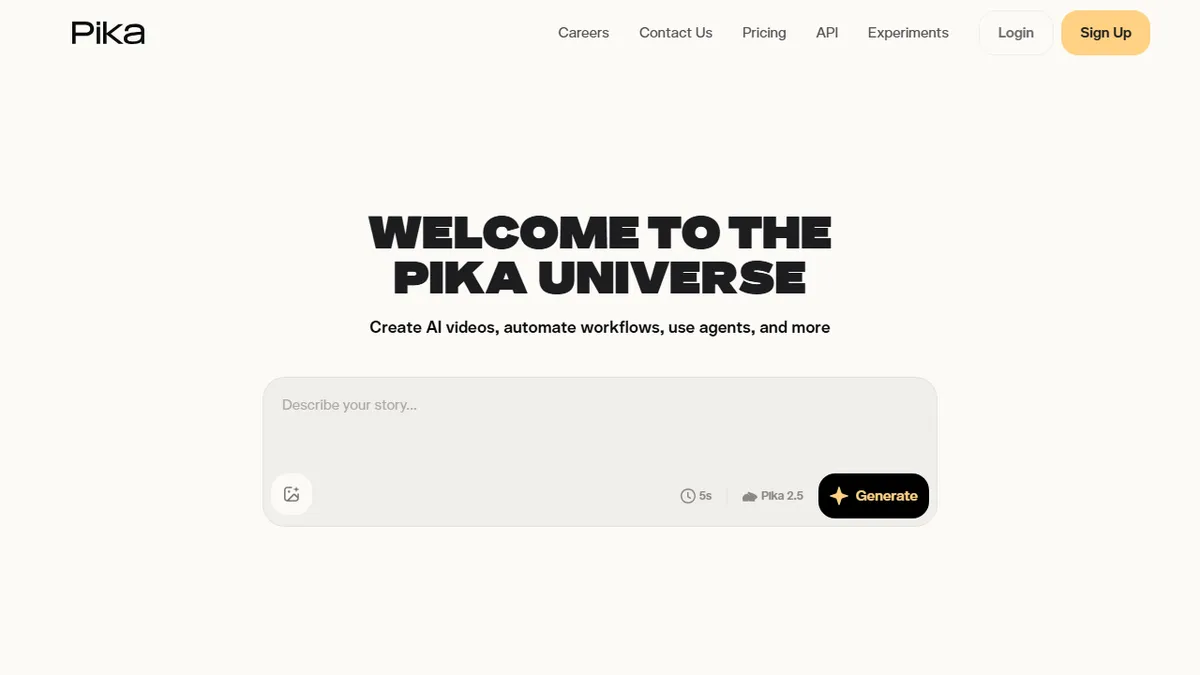
Pika is positioned at creators making short, shareable AI videos — TikTok edits, Instagram reels, meme content. Pikaffects (one-click visual effects like "melt" or "explode"), lip-sync, scene extensions, and image-to-video are the headline features.
The pricing is meaningfully cheaper than Runway, and the iteration loop is fast — generations take seconds, not minutes. For creators who need to ship a clip a day, that velocity matters more than maximum quality.
Quality is variable. The best Pika outputs are genuinely fun; the worst are clearly AI-slop. Control is less granular than Runway, and there's no real timeline editor for post-production. Treat it as a clip factory, not a film tool.
Pika is the social-creator AI video tool. It doesn't pretend to be a film camera — it's a Snapchat lens with way more options, and that framing is exactly right for its audience.
— The AI Tool Bible editorial team
Pros
- ✅ Affordable
- ✅ Fun creative effects (Pikaffects)
- ✅ Quick to iterate
- ✅ Generous free credits
Cons
- ⚠️ Less control than Runway
- ⚠️ Quality variable
Use cases
Frequently asked
- Who is Pika best suited for?
- Pika is best for creators making short, shareable AI videos for platforms like TikTok and Instagram. It is particularly well-suited for those producing high-volume meme-tier content or social edits.
- What are the key creative features of Pika?
- The headline features include Pikaffects, which are one-click visual effects like 'melt' or 'explode,' along with lip-sync, scene extensions, and image-to-video capabilities.
- How does Pika's pricing compare to other tools?
- Pika uses a freemium model with paid tiers starting at $8 for Basic, $28 for Standard, and $76 for Pro. It is noted as being meaningfully cheaper than competitors like Runway.
- Is Pika suitable for professional production work?
- No, Pika is not recommended for pro production work or situations where consistent quality is critical. It is positioned as a clip factory with variable quality rather than a film tool.
- How fast is the video generation process?
- The iteration loop is fast, with generations taking seconds rather than minutes. This velocity is designed for creators who need to ship a clip daily.
Explore related
Compare with similar tools
All in Video →Runway
FeaturedPro-grade AI video editor and Gen-4 generation.
Sora
FeaturedOpenAI's flagship text-to-video model.
Luma Dream Machine
Fast, accessible text-to-video with strong camera control.
HeyGen
Avatar video + lip-sync translation at scale.
Google Veo
Google DeepMind's flagship text-to-video model with native audio generation and cinematic camera control.
Higgsfield
AI video and image generation suite that aggregates 30+ frontier models under one workflow.