Pictory
✓ Editorially verifiedTurn long-form text, articles, and recordings into short, captioned videos without touching a timeline editor.
In short
Pictory transforms long-form content like articles and webinars into short, captioned videos using stock footage and AI voiceovers. It is best for marketing teams needing to repurpose content at scale without manual editing.
Pick Pictory if you need to convert blogs, scripts, or webinar recordings into captioned social videos at volume without a dedicated editor.
Skip it if you want original generative footage, cinematic control, or a fully free open-source pipeline.
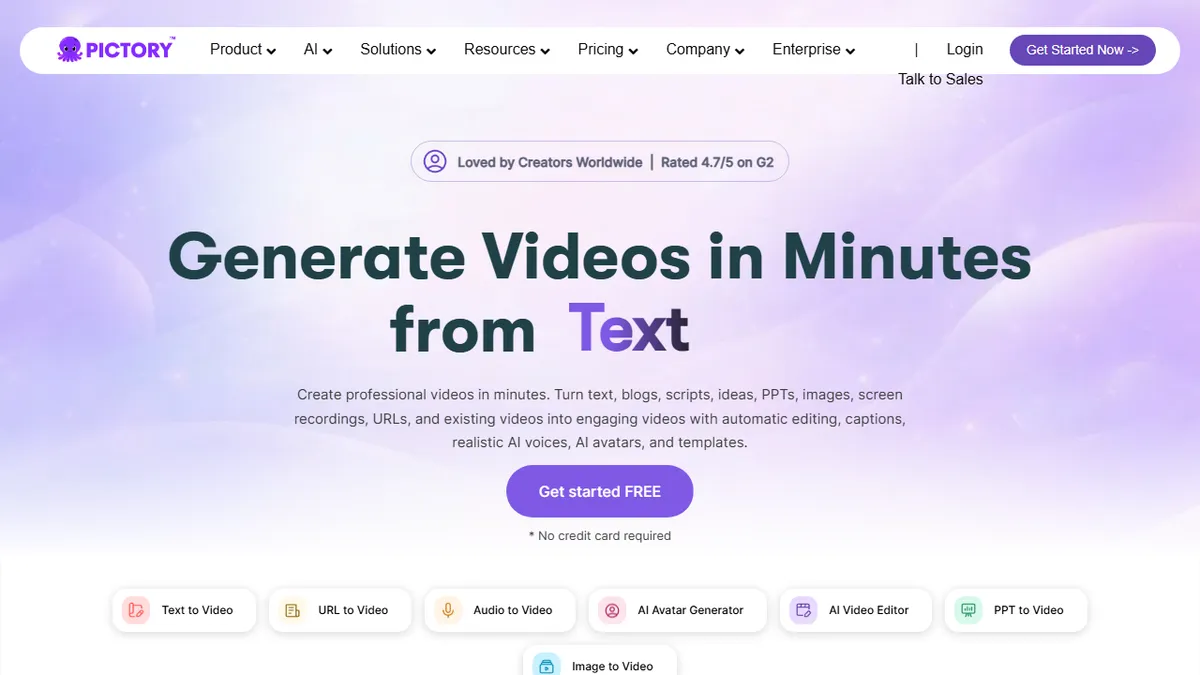
Pictory is an AI video generator aimed at marketers and content teams who need to spin up shareable video without learning Premiere or After Effects. You feed it a script, blog URL, PDF, PowerPoint, or raw recording, and it stitches together stock footage, AI voiceover, music, and auto-captions into a finished video. It also covers the modern social-video bases: AI avatars, voice cloning, multilingual translation, and auto-highlighting of long recordings into short clips.
The pitch is speed and scale rather than cinematic quality. Brand kits, reusable layouts, team workspaces, and a documented API make it more interesting to repurposing teams (think podcasts to Reels, webinars to YouTube Shorts, blog to LinkedIn video) than to creators chasing a distinctive look. Pricing is tiered subscription with a signup-required trial; serious volume goes through the Enterprise or API plan.
Underlying models aren't disclosed, which is fair to flag if you care about provenance, but the editing surface is genuinely friendlier than Runway or Sora-style tools for non-video people. Expect stock-library aesthetics and templated pacing, not original generative cinematography.
Pictory is one of the more pragmatic text-to-video tools because it leans into repurposing instead of pretending to replace a film crew. Marketers and L&D teams will get real mileage out of it; creators who care about a distinct visual signature won't. The API is the underrated bit.
— The AI Tool Bible editorial team
Pros
- ✅ Strong long-form-to-short-form workflow (article, PDF, webinar in; captioned clips out)
- ✅ Auto-captions, translation, and voice cloning bundled in one tool
- ✅ Brand kits and team seats make it usable inside marketing orgs
- ✅ Documented API for programmatic video generation at scale
Cons
- ⚠️ Output leans on stock footage; not for original cinematic generation
- ⚠️ Underlying models and voice providers aren't disclosed
- ⚠️ Templated pacing and look across videos can feel samey
Use cases
Frequently asked
- What types of input can I use with Pictory?
- You can feed Pictory scripts, blog URLs, PDFs, PowerPoint files, or raw recordings to generate finished videos.
- Does Pictory support team collaboration and branding?
- Yes, it includes brand kits, reusable layouts, and team workspaces to help marketing organizations maintain consistency.
- Is there an API available for Pictory?
- Pictory offers a documented API for programmatic video generation, which is useful for scaling content production.
- What is the pricing structure for Pictory?
- Pictory uses a freemium model with subscription tiers: Starter at $25, Professional at $35, Team at $119, and custom Enterprise pricing.
- Can Pictory create original cinematic footage?
- No, Pictory relies on stock footage and templated pacing, making it unsuitable for users seeking original generative cinematography.
Explore related
Compare with similar tools
All in Video →Runway
FeaturedPro-grade AI video editor and Gen-4 generation.
Sora
FeaturedOpenAI's flagship text-to-video model.
Luma Dream Machine
Fast, accessible text-to-video with strong camera control.
HeyGen
Avatar video + lip-sync translation at scale.
Google Veo
Google DeepMind's flagship text-to-video model with native audio generation and cinematic camera control.
Higgsfield
AI video and image generation suite that aggregates 30+ frontier models under one workflow.