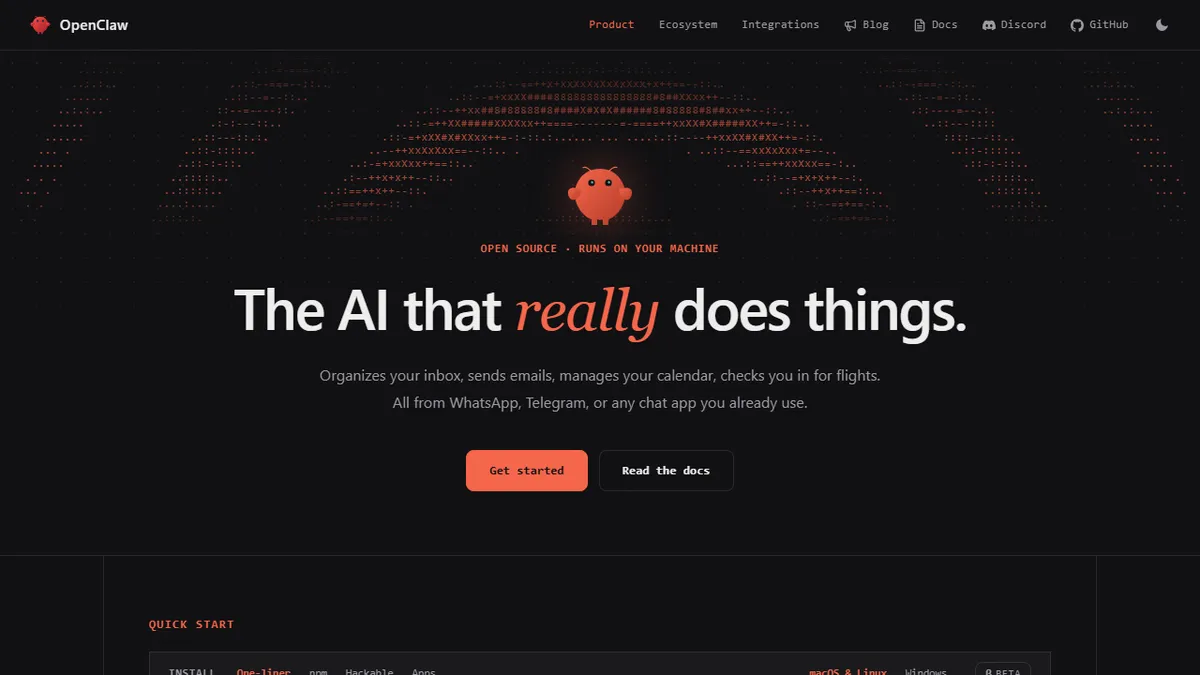

OpenClaw
Open-source local AI agent that controls your computer and talks back through your messaging apps.
In short
OpenClaw is a free, open-source local AI agent that controls your computer and replies via messaging apps like WhatsApp or Slack using your own LLM API key.
Pick OpenClaw if you want a self-hosted, model-agnostic agent that can actually touch your filesystem and reply inside your existing chat apps.
Skip it if you want a managed, zero-config assistant or you are not comfortable letting an LLM run shell commands on your machine.
OpenClaw is an open-source personal AI agent that runs locally on macOS, Windows, or Linux and uses a hosted LLM (Claude, GPT, or others via your own API key) as its reasoning engine. The differentiator is the 'hands and eyes' layer around the model: it can read and write files, run shell commands, execute scripts, browse the web, and reach you through WhatsApp, Telegram, Discord, Slack, Signal, or iMessage so the assistant lives where you already chat instead of inside a single web UI.
It is aimed at developers, power users, and small teams who want an autonomous assistant without handing their data or workflows to a SaaS vendor. Because it is local-first and BYO-key, the only ongoing cost is whatever you spend on the underlying model API; the agent itself is free. A plug-in / skills system lets the community extend it, and the project claims the agent can even draft new capabilities for itself.
The project is explicitly independent and not affiliated with Anthropic. Persistent memory means it accumulates context about your preferences over time, which is useful but also worth thinking about from a data-hygiene perspective if you wire it into chat accounts and a shell at the same time.
OpenClaw sits in the interesting middle ground between a chat wrapper and a full computer-use agent: local, open source, BYO-key, and wired into the messengers people actually use. It is genuinely promising for tinkerers, but giving any LLM shell plus Signal access is a trust decision you should make deliberately.
— The AI Tool Bible editorial team
Pros
- ✅ Runs locally with data on your own machine, no cloud lock-in
- ✅ Talks through WhatsApp, Telegram, Discord, Slack, Signal, iMessage
- ✅ Real system access: files, shell, scripts, web browsing
- ✅ Open source with a community skill/plugin system
- ✅ Model-agnostic, so you choose Claude, GPT, or others
Cons
- ⚠️ You supply and pay for the LLM API keys yourself
- ⚠️ Giving an agent shell + messaging access is a real security surface
- ⚠️ Companion apps still marked beta
- ⚠️ Setup is heavier than a hosted SaaS agent
Use cases
Frequently asked
- How much does OpenClaw cost?
- The agent itself is free and open-source. You only pay for the underlying LLM API usage, such as Claude or GPT, based on your own API key consumption.
- Which messaging apps does OpenClaw support?
- It integrates with WhatsApp, Telegram, Discord, Slack, Signal, and iMessage, allowing the assistant to operate within your existing chat applications rather than a separate web interface.
- Can OpenClaw execute commands on my computer?
- Yes, it can read and write files, run shell commands, execute scripts, and browse the web. This requires you to be comfortable letting an LLM run shell commands on your machine.
- Do I need to use a specific AI model?
- No, it is model-agnostic. You bring your own API key for hosted LLMs like Claude, GPT, or others to serve as the reasoning engine for the local agent.
- Is OpenClaw affiliated with Anthropic?
- No, the project is explicitly independent and not affiliated with Anthropic. It is a community-driven, open-source tool designed for developers and power users who prefer self-hosted solutions.
Explore related
Compare with similar tools
All in Agents →LangGraph
FeaturedStateful, graph-based agent orchestration from LangChain.
CrewAI
FeaturedPython framework for multi-agent orchestration.
Ernie Bot
Baidu's Mandarin-first ChatGPT rival, powered by the ERNIE model family
Moveworks
The enterprise AI assistant that searches, answers, and takes action across your business systems
AWS Bedrock
Build and scale generative AI applications with foundation models
Claude Agent SDK
Anthropic's official SDK for building autonomous Claude agents.