Nomic Atlas
Not yet source-checkedInteractive maps and embeddings for unstructured text, image, and multimodal data.
Machine-drafted from the vendor's site · not yet source-checkedProfile updated Link checked How we rate
In short
Nomic Atlas visualizes text and image embeddings as interactive maps. It helps ML teams debug RAG pipelines, detect duplicates, and cluster unstructured data using open-weights models.
ML and data-science teams who need to see, cluster, and debug large embedding sets — especially RAG builders auditing retrieval quality on real corpora.
Teams that only need a production vector store with low-latency ANN search, or non-technical users without any Python or dataset-wrangling experience.
Nomic Atlas is an embedding, retrieval, and unstructured-data exploration platform built by Nomic AI, the team behind the open-weights nomic-embed-text embedding family. It turns large text, image, and multimodal corpora into interactive 2D maps you can pan, zoom, cluster, label, and semantically search in the browser. Under the hood it embeds every record, projects the vectors with UMAP-style dimensionality reduction, runs topic modelling, and serves the result as a Deep Scatterplot map that stays responsive at millions of points. Typical users are ML engineers building or debugging RAG pipelines, data-science and research teams triaging document dumps or synthetic-data generations, safety and trust teams auditing model outputs, and product teams doing customer-feedback or support-ticket analysis. Common workflows include uploading a Parquet/CSV/JSONL dataset (or streaming from LangChain, LlamaIndex, or the Nomic Python client), inspecting emergent clusters and duplicates, tagging outliers, then exporting embeddings or the cleaned dataset back to a vector DB such as pgvector, Pinecone, or Chroma. The hosted product pairs with a first-class REST/Python API for generating embeddings, running semantic search, and building retrieval on top of Atlas-hosted collections without spinning up your own vector infra. Nomic also ships open-source embedding weights (nomic-embed-text, nomic-embed-vision) that you can run locally and still visualise in Atlas.
Atlas is still the most pleasant way I've found to actually look at a million embeddings and understand what your corpus contains before you point a RAG pipeline at it. Pair the open-weights nomic-embed model with the hosted map for exploration, then ship the vectors to your real vector DB — that combination is genuinely hard to beat. Keep an eye on Nomic's product focus, though; the parent company is clearly spending more attention on its AEC platform right now.
— The AI Tool Bible editorial team
Pros
- ✅ Best-in-class interactive visualisation of very large embedding sets — millions of points remain smoothly navigable in the browser.
- ✅ Automatic topic labelling and duplicate detection make dataset triage far faster than notebook plots.
- ✅ Open-weights nomic-embed-text / nomic-embed-vision models score competitively on MTEB and can be self-hosted.
- ✅ Solid Python SDK and REST API cover embedding generation, semantic search, upload, and map updates.
- ✅ Great for debugging RAG failure modes — you can literally see where retrieval is missing or over-clustering.
- ✅ Generous free tier and public-project workflow make it easy to prototype and share results.
- ✅ Multimodal support (text plus image embeddings) in one map.
Cons
- ⚠️ The hosted Atlas UI is oriented toward exploration; it is not a full production vector database and you'll usually pair it with pgvector, Pinecone, or similar.
- ⚠️ Free-tier projects are public by default — private datasets require a paid plan, which trips up teams handling sensitive data.
- ⚠️ Very large maps can take significant time to build and re-index after uploads.
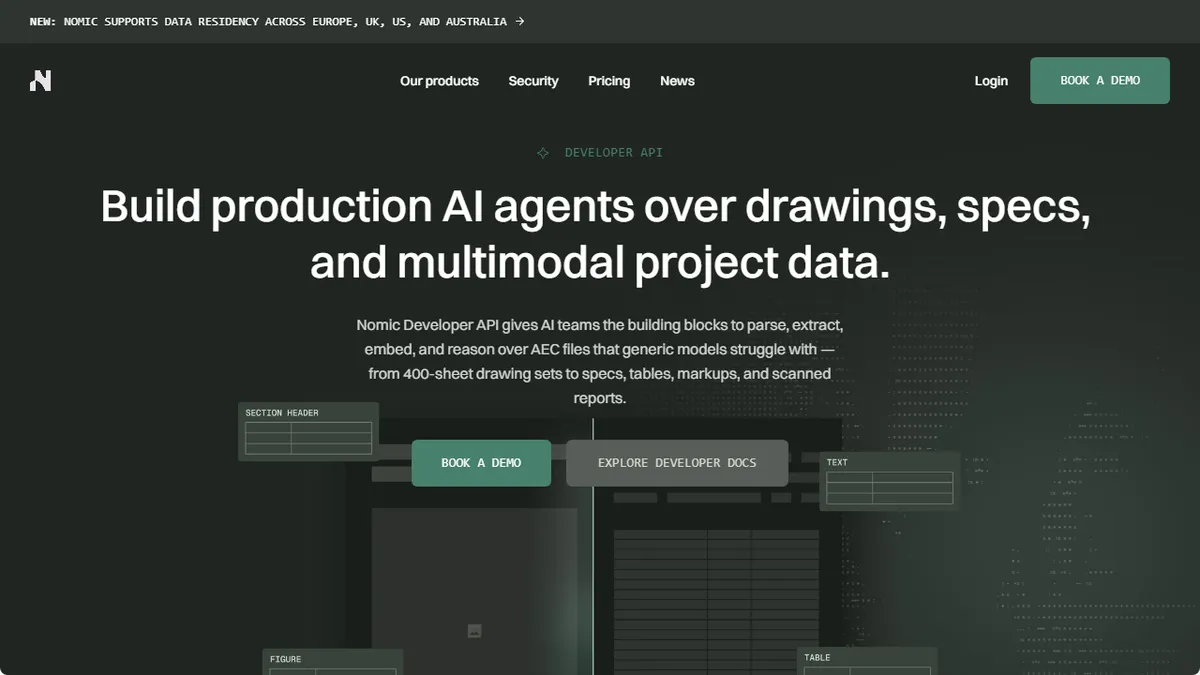
- ⚠️ Nomic's corporate focus appears to have shifted toward an AEC-industry 'Nomic Platform' product; the Atlas roadmap and long-term positioning are less clear than in 2023-2024.
- ⚠️ Topic labels and cluster names are auto-generated and often need human curation before they're presentation-ready.
Facts
- API available
- Yes
- Free trial
- Yes
- Open source
- Yes
- Model used
- nomic-embed-text-v1.5, nomic-embed-vision-v1.5 (in-house open-weights); optional integrations with OpenAI, Cohere, and other embedding providers
- Hacker News
- 3 stories · top 2 points · last Jan 31, 2026 · checked Oct 17, 2026
- Earliest Wayback capture
- 2023-08-01 (earliest archived capture of the site, not a launch date)
Where this tool sits
Use cases
Frequently asked
- How much does Nomic Atlas cost?
- Nomic Atlas offers a free Starter plan. Paid options include Plus at $10/month, Business at $125/seat/month, and custom Enterprise solutions for security-first organizations.
- Which embedding models does Nomic Atlas support?
- It uses in-house open-weights models nomic-embed-text-v1.5 and nomic-embed-vision-v1.5. It also supports optional integrations with OpenAI, Cohere, and other embedding providers.
- Can I integrate Nomic Atlas with my existing RAG stack?
- Yes. You can stream data from LangChain, LlamaIndex, or the Nomic Python client. You can also export embeddings or cleaned datasets to vector DBs like pgvector, Pinecone, or Chroma.
- Is Nomic Atlas suitable for non-technical users?
- No. It is best for ML and data-science teams. It is not recommended for non-technical users without Python or dataset-wrangling experience, or those needing only low-latency ANN search.
- What file formats can I upload to Nomic Atlas?
- You can upload Parquet, CSV, or JSONL datasets. The platform also supports streaming data directly from LangChain, LlamaIndex, or the Nomic Python client.