Napkin AI
Turns blocks of text into editable diagrams, flowcharts, and infographics in one click.
In short
Napkin AI converts text into editable vector diagrams and infographics. Ideal for writers needing slide-ready visuals without design skills.
Pick Napkin AI if you write a lot of explainer content and need slide-ready diagrams without opening a design tool.
Skip it if you want pixel-level art direction, photoreal images, or programmatic generation via API.
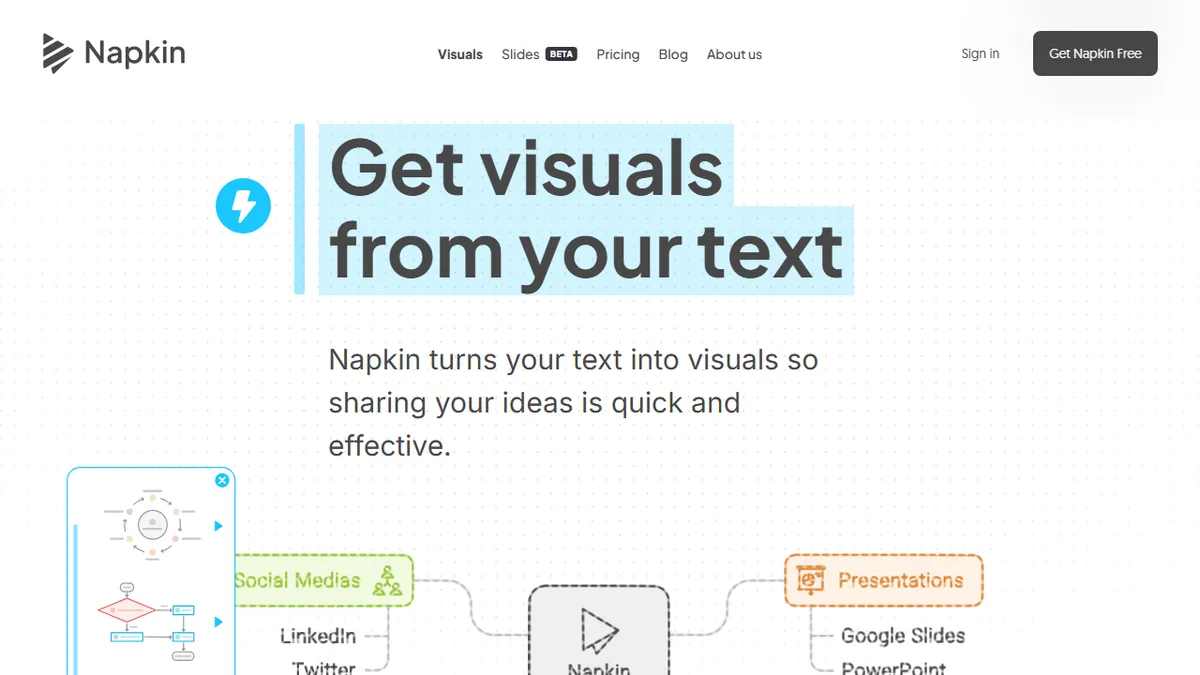
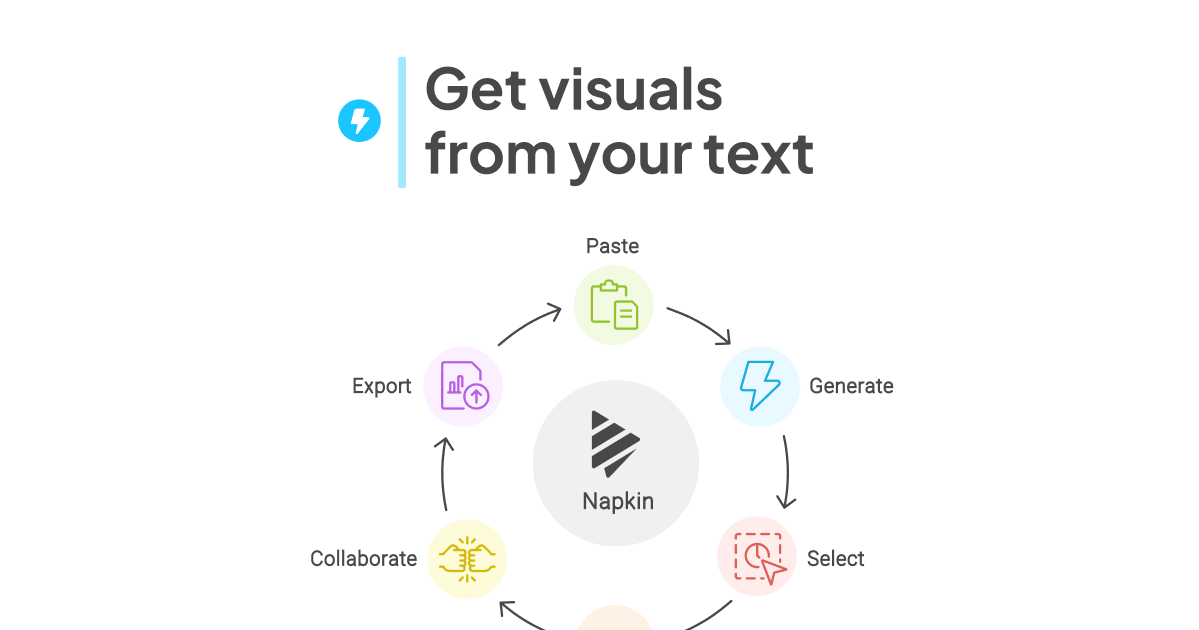
Napkin AI is a text-to-visual generator aimed at people who write more than they draw. You paste a paragraph, a bullet list, a meeting note, or a draft blog post, and Napkin parses the content and proposes a set of editable diagrams, flowcharts, mind maps, scenes, and icon-driven infographics that match the structure of the text. Every generated visual is a real vector object you can recolor, restyle, or rewire by dragging connectors and swapping icons, rather than a flat raster image.
It is best understood as the visual counterpart to a writing tool, not a competitor to Midjourney or Figma. The sweet spot is consultants, PMs, educators, and content creators who need slide-ready charts and LinkedIn-friendly explainer graphics without learning a design app or hand-prompting an image model. Napkin runs in the browser, supports real-time collaboration, and exports to PNG, SVG, PDF, and PowerPoint, which makes it easy to drop output into Google Slides, Canva, Notion, Medium, or Substack.
There is a generous free tier with unlimited visuals while the product is still maturing, plus paid Pro and Team plans that unlock advanced styling, brand controls, and collaboration features. The underlying model is not disclosed and there is no public API yet, so integration into automated pipelines is limited.
Napkin nails a real workflow gap: turning prose into editable diagrams instead of pretty-but-useless AI art. The output is vector and genuinely editable, which is what separates it from the wave of text-to-image toys. The lack of an API and an opinionated visual style are the main reasons it stays a tool rather than a platform.
— The AI Tool Bible editorial team
Pros
- ✅ Generates fully editable vector diagrams, not flat raster images
- ✅ No prompting required - works directly from your prose
- ✅ Clean exports to PNG, SVG, PDF, and PowerPoint
- ✅ Solid free tier and real-time collaboration
Cons
- ⚠️ Underlying model and reasoning are not disclosed
- ⚠️ No public API for automated/programmatic use
- ⚠️ Style library is opinionated; visuals can look samey
- ⚠️ Desktop-first; mobile is view-only
Use cases
Frequently asked
- How much does Napkin AI cost?
- Napkin AI offers a free tier with unlimited visuals. Paid plans include Plus at $9 per person/month and Pro at $22 per person/month, unlocking advanced styling and collaboration features.
- Is Napkin AI suitable for photorealistic image generation?
- No. Napkin AI is designed for diagrams, flowcharts, and infographics, not pixel-level art direction or photoreal images. It is not a competitor to tools like Midjourney.
- Can I edit the generated visuals?
- Yes. Every visual is a real vector object. You can recolor, restyle, rewire connectors, and swap icons directly in the browser rather than dealing with flat raster images.
- Does Napkin AI have a public API?
- No. There is no public API yet, and the underlying model is not disclosed. This limits integration into automated pipelines, though it supports real-time collaboration in the browser.
- What file formats can I export?
- Napkin AI exports to PNG, SVG, PDF, and PowerPoint. This makes it easy to drop output into Google Slides, Canva, Notion, Medium, or Substack.
Explore related
Compare with similar tools
All in Image Generation →Midjourney
FeaturedThe gold standard for aesthetic AI image generation.
Flux
FeaturedBlack Forest Labs' open-weights image model — rivals Midjourney quality.
Stable Diffusion
Open-source image generation — run anywhere, fine-tune anything.
Nano Banana (Gemini Image)
Google DeepMind's Gemini-powered image generation and conversational editing model family
DALL·E 3
OpenAI's image model — strong on prompt adherence and text-in-image.
Canva Magic Studio
Canva's all-in-one AI creative suite for design, image, video, copy, and presentations