Midjourney vs Napkin AI
A side-by-side look at pricing, capabilities, pros, cons, and our editorial scores.
Midjourney Image Generation | 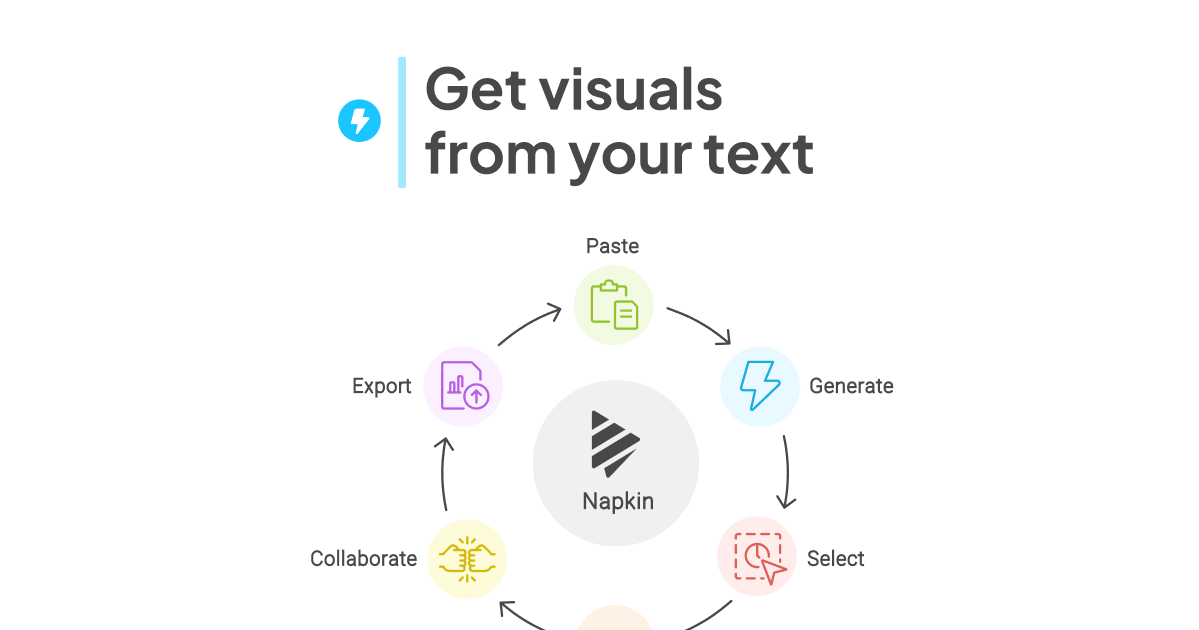 Napkin AI Image Generation | |
|---|---|---|
| Tagline | The gold standard for aesthetic AI image generation. | Turns blocks of text into editable diagrams, flowcharts, and infographics in one click. |
| Category | Image Generation | Image Generation |
| Pricing | Paid· Basic: $20 · Pro: $50 · Enterprise: Contact sales | Freemium· Free: $0 · Plus: $9 per person / month · Pro: $22 per person / month |
| Model | Midjourney v7 | — |
| Editorial score | 9.4 / 10 | 6.9 / 10 |
| Use cases | illustrationconcept artmarketing visuals | diagramsinfographicsflowchartsslide-graphicsmind-maps |
| Pros |
|
|
| Cons |
|
|
| Website | www.midjourney.com | napkin.ai |
Pick Midjourney if
- ✅ Best aesthetic output
- ✅ Strong style consistency
- ✅ Excellent web UI now
- ✅ v7 prompt adherence is much improved
Pick Napkin AI if
- ✅ Generates fully editable vector diagrams, not flat raster images
- ✅ No prompting required - works directly from your prose
- ✅ Clean exports to PNG, SVG, PDF, and PowerPoint
- ✅ Solid free tier and real-time collaboration