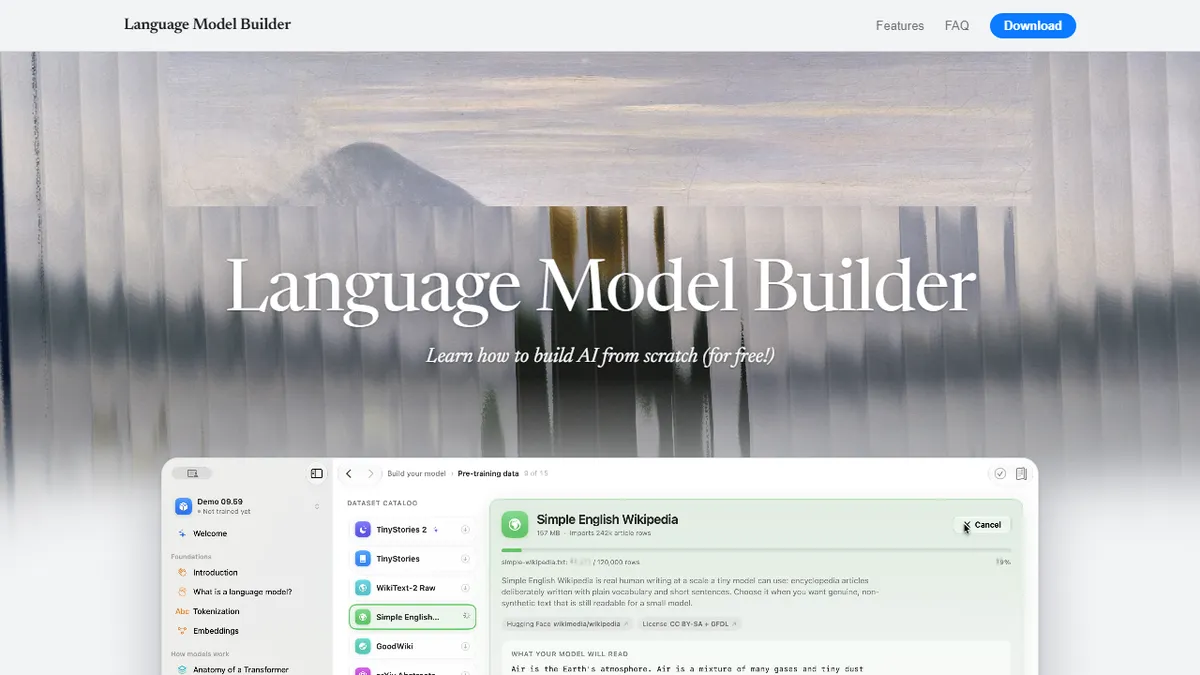
Language Model Builder
Learn how LLMs work by building one on your Mac
Self-taught engineers, students, and curious professionals on Apple Silicon Macs who want to build intuition for how transformer LLMs are pre-trained, fine-tuned with SFT, and aligned with DPO by actually doing it locally.
Teams needing production-scale training, Windows or Linux users, or anyone who wants a code-first framework, cloud GPU orchestration, or an API to script training runs.
Language Model Builder is a native macOS application that teaches you how transformer-based language models actually work by letting you build, train, and fine-tune one on your own Mac. It ships as an interactive textbook plus a hardware-accelerated training workbench in a single app. The textbook is a roughly 90-minute guided introduction that walks through tokenization, embeddings, attention, the transformer block, training data curation, and fine-tuning techniques, with inline playgrounds that let you poke at each concept as you read. The workbench then turns those concepts into practice: you pick a curated pre-training dataset, run pre-training on Apple Silicon, then move on to supervised fine-tuning (SFT) and direct preference optimization (DPO) on top of your base checkpoint, and finally chat with the result inside the app. Live loss curves, checkpointing, resumable runs, and a token-level 'X-ray mode' in the chat view make it easy to see what the model has and has not learned. Models are exported in the standard safetensors format, so anything you produce is portable to other tooling. Everything happens locally with no cloud dependency, no accounts, and no per-token cost. It is aimed squarely at learners — students, self-taught engineers, curious PMs, and researchers who want intuition for LLM internals — rather than teams shipping a production model, since the datasets and scales are educational and the app is macOS-only on Apple Silicon.
This is one of the friendliest on-ramps to LLM internals I have seen — a proper textbook welded to a real training workbench that runs on your laptop, for free. Treat it as a teaching tool, not a route to a production model: the payoff is intuition about tokenization, attention, SFT, and DPO that carries over cleanly to Hugging Face or PyTorch when you outgrow it.
— The AI Tool Bible editorial team
Pros
- ✅ Genuinely end-to-end: pre-training, SFT, and DPO all inside one native app
- ✅ Interactive textbook with playgrounds pairs conceptual explanations with hands-on training
- ✅ Runs entirely locally on Apple Silicon — no cloud, no API keys, no per-token cost
- ✅ Live loss curves, checkpointing, and resumable runs mirror real ML workflow ergonomics
- ✅ Token-level 'X-ray' chat view is a strong pedagogical tool for understanding model behavior
- ✅ Exports checkpoints in safetensors, so trained models are portable to other tooling
- ✅ Completely free with no signup wall or subscription
Cons
- ⚠️ macOS-only and requires Apple Silicon plus macOS 15+, excluding Windows, Linux, and Intel Mac users
- ⚠️ Scoped for education, not production — model sizes and datasets are toy-scale by LLM standards
- ⚠️ No API, CLI, or scripting surface; workflows live inside the GUI
- ⚠️ Curated dataset selection means less flexibility than a code-first framework like PyTorch or Hugging Face
- ⚠️ Training speed is bounded by local Apple Silicon hardware rather than dedicated GPUs
- ⚠️ Not open source, so you cannot audit or extend the training internals
Use cases
Explore related
Compare with similar tools
All in Fine-tuning →Together AI
FeaturedFine-tune & serve open-weight models (Llama, Mistral, DeepSeek).
Modal
Serverless GPUs and infra for training & serving ML.
Replicate
One-API platform for running and fine-tuning open-source models.
OpenAI Fine-tuning
Fine-tune GPT-4o-mini and friends on your own data.
Llama
Meta's open-weight LLM family covering 1B mobile models up to 405B frontier and natively multimodal 10M-context Llama 4 variants.
RunPod
On-demand GPU cloud and serverless inference platform built specifically for AI workloads.