Krea
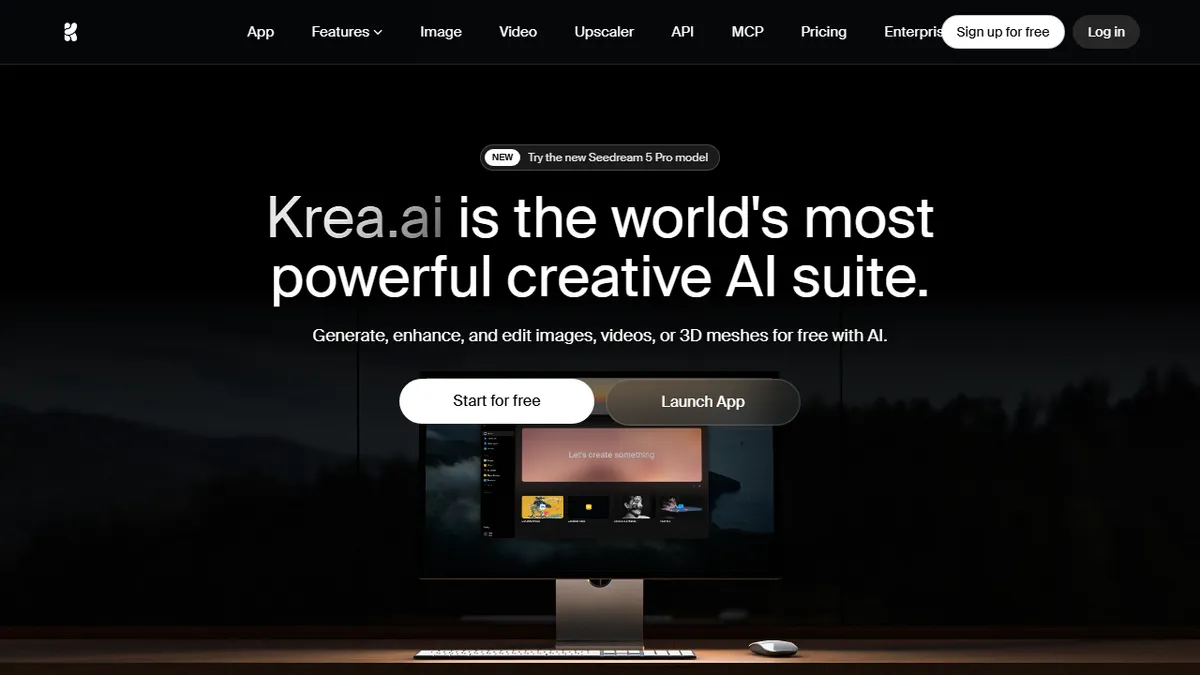
All-in-one creative AI canvas that aggregates dozens of image, video, and 3D models behind a single UI.
In short
Krea is an all-in-one AI canvas aggregating 64+ image, video, and 3D models. It replaces multiple subscriptions with a single workspace for designers and marketers.
Pick Krea if you want a single canvas to bounce between Flux, Ideogram, Runway, and Luma without managing five separate subscriptions and API keys.
Skip it if you need a deterministic, self-hosted pipeline or you're a power user who already lives inside one specific model's native tooling.
Krea is a web-based creative suite that bundles text-to-image, text-to-video, text-to-3D, upscaling, real-time generation, and LoRA fine-tuning into one workspace. Instead of locking you to a single model, it routes work across 64+ generative engines including Flux, Ideogram, Runway, Luma, Veo 3.1, Gemini, and its own Krea 2 model, with claims of sub-50ms real-time image generation and 22K upscaling.
It's aimed at designers, marketers, and creative directors who want one subscription that covers most modern generative workflows rather than juggling separate logins to Midjourney, Runway, Ideogram, and Luma. The free tier gives 100 daily compute units with limited model access; paid Basic/Pro tiers unlock the full model roster, faster queues, and higher resolutions, with an annual discount of roughly 40%. Enterprise customers listed include Lego, Samsung, Nike, Microsoft, and Shopify.
The canvas-style UI, training tools for custom LoRAs, and real-time paint-to-image mode are the differentiators most worth paying for. Caveats: pricing is metered in compute units rather than flat generations, and because Krea proxies third-party models, capability and licensing can shift whenever an upstream provider changes terms.
Krea has quietly become the closest thing to a Figma for generative media, and the real-time canvas is genuinely novel. For studios doing client work it's a no-brainer aggregator, though serious operators will still want direct API access to specific models for repeatability and cost control.
— The AI Tool Bible editorial team
Pros
- ✅ One subscription covers 64+ image, video, and 3D models
- ✅ Real-time canvas with sub-50ms generation feels like sketching
- ✅ Native 4K output and upscaling to 22K resolution
- ✅ LoRA training for custom styles and characters
- ✅ Used in production by Lego, Nike, Samsung, Microsoft
Cons
- ⚠️ Compute-unit pricing is harder to predict than per-image plans
- ⚠️ Quality depends on upstream third-party model availability
- ⚠️ Heavy features gated behind higher-tier subscriptions
- ⚠️ No self-host or fully open-source option
Use cases
Frequently asked
- How much does Krea cost?
- Krea offers a free tier with 100 daily compute units. Paid plans include Basic at $19, Pro at $39, Max at $99, and Business via sales contact. Annual billing provides roughly a 40% discount.
- Which AI models does Krea support?
- Krea routes work across 64+ generative engines, including Flux, Ideogram, Runway, Luma, Veo 3.1, Gemini, and its own Krea 2 model. This allows users to switch between different models within a single interface.
- Is Krea suitable for professional designers?
- Yes, it targets designers, marketers, and creative directors who want one subscription covering most generative workflows. It includes tools for text-to-image, video, 3D, upscaling, and LoRA fine-tuning, replacing the need for multiple separate logins.
- What are the limitations of using Krea?
- Pricing is metered in compute units rather than flat generations. Since Krea proxies third-party models, capabilities and licensing terms can shift if upstream providers change their policies. It is not a self-hosted, deterministic pipeline.
- Does Krea offer real-time generation features?
- Yes, Krea claims sub-50ms real-time image generation and includes a real-time paint-to-image mode. It also supports 22K upscaling and training tools for custom LoRAs, which are key differentiators for the platform.
Explore related
Compare with similar tools
All in Image Generation →Midjourney
FeaturedThe gold standard for aesthetic AI image generation.
Flux
FeaturedBlack Forest Labs' open-weights image model — rivals Midjourney quality.
Stable Diffusion
Open-source image generation — run anywhere, fine-tune anything.
Nano Banana (Gemini Image)
Google DeepMind's Gemini-powered image generation and conversational editing model family
DALL·E 3
OpenAI's image model — strong on prompt adherence and text-in-image.
Canva Magic Studio
Canva's all-in-one AI creative suite for design, image, video, copy, and presentations