
Grammarly
✓ Editorially verifiedCross-app AI writing assistant that catches errors, rewrites paragraphs, and adjusts tone in the tools you already use.
In short
Grammarly embeds into your existing apps to offer real-time writing corrections and rewrites without requiring copy-paste workflows. It is best for users seeking an integrated writing coach across their digital workspace rather than a standalone chat interface.
Pick Grammarly if you want a writing coach embedded in every app you already use and don't want to run your own LLM workflow.
Skip it if you need programmatic writing APIs, want full control of the model, or already pay for ChatGPT/Claude and prefer prompting directly.
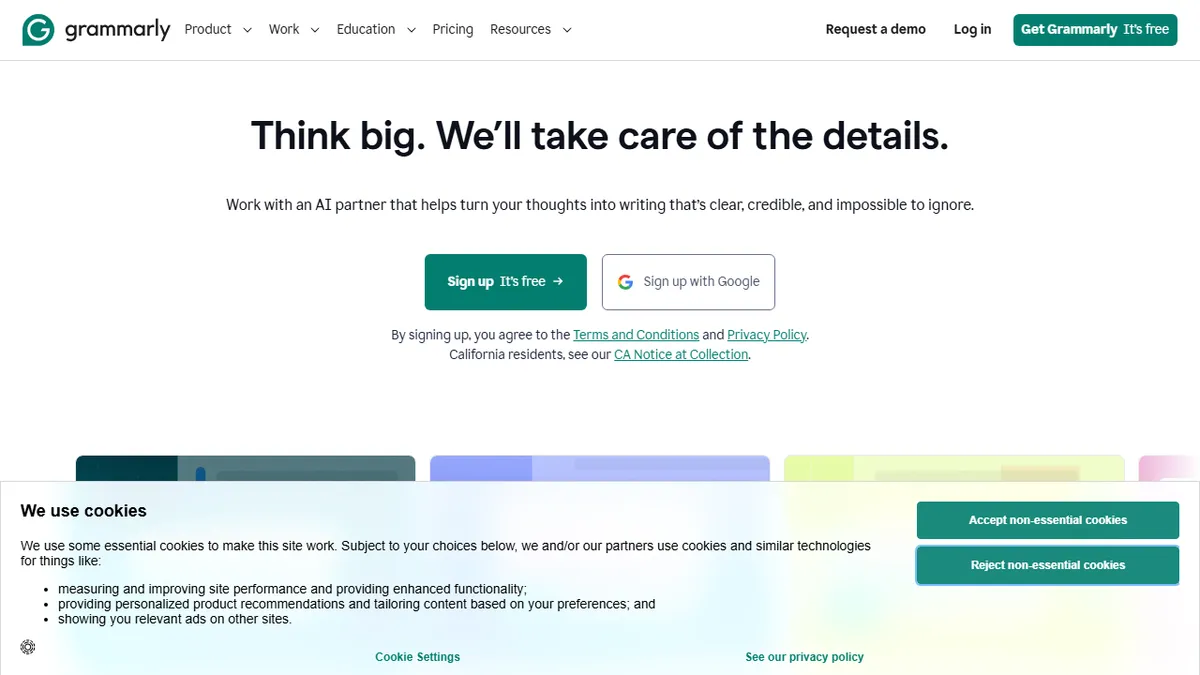
Grammarly is the incumbent AI writing assistant, running as a browser extension, desktop overlay, and mobile keyboard that inserts itself into Gmail, Docs, Word, Slack, LinkedIn, and just about any text field on the web. The core value is real-time grammar, clarity, and tone feedback plus one-click paragraph rewrites, with a growing shelf of purpose-built AI agents for resume drafting, citation finding, AI detection, humanizing, and reader-reaction analysis.
Where it differentiates from raw ChatGPT usage is surface area and workflow: instead of copy-pasting into a chat window, Grammarly rides along inside whatever app you're already writing in and respects your existing sentence. The Free tier covers basic corrections and 100 generative prompts; Pro (marketed as Plus) runs $12/month billed annually or $30/month monthly with 2,000+ prompts, style guides, and full rewrites; Enterprise adds SSO, confidential mode, and unlimited seats for the 50,000+ organizations already on it.
There is no public generative API for developers; Grammarly is a consumer/enterprise SaaS, not a model provider. It's closed-source, and the underlying models are a proprietary blend layered over unnamed third-party LLMs. For teams that want writing consistency without training everyone to prompt an LLM, it's still the safest default.
Still the default answer for 'AI writing assistant' for a reason: the distribution across every text field on your machine is unmatched. The Free tier is enough for most people; Pro only earns its price if you write for a living or need the style-guide enforcement. Power users on a Claude or GPT subscription can probably skip it.
— The AI Tool Bible editorial team
Pros
- ✅ Runs inside almost every app and website with no copy-paste workflow
- ✅ Free tier is genuinely usable for everyday proofreading
- ✅ Enterprise-grade privacy controls and style guides for teams
- ✅ Purpose-built agents (AI detector, humanizer, citations) beyond generic chat
Cons
- ⚠️ No public generative API for developer integrations
- ⚠️ Pro is pricey vs. running rewrites through a raw LLM subscription
- ⚠️ Suggestions can feel formulaic and flatten distinctive voice
- ⚠️ Closed-source with limited transparency about underlying models
Use cases
Frequently asked
- How does Grammarly integrate with other applications?
- It runs as a browser extension, desktop overlay, and mobile keyboard, inserting itself into tools like Gmail, Docs, Word, Slack, and LinkedIn to provide feedback directly in the text field.
- What features are included in the free tier?
- The free tier covers basic corrections and includes 100 generative prompts, making it usable for everyday proofreading without a subscription.
- Does Grammarly offer an API for developers?
- No, there is no public generative API for developers. Grammarly is a consumer and enterprise SaaS product, not a model provider.
- What additional features does the Pro plan offer?
- Pro, also marketed as Plus, provides over 2,000 prompts, style guides, and full rewrites. It is priced at $12/month billed annually or $30/month monthly.
- Is Grammarly suitable for teams requiring privacy controls?
- Yes, the Enterprise plan adds SSO, confidential mode, and unlimited seats, serving over 50,000 organizations with specific privacy and consistency needs.
Explore related
Compare with similar tools
All in Writing →Claude
FeaturedAnthropic's flagship assistant for long-form writing, analysis, and coding.
GPT-4o
FeaturedOpenAI's multimodal flagship behind ChatGPT.
Gemini Advanced
Google's flagship — strong at math, long context, and Workspace integration.
Llama 3
Meta's open-weights LLM family that put serious frontier-adjacent models in everyone's hands.
Qwen
Alibaba's open-weight foundation model family covering chat, vision, image generation, translation, and safety classification.
Jan
Open-source desktop ChatGPT alternative that runs local LLMs and routes to cloud providers from one app.