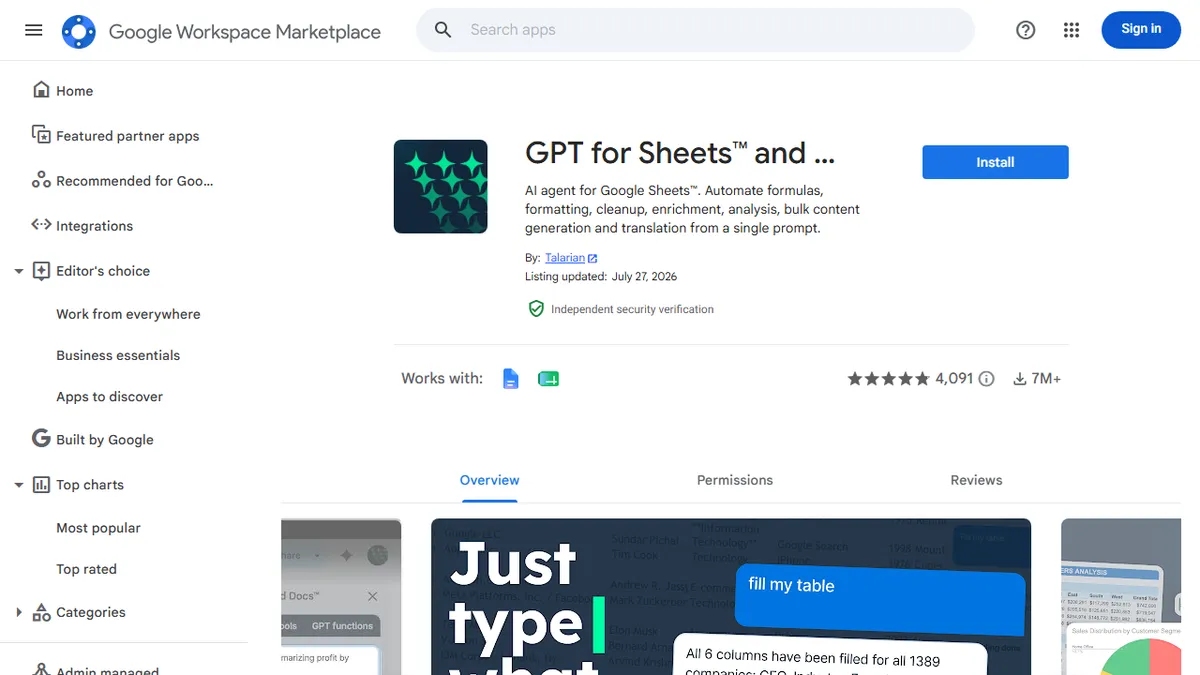

GPT for Sheets and Docs
Multi-model AI add-on that turns Google Sheets and Docs into a bulk text-processing engine.
In short
GPT for Sheets and Docs is a Google Workspace add-on that runs multi-model LLM tasks like translation and classification across thousands of rows using simple functions.
Pick GPT for Sheets and Docs if you live in Google Workspace and need to run LLM calls across thousands of rows without writing code or wiring up an API.
Skip it if you work primarily in Excel, need a programmatic API outside Workspace, or want a single integrated agent rather than spreadsheet functions.
GPT for Sheets and Docs is a Google Workspace add-on from Talarian that drops large language models directly into spreadsheet cells and document workflows. Through custom functions like GPT(), GPT_TRANSLATE, GPT_EXTRACT, GPT_CLASSIFY and GPT_TAG, users can run text generation, cleaning, translation, classification, summarisation and data enrichment over thousands of rows at a time, with throughput claimed up to 1,000 requests per minute. It also handles spreadsheet chores via natural language, including formulas, pivots and charts.
The differentiator is model breadth and team economics. Instead of locking you to one vendor, it routes to OpenAI, Anthropic, Google, Mistral, Perplexity and Parallel, optionally via your own API keys. Pricing is pay-as-you-go credit packs pooled across a workspace rather than per-seat, which suits agencies and ops teams with spiky, batch-style workloads. ISO 27001 certification, GDPR compliance and a no-training data policy make it a more defensible pick than most marketplace add-ons.
It is best understood as the de facto bridge between LLMs and the spreadsheet-first workflows that still run marketing, ecommerce, research and ops. The trade-off is that you are bound to Google Workspace, and complex pipelines will eventually outgrow a cell-based interface.
The most mature LLM-in-a-spreadsheet add-on, and the multi-provider routing plus pooled credits make it genuinely useful for ops teams. Treat it as a batch text-processing tool, not an agent platform, and it earns its keep. Once your prompts get branching logic, graduate to a real workflow runner.
— The AI Tool Bible editorial team
Pros
- ✅ Multi-provider: OpenAI, Anthropic, Google, Mistral, Perplexity, Parallel in one add-on
- ✅ Bulk throughput up to ~1,000 requests/minute for enrichment and translation jobs
- ✅ Pooled credit packs avoid per-seat pricing for variable team usage
- ✅ Bring-your-own-API-key option for cost control and model choice
- ✅ ISO 27001 certified, GDPR compliant, no training on customer data
Cons
- ⚠️ Locked to Google Sheets and Docs; no standalone app or Excel parity
- ⚠️ Cell-formula UX gets unwieldy for complex multi-step pipelines
- ⚠️ Credit accounting on top of underlying model costs can be hard to forecast
Use cases
Frequently asked
- How much does GPT for Sheets and Docs cost?
- It uses a freemium model with pay-as-you-go credit packs pooled across the workspace. Paid tiers include Starter at €3.40, Standard at €6.80, Plus at €10.55, and Enterprise via contact sales.
- Which AI models can I use with this add-on?
- It supports multiple models including OpenAI, Anthropic, Google, Mistral, Perplexity, and Parallel. You can optionally route requests through your own API keys to manage costs and data control.
- Is this tool compatible with Microsoft Excel?
- No, it is specifically designed for Google Workspace. The documentation advises skipping it if you work primarily in Excel or need a programmatic API outside of the Google ecosystem.
- What specific tasks can I automate in Sheets?
- You can run text generation, cleaning, translation, classification, summarization, and data enrichment. It also handles spreadsheet chores like formulas, pivots, and charts via natural language commands.
- Is my data safe and compliant with regulations?
- Yes, the tool is ISO 27001 certified and GDPR compliant. It follows a no-training data policy, making it a defensible choice for teams concerned about data privacy and security.
Explore related
Compare with similar tools
All in Writing →Claude
FeaturedAnthropic's flagship assistant for long-form writing, analysis, and coding.
GPT-4o
FeaturedOpenAI's multimodal flagship behind ChatGPT.
Gemini Advanced
Google's flagship — strong at math, long context, and Workspace integration.
Llama 3
Meta's open-weights LLM family that put serious frontier-adjacent models in everyone's hands.
Qwen
Alibaba's open-weight foundation model family covering chat, vision, image generation, translation, and safety classification.
Jan
Open-source desktop ChatGPT alternative that runs local LLMs and routes to cloud providers from one app.