
GPT for Gmail
Multi-model AI sidebar that drafts, translates, and summarizes inside Gmail.
In short
GPT for Gmail is a Google Workspace add-on that integrates a multi-model AI assistant into Gmail's compose and reading panes. It is best for users who want to draft, translate, and summarize emails using various AI providers without leaving their inbox.
Pick GPT for Gmail if you live in Gmail and want a model-agnostic drafting and translation sidebar without leaving your inbox.
Skip it if you need Outlook support, an API, or deep CRM-style automation beyond per-message drafting.
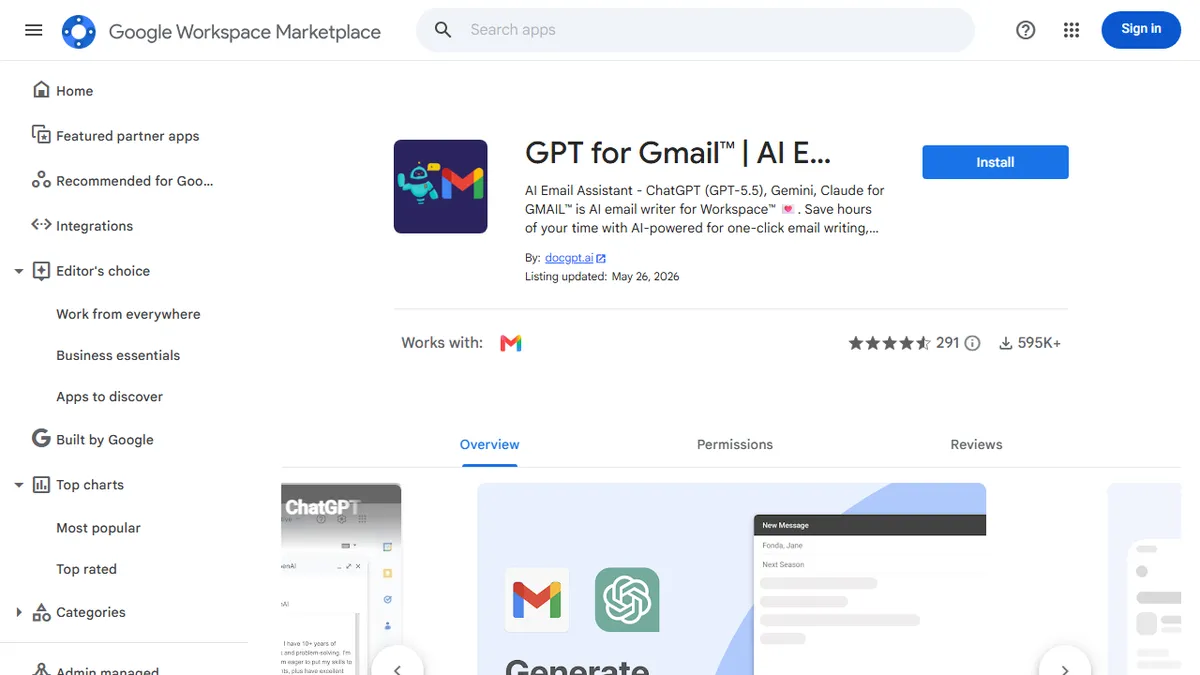
GPT for Gmail is a Google Workspace add-on from docgpt.ai that bolts a multi-model AI assistant directly into the Gmail compose and reading panes. It generates replies from context, rewrites tone, translates across 40+ languages, summarizes long threads, and ships a library of prebuilt prompts for common HR, sales, and customer-support scenarios. The add-on works on desktop Gmail as well as the iOS and Android apps.
The pitch that sets it apart from the dozens of other Gmail AI plugins is model choice: instead of locking you to one provider, it routes through GPT-4o, GPT-4, GPT-3.5 Turbo, Claude, Gemini, Mistral, and Perplexity, letting users pick the model per task. It is freemium, with basic generation free and heavier usage / premium models behind a paid tier. The 587K+ install base on the Marketplace suggests it is one of the more battle-tested options in the category, though reviews are modest in number.
Integration is sidebar-only inside Gmail, so it does not touch calendar, Drive, or non-Google mail clients. Personalization claims to learn from your writing style, but there is no public API and no self-hosting story — this is firmly a consumer/SMB productivity add-on, not an infrastructure piece.
A solid pick in a crowded niche, mainly because of the model-switching. The Gmail-only scope is limiting, and the polish lags behind first-party Gemini in Gmail, but the multi-provider flexibility and free tier make it a reasonable default for individuals.
— The AI Tool Bible editorial team
Pros
- ✅ Multi-model routing across OpenAI, Anthropic, Google, Mistral, and Perplexity
- ✅ Native Gmail sidebar plus iOS/Android support
- ✅ Built-in translation across 40+ languages
- ✅ Large prompt-template library for common business scenarios
- ✅ Free tier covers basic generation
Cons
- ⚠️ Gmail-only — no Outlook or other mail clients
- ⚠️ No public API or self-hosted option
- ⚠️ Premium model access gated behind a paywall
- ⚠️ Review count is small relative to install base
Use cases
Frequently asked
- Which AI models does GPT for Gmail support?
- The tool routes through GPT-4o, GPT-4, GPT-3.5 Turbo, Claude, Gemini, Mistral, and Perplexity, allowing users to select a specific model for each task.
- Is GPT for Gmail available on mobile devices?
- Yes, the add-on works on desktop Gmail as well as the iOS and Android apps.
- What are the pricing options for GPT for Gmail?
- It operates on a freemium model with a free tier for basic generation. Paid plans include Starter at €3.40, Standard at €6.80, and Plus at €10.55, with Enterprise available via sales contact.
- Does GPT for Gmail support email translation?
- Yes, the tool includes built-in translation capabilities across more than 40 languages.
- Can I use GPT for Gmail with Outlook or other email clients?
- No, the integration is sidebar-only inside Gmail and does not support Outlook or non-Google mail clients.
Explore related
Compare with similar tools
All in Writing →Claude
FeaturedAnthropic's flagship assistant for long-form writing, analysis, and coding.
GPT-4o
FeaturedOpenAI's multimodal flagship behind ChatGPT.
Gemini Advanced
Google's flagship — strong at math, long context, and Workspace integration.
Llama 3
Meta's open-weights LLM family that put serious frontier-adjacent models in everyone's hands.
Qwen
Alibaba's open-weight foundation model family covering chat, vision, image generation, translation, and safety classification.
Jan
Open-source desktop ChatGPT alternative that runs local LLMs and routes to cloud providers from one app.