
DomoAI
✓ Editorially verifiedMulti-model AI video platform covering text-to-video, image-to-video, style transfer, and talking avatars.
In short
DomoAI aggregates over 70 underlying video models into a single browser-based interface for text-to-video, image-to-video, and talking avatars. It is best suited for social creators and small studios who want to experiment with diverse styles without managing multiple subscriptions. The platform includes full commercial rights and a public API for developers.
Pick DomoAI if you want a single freemium hub for trying many AI video styles - anime, cinematic, avatar, motion transfer - without juggling separate subscriptions.
Skip it if you need precise, repeatable cinematic shots with tight camera and character control - a dedicated pro tool will serve you better.
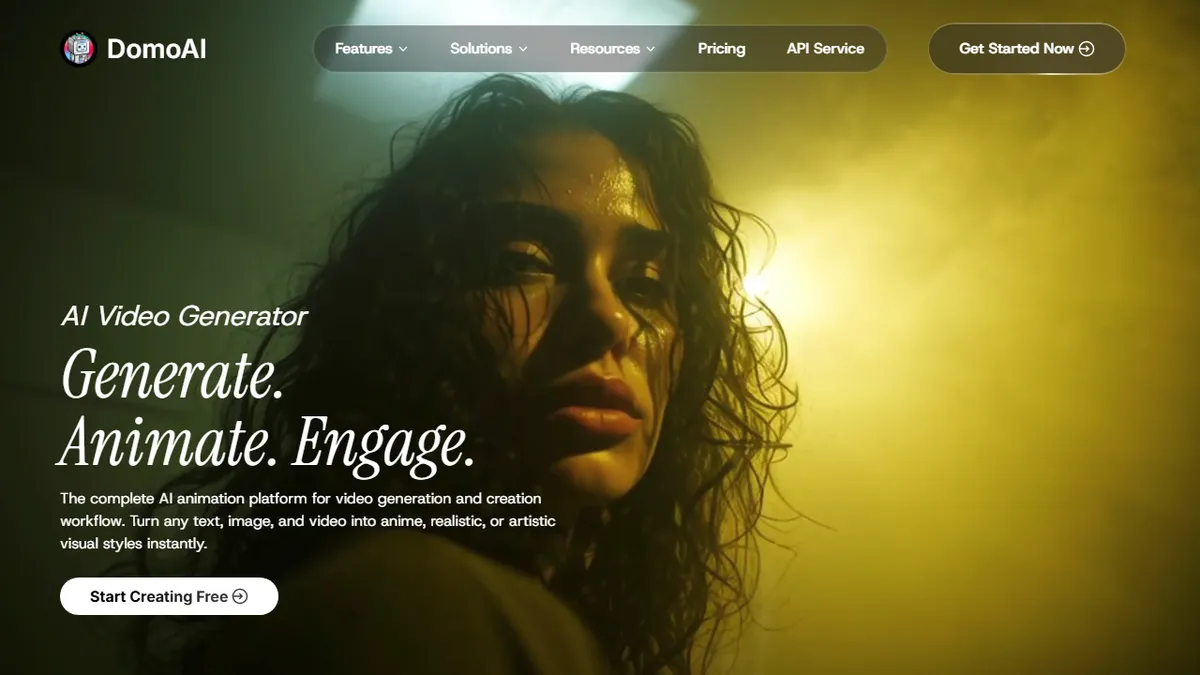
DomoAI is a browser-based AI video generator that bundles a wide range of generative modes into one interface: text-to-video, image-to-video, video-to-video style transformation, character animation from a motion reference, talking avatars, and frame interpolation between 2-8 uploaded stills. It leans on a rotating catalogue of 70+ underlying video models rather than a single house engine, which is how it stays current as new open and closed video models ship.
The pitch is aimed at social creators, anime and gaming artists, and small studios who want to try many styles quickly without stitching together Runway, Kling, Pika, and a dozen LoRA workflows themselves. Pricing is freemium with paid tiers for heavier renders and priority queues, and DomoAI grants full commercial rights on generated output, which puts it ahead of some peers whose free tiers are personal-use only. A developer API is exposed at platform.domoai.com with docs at docs.domoai.app.
Caveats worth knowing: because it wraps third-party models, quality and consistency vary noticeably by mode, and the specific model behind each preset isn't always disclosed. Fine control (camera paths, keyframes, precise character consistency) still trails dedicated tools like Runway Gen-3 or Kling for professional shot work.
A useful aggregator-style video playground rather than a category leader on any single mode. The 70-model breadth plus commercial rights make it a reasonable default for creators who want optionality, but serious productions will still reach for Runway, Kling, or Veo for hero shots.
— The AI Tool Bible editorial team
Pros
- ✅ Covers most generative video modes in one interface
- ✅ Access to 70+ underlying video models without separate subs
- ✅ Full commercial rights on generated output
- ✅ Public API for developers via platform.domoai.com
Cons
- ⚠️ Quality varies by underlying model and preset
- ⚠️ Less fine-grained shot control than Runway or Kling
- ⚠️ Underlying model per preset not always transparent
Use cases
Frequently asked
- What video generation modes does DomoAI support?
- DomoAI supports text-to-video, image-to-video, video-to-video style transformation, character animation from motion references, talking avatars, and frame interpolation between uploaded stills.
- Does DomoAI offer commercial rights for generated content?
- Yes, DomoAI grants full commercial rights on all generated output, distinguishing it from some peers whose free tiers are limited to personal use only.
- Is there a developer API available?
- Yes, a public developer API is exposed at platform.domoai.com with documentation available at docs.domoai.app.
Explore related
Compare with similar tools
All in Video →Runway
FeaturedPro-grade AI video editor and Gen-4 generation.
Sora
FeaturedOpenAI's flagship text-to-video model.
Luma Dream Machine
Fast, accessible text-to-video with strong camera control.
HeyGen
Avatar video + lip-sync translation at scale.
Google Veo
Google DeepMind's flagship text-to-video model with native audio generation and cinematic camera control.
Higgsfield
AI video and image generation suite that aggregates 30+ frontier models under one workflow.