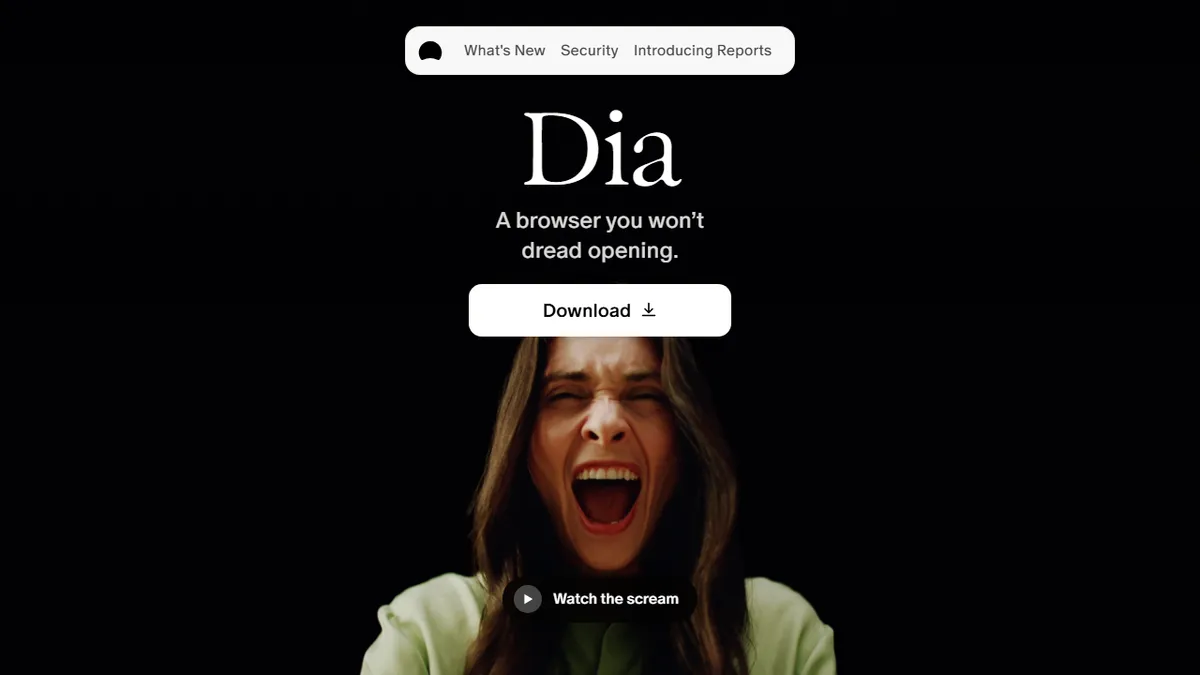

Dia Browser
Not yet source-checkedAn AI-native browser from The Browser Company that turns tabs into an agentic assistant for knowledge workers.
Machine-drafted from the vendor's site · not yet source-checkedProfile updated Link checked Pricing captured How we rate
In short
Dia is an AI-native Mac browser that turns tabs into an agentic assistant. It helps knowledge workers summarize, draft, and organize work across Google Workspace, Slack, and GitHub.
Mac-based knowledge workers, founders and small product teams living in Google Workspace, Slack, Notion and GitHub who want an agentic layer that reasons across their open tabs.
Windows or Linux users, teams needing disclosed model provenance and formal enterprise controls today, or anyone who wants a minimalist, non-AI browser.
Dia is an AI-native desktop web browser from The Browser Company (the team behind Arc), built around the idea that the browser itself should behave like an agent rather than a passive viewer. Instead of bolting a chat sidebar onto Chromium, Dia treats every tab, every open app, and every logged-in service as context that a built-in assistant can read, cross-reference and act on. Ask it to summarise the five tabs you have open, draft a reply to the Gmail thread on the left using the Notion doc on the right, pull the numbers out of a Google Sheet into a deck, or write a Slack update based on this morning's GitHub activity, and it will orchestrate the work inside the browser rather than shipping you off to a separate tool. A 'Morning Brief' surfaces the day's calendar, inbox and key links in one view, and 'Live Work' integrations keep GitHub, Notion, Slack and Google Workspace state live inside tab groups so the assistant can reason over current data. Split-screen layouts, tab grouping, and separate work/personal profiles are first-class, and the assistant remembers preferences between sessions. Privacy defaults are aggressive: tracker and ad blocking are on out of the box, sync is end-to-end encrypted, and users choose what personalisation data the AI can retain. Dia for Work adds SSO, admin controls and centralised policy for teams that want to deploy it as a managed browser. It currently ships only for Apple Silicon Macs on macOS 14+, which limits it to a specific slice of the market but keeps the performance and integration surface tight.
Dia is the most credible attempt yet to make the browser itself the agent, and cross-tab synthesis genuinely changes how a workday feels once you trust it. The Apple-Silicon-only footprint and undisclosed model stack keep it firmly in early-adopter territory, but for a Mac-first knowledge worker it is worth installing today.
— The AI Tool Bible editorial team
Pros
- ✅ Agentic assistant has direct read access to the tabs and web apps you are already logged into, avoiding copy-paste into a separate chatbot.
- ✅ Morning Brief and Live Work integrations pull real-time state from Gmail, Calendar, Slack, Notion and GitHub into a single working surface.
- ✅ Cross-tab synthesis (summarise, draft, extract, build a deck) works across mixed sources without leaving the browser.
- ✅ Privacy defaults are strong: tracker/ad blocking on by default, end-to-end encrypted sync, granular controls over what the AI remembers.
- ✅ Built on Chromium so extensions and web-app compatibility are effectively at parity with Chrome.
- ✅ Separate work and personal profiles with per-profile layouts and tab groups fit split-context knowledge workers well.
- ✅ Backed by The Browser Company, whose Arc lineage shows deep polish in tab and window management.
Cons
- ⚠️ macOS 14+ on Apple Silicon only; no Windows, Linux, iOS or Intel Mac build available.
- ⚠️ Underlying AI model is not disclosed, so teams with strict provider or data-residency requirements have no visibility.
- ⚠️ Public pricing for the Dia for Work enterprise tier is not published, requiring sales contact.
- ⚠️ Assistant quality depends heavily on being logged into the third-party apps it reasons over; benefits collapse for users outside the Google/Slack/Notion/GitHub stack.
- ⚠️ As a newer product it lacks the extension and enterprise-management maturity of Chrome or Edge.
- ⚠️ The Browser Company shifted focus from Arc to Dia, so long-term product stability is a legitimate concern.
Pricing (captured )
| Tier | Monthly | Key features |
|---|---|---|
| Browser | Free |
|
| Better Answers | $10 /month |
|
| Better Days | $100 /month |
|
Prices change; we show the grid as captured on Oct 28, 2026. Check current pricing on the vendor's site →
Facts
- Free trial
- Yes
- Hacker News
- 10 stories · top 8 points · last Oct 9, 2025 · checked Oct 10, 2026
- Earliest Wayback capture
- 2024-12-02 (earliest archived capture of the site, not a launch date)
- Founded
- 2025 (Wikidata)
Where this tool sits
Use cases
Frequently asked
- How much does Dia Browser cost?
- Dia offers a free consumer download. There is a paid 'Dia for Work' tier that includes SSO and admin controls, but the specific price is not disclosed publicly.
- Which operating systems are supported?
- Dia currently ships only for Apple Silicon Macs running macOS 14 or later. It is not available for Windows or Linux users at this time.
- What tools does Dia integrate with?
- Dia integrates with Google Workspace, Slack, Notion, and GitHub. It uses 'Live Work' integrations to keep the state of these services live inside tab groups for the assistant to reason over.
- Is Dia suitable for enterprise teams?
- Dia for Work adds SSO, admin controls, and centralized policy for managed deployment. However, it may not suit teams needing disclosed model provenance or formal enterprise controls today, as these are not explicitly detailed.
- How does Dia handle privacy and data?
- Tracker and ad blocking are on by default. Sync is end-to-end encrypted, and users choose what personalisation data the AI retains. The assistant remembers preferences between sessions based on user settings.