Descript
✓ Text source-checked Oct 27, 2026AI video and audio editor that lets you edit media by editing text.
Source-checked against the vendor's site · rebuilt from the vendor's own pagesProfile updated Link checked Pricing captured How we rate
In short
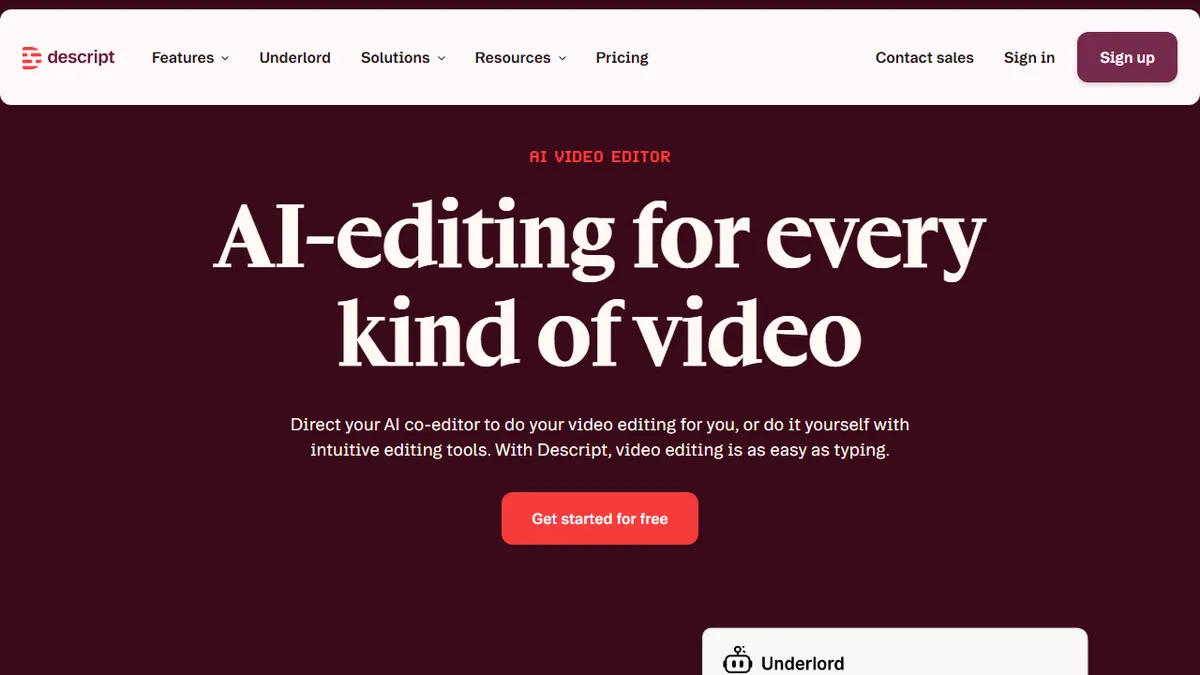
Descript is an AI video and audio editor that lets you edit media by editing text. It features AI tools for transcription, voice cloning, and video generation.
Descript is an AI video and audio editor that records, transcribes, edits, refines, shares, and repurposes video by editing text. Descript's AI transcribes recordings so that deleting a word deletes that moment of video and moving a sentence moves the footage with it.
Underlord acts as an AI video editor that can turn a raw recording into a tight cut in minutes. Studio Sound is an AI audio filter that removes background noise and echo and enhances the speaking voice. Eye Contact is an AI effect that redirects a subject's gaze toward the camera when they were reading off-screen. Green Screen removes or replaces the background behind a speaker without a physical green screen. Descript offers custom voice clones that create an AI version of a user's voice to generate speech from text. Descript includes a feature to generate video from text using AI.
Descript is used by marketing teams, sales engineers, support reps, and CEOs to create video content. Enterprise teams at Amazon, Canva, and Salesforce use Descript.
Descript offers a free plan for one person that allows users to start editing video by editing text. The Hobbyist plan costs $16 per person per month and provides watermark-free exports. The Creator plan costs $24 per person per month and scales to a team of three. The Business plan costs $50 per person per month and scales to a team of five.
The free plan exports video at 720p resolution with a watermark. The Hobbyist plan exports video at 1080p resolution without a watermark. The Creator plan exports video at 4k resolution without a watermark.
According to Descript: Descript is an AI video and audio editor that records, Transcribes, edits, refines, shares, and repurposes video by editing text. Its pages list this strength: Descript allows users to edit video and audio by editing text.
— The AI Tool Bible editorial team
Pros
- ✅ Descript allows users to edit video and audio by editing text.
- ✅ Studio Sound removes background noise and echo while enhancing the speaking voice.
- ✅ Remove Filler Words deletes ums, uhs, likes, and long pauses across a project in one pass.
- ✅ The vendor says that rooms captures remote recordings up to 4K with a separate track per participant.
- ✅ Collaboration features allow several people to comment on and edit the same project with anchored comments.
- ✅ Descript offers a free plan that does not require a credit card.
Pricing (captured )
| Tier | Monthly | Annual | Key features |
|---|---|---|---|
| Free | $0 | — |
|
| Hobbyist | $16 | $24 |
|
| Enterprise | Custom | — |
|
Prices change; we show the grid as captured on Oct 24, 2026. Check current pricing on the vendor's site →
Facts
- Free trial
- Yes (not source-checked)
- Model used
- Undisclosed in-house and third-party models for transcription, voice synthesis, and generative video (not source-checked)
- Hacker News
- 16 stories · top 216 points · last Nov 6, 2025 · checked Oct 10, 2026
- Earliest Wayback capture
- 2017-12-13 (earliest archived capture of the site, not a launch date)
Where this tool sits
Use cases
Frequently asked
- How much does Descript cost?
- Descript offers a free plan. Paid plans include Hobbyist at $16/month, Creator at $24/month, and Business at $50/month (annual billing). Monthly billing costs more: $24, $35, and $65 respectively.
- What is the learning curve like for Descript?
- Descript is designed to be intuitive by allowing users to edit video by editing text. Deleting a word deletes that moment of video, making the editing process straightforward for new users.
- Can I remove watermarks on the free plan?
- No, the free plan exports video at 720p resolution with a watermark. To remove watermarks, you need the Hobbyist plan or higher, which exports at 1080p or 4k resolution without a watermark.
- What AI features does Descript include?
- Descript includes Underlord for AI video editing, Studio Sound for audio cleanup, Eye Contact for gaze correction, Green Screen for background removal, voice cloning, and text-to-video generation.
- Who uses Descript for video creation?
- Descript is used by marketing teams, sales engineers, support reps, and CEOs. Enterprise teams at Amazon, Canva, and Salesforce also use Descript to create video content.