
ChatGPT for Google
Browser extension that pipes GPT-4, Claude and other LLM answers into your existing search results page.
In short
A free Chrome extension that displays GPT-4 and Claude answers in a sidebar next to Google, Bing, and other search results, requiring your own AI provider accounts.
Pick ChatGPT for Google if you want GPT-4 or Claude answers rendered next to your normal Google or Bing results without juggling tabs.
Skip it if you need an API, an open-source stack, or you're uncomfortable letting a third-party extension read every search you run.
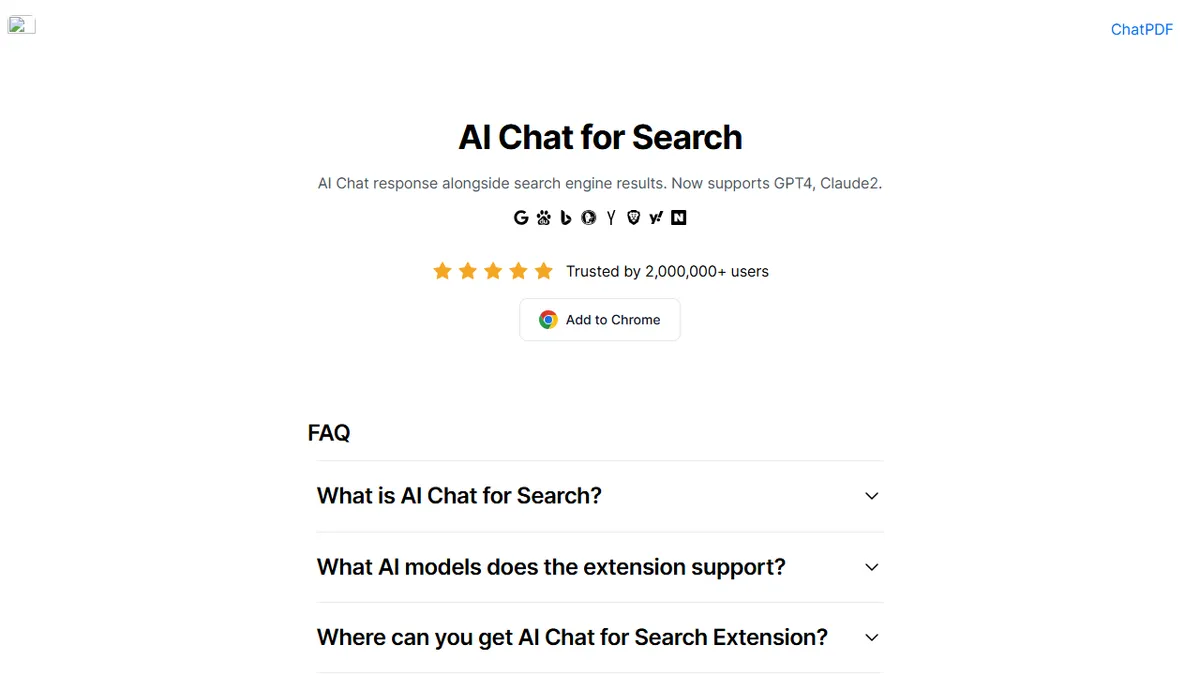
ChatGPT for Google (now branded AI Chat for Search at aichat4search.com) is a Chrome extension that injects conversational AI answers alongside results from Google, Bing, DuckDuckGo, Brave, Yandex, Kagi, Searx and a handful of regional engines like Baidu and Naver. Instead of forcing you to flip between tabs, it shows GPT-4, Claude 2 and other model responses in a sidebar next to the standard SERP, and bundles utilities for summarizing YouTube videos and PDFs.
The extension is free and aimed at researchers, students and heavy searchers who want a second opinion to the ten blue links without switching context. You bring your own provider accounts (OpenAI, Anthropic, etc.) so it's a thin client over models you already pay for rather than a hosted inference service. It claims roughly two million users, which puts it among the more established entries in this crowded category of search-sidebar AI add-ons.
Beyond search, it ships extras: image generation and editing, AI text detection, mind mapping, a math solver and a grab-bag of PDF conversion tools. There's no public API and no open-source codebase, so it lives or dies as a packaged browser extension, and the redirect from the original chatgpt4google.com domain to aichat4search.com suggests an ongoing rebrand away from the OpenAI-adjacent name.
A pragmatic sidebar-AI extension that does the obvious thing well: dual-pane answers next to real search results. The bring-your-own-key model keeps it free but means it's really a UI layer, not a product with its own moat, and the rebrand away from the ChatGPT name is worth watching.
— The AI Tool Bible editorial team
Pros
- ✅ Side-by-side AI answers on every major search engine
- ✅ Supports multiple models for comparison in one UI
- ✅ Free to install; reuses your existing provider accounts
- ✅ Bundles YouTube and PDF summarization out of the box
Cons
- ⚠️ Chrome-extension only; no standalone web app or API
- ⚠️ Requires you to bring your own model accounts
- ⚠️ Closed-source third-party intermediary touching search traffic
- ⚠️ Rebrand from chatgpt4google.com signals trademark pressure
Use cases
Frequently asked
- How much does ChatGPT for Google cost?
- The extension itself is free. However, you must provide your own accounts with underlying AI providers like OpenAI or Anthropic, meaning you pay for the model usage separately.
- Which AI models does it support?
- It supports a multi-model approach, including GPT-4, Claude 2, and other large language models. You can view responses from these different providers in the sidebar next to your search results.
- Is there an API or open-source code available?
- No. There is no public API and no open-source codebase. The tool functions strictly as a packaged browser extension, so it cannot be integrated into custom software stacks or self-hosted environments.
- What search engines does it work with?
- It works with Google, Bing, DuckDuckGo, Brave, Yandex, Kagi, Searx, and regional engines like Baidu and Naver. It injects AI answers directly into the results page for these platforms.
- What extra features does it offer besides search?
- Beyond search augmentation, it includes utilities for summarizing YouTube videos and PDFs, image generation and editing, AI text detection, mind mapping, a math solver, and various PDF conversion tools.
Explore related
Compare with similar tools
All in Agents →LangGraph
FeaturedStateful, graph-based agent orchestration from LangChain.
CrewAI
FeaturedPython framework for multi-agent orchestration.
Ernie Bot
Baidu's Mandarin-first ChatGPT rival, powered by the ERNIE model family
Moveworks
The enterprise AI assistant that searches, answers, and takes action across your business systems
AWS Bedrock
Build and scale generative AI applications with foundation models
Claude Agent SDK
Anthropic's official SDK for building autonomous Claude agents.