Chat With PDF by Copilot.us
Conversational PDF Q&A bundled into a multi-app productivity membership.
In short
This tool allows users to upload PDFs or pull files from Google Drive to ask questions and get cited answers. It supports multi-PDF sessions for cross-referencing documents. It is best for users seeking a bundled AI productivity suite rather than a standalone specialist tool.
Pick Chat With PDF by Copilot.us if you want conversational PDF Q&A as part of a broader, single-subscription AI productivity suite rather than a standalone tool.
Skip it if you need a transparent model choice, an API, self-hosting, or the deepest possible long-document reasoning from a dedicated specialist.
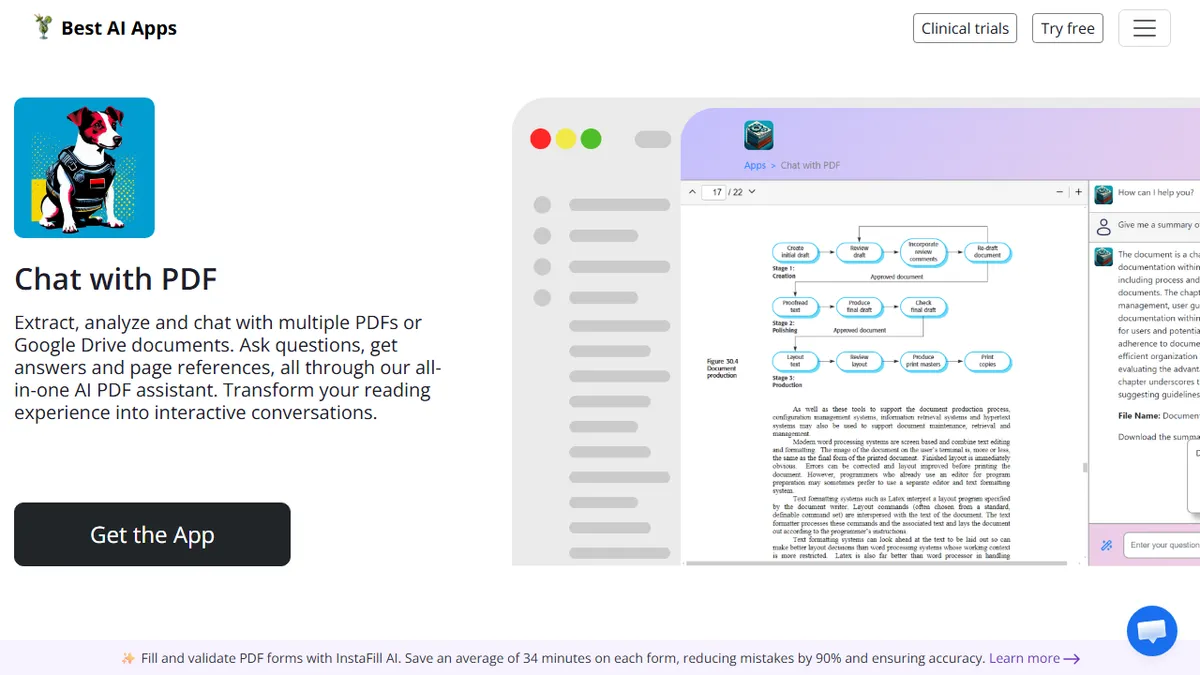
Chat With PDF is a document-analysis app from Copilot.us (operated by Botmakers LLC, now hosted at bestaiapps.co) that lets you upload PDFs or pull files from Google Drive and interrogate them in a chat interface. The core loop is familiar: select content sections to get instant summaries, ask custom questions, and receive answers with citations back to the source passage in the document. It supports multi-PDF sessions, which makes it useful for comparing or cross-referencing reports rather than chatting with a single file at a time.
The pitch isn't that this is a best-in-class standalone reader — there are stronger dedicated options — but that it's one of dozens of apps under a single Copilot.us / bestaiapps.co membership. The same login gets you batch processors, AI summarizers, resume tools, translators, web search, and more. That bundling is the differentiator for professionals, students, and researchers who want a Swiss Army knife rather than a stack of separate subscriptions, and there's a 7-day free trial to evaluate before committing.
The underlying model isn't disclosed on the product page, and there's no public API — this is a hosted SaaS web app aimed at end users, not developers. If you need programmatic PDF Q&A, ingestion controls, or self-hosting, you'll want a different tool.
A serviceable chat-with-PDF that earns its place only because it's bundled with a wide app library under one Copilot.us login. The citation-backed answers and Google Drive ingestion are sensible, but the lack of a disclosed model or API caps how seriously power users can take it. Best viewed as a convenience tool inside the bundle, not a standalone purchase.
— The AI Tool Bible editorial team
Pros
- ✅ Multi-PDF and Google Drive ingestion in one session
- ✅ Answers include citations back to source passages
- ✅ Single membership unlocks dozens of sibling productivity apps
- ✅ 7-day free trial to evaluate before paying
Cons
- ⚠️ Underlying model is not disclosed
- ⚠️ No public API for programmatic use
- ⚠️ Only meaningful inside the broader Copilot.us bundle
- ⚠️ Generic feature set vs. dedicated PDF chat specialists
Use cases
Frequently asked
- How does Chat With PDF handle document sources?
- Users can upload PDFs directly or pull files from Google Drive. The tool supports multi-PDF sessions, allowing for the comparison or cross-referencing of multiple reports in a single chat.
- Does the tool provide citations for its answers?
- Yes, the tool provides answers with citations that link back to the specific source passage in the document, helping users verify the information.
- Is there a public API available for developers?
- No, there is no public API. The tool is a hosted SaaS web app aimed at end users, so it does not support programmatic use or self-hosting.
- What is the pricing model for this tool?
- The tool operates on a freemium model with a 7-day free trial. Full access is covered by a paid membership that includes a suite of other productivity apps from Copilot.us.
- Is the underlying AI model disclosed?
- No, the underlying model is not disclosed on the product page. This lack of transparency, along with the absence of an API, limits its utility for power users requiring specific model controls.
Explore related
Compare with similar tools
All in RAG →Pinecone
FeaturedManaged vector database for production-scale similarity search.
LlamaIndex
FeaturedData framework for connecting LLMs to your data.
Elasticsearch Vector Search
Hybrid vector + keyword search in the enterprise-grade Elasticsearch engine
Snowflake Cortex
Generative AI and RAG built into the Snowflake data cloud
DataStax Astra DB
Serverless vector and document database for production RAG and AI agents
MongoDB Atlas Vector Search
Vector search built into the operational database you're already using.