CapCut AI
✓ Editorially verifiedAI-native video, image, audio and design tooling built into a consumer-scale editor
In short
CapCut AI embeds AI video, image, and audio tools directly into a consumer-scale editor for short-form content. It is best for solo creators and small teams who want to generate, caption, and edit social media clips without leaving the app.
Solo creators, TikTok/Reels/Shorts teams and small marketing shops who want AI generation, captioning and cleanup wired directly into a fast, free-to-start video editor.
Broadcast editors, VFX houses, or engineering teams that need a scriptable API, air-gapped deployment, or the top-of-market generative-video fidelity of Runway or Sora.
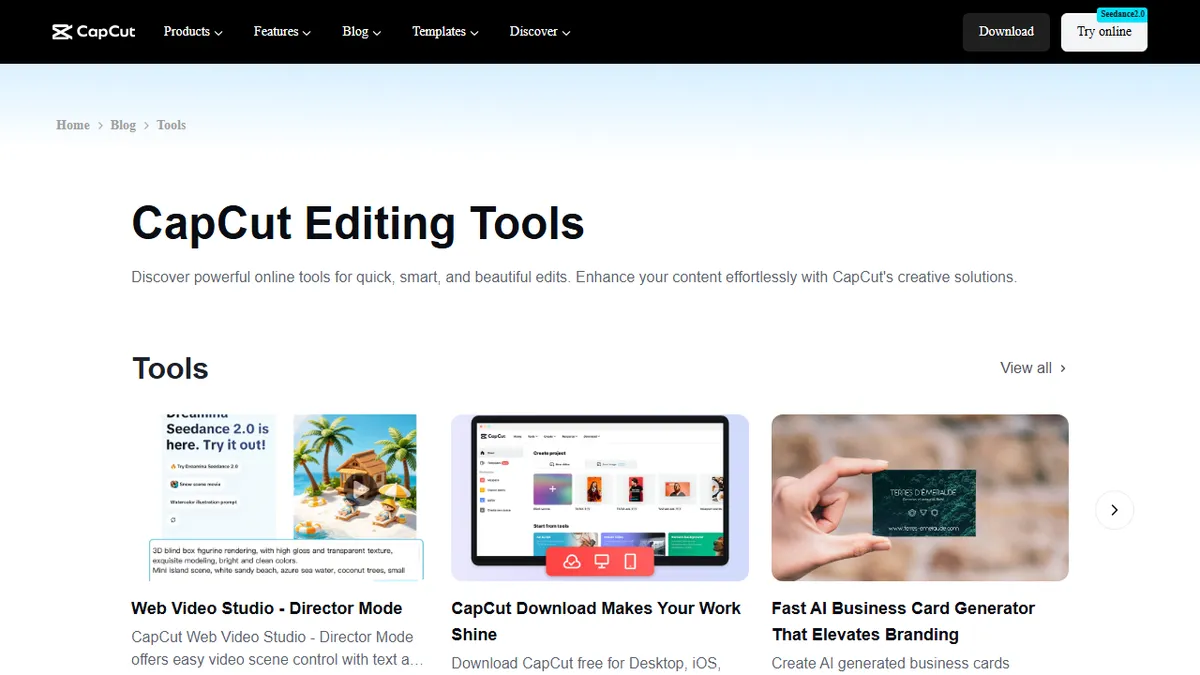
CapCut AI is the umbrella for the AI tools bolted onto CapCut, ByteDance's cross-platform video editor that runs in the browser, on desktop (Windows/macOS) and on mobile (iOS/Android). Rather than shipping as a standalone model playground, the AI features are stitched directly into the editor timeline and asset library so short-form creators, marketers and social teams can move from prompt to finished cut without leaving the app. The catalogue covers most of the modalities a creator actually needs: text-to-video and image-to-video generation (currently powered by Seedance-class models and integrations such as Dream Machine), an AI image generator, background removal for both stills and video, 4K upscaling, an AI face/photo retoucher, object and people removers, text-in-image erasers, an AI script writer, AI-generated B-roll and stock suggestions, auto captions and speech-to-text in dozens of languages, text-to-speech with 200+ voices, a voice changer and voice cloning, an AI colour grader, auto reframe for aspect ratios, silence and long-pause removal, and template-driven "AI design" for thumbnails, posters and ads. Typical workflows include turning a written script into a talking-avatar explainer, generating vertical TikTok/Reels/Shorts variants from a single horizontal master, batch-captioning interview footage, cleaning up UGC with denoise plus upscale, or spinning up product ads from a Shopify link. It is aimed at solo creators, small brands and social/perf-marketing teams who want ChatGPT-style speed inside a familiar NLE, not at broadcast editors who live in Premiere or DaVinci.
CapCut has quietly become the default AI video editor for the phone-first internet — not because any single feature beats the specialists, but because captions, voice, upscaling, background removal and template-based generation all live one click away on the same timeline. If your job is to ship ten short-form cuts a week, it's hard to argue with. If it's to build a compliant enterprise pipeline, look elsewhere.
— The AI Tool Bible editorial team
Pros
- ✅ Genuinely broad AI toolkit — generation, editing, captions, voice, upscaling — inside one editor instead of ten separate SaaS tabs
- ✅ Generous free tier with no credit card required; most AI features are at least sample-able before paying
- ✅ Runs everywhere: browser, Windows, macOS, iPad, iOS and Android with reasonably consistent UX
- ✅ Auto captions and translations are fast and accurate across many languages, and stylised caption presets are a real time-saver for short-form
- ✅ Templates and one-click aspect-ratio reframing make bulk repurposing to TikTok/Reels/Shorts trivial
- ✅ Text-to-speech library is unusually deep (200+ voices, multi-lingual) and integrates directly onto the timeline
Cons
- ⚠️ ByteDance ownership and evolving terms of service around user content and AI training have drawn repeated criticism; enterprises with strict data policies should read the ToS carefully
- ⚠️ Free tier watermarks, export caps and credit metering on AI features are aggressive and change often
- ⚠️ No public developer API — everything runs through the app, so it doesn't fit programmatic pipelines
- ⚠️ Generative video quality trails dedicated tools like Runway, Kling or Sora for anything beyond short social clips
- ⚠️ Advanced colour, audio and multicam workflows are still weaker than Premiere Pro, DaVinci Resolve or Final Cut
- ⚠️ Occasional US availability wobbles tied to the wider TikTok/ByteDance regulatory situation
Use cases
Frequently asked
- What AI features are included in CapCut AI?
- The tool includes text-to-video generation, AI image generation, background removal, 4K upscaling, auto captions, text-to-speech with 200+ voices, and AI design templates for thumbnails and ads.
- Who is CapCut AI designed for?
- It is aimed at solo creators, small brands, and social marketing teams who need fast AI-assisted editing. It is not intended for broadcast editors or teams requiring scriptable APIs.
- Is there a free version of CapCut AI?
- Yes, CapCut AI offers a freemium model with a free tier that does not require a credit card. Paid Pro plans are available for approximately $7.99 per month or $89.99 per year.
- Does CapCut AI have a public developer API?
- No, there is no public developer API. All features run through the application, meaning it does not fit programmatic pipelines or automated workflows.
- Which platforms does CapCut AI support?
- The editor runs in the browser, on desktop for Windows and macOS, and on mobile devices for iOS and Android with a consistent user experience.
Explore related
Compare with similar tools
All in Video →Runway
FeaturedPro-grade AI video editor and Gen-4 generation.
Sora
FeaturedOpenAI's flagship text-to-video model.
Luma Dream Machine
Fast, accessible text-to-video with strong camera control.
HeyGen
Avatar video + lip-sync translation at scale.
Google Veo
Google DeepMind's flagship text-to-video model with native audio generation and cinematic camera control.
Higgsfield
AI video and image generation suite that aggregates 30+ frontier models under one workflow.