
Aispect
Turns live audio at events into AI-generated visuals on the fly, in 30+ languages.
In short
Aispect converts live event audio into real-time AI visuals in 30+ languages. It serves as an ambient backdrop for conferences and webinars, eliminating the need for human designers during presentations.
Pick Aispect if you run live conferences or webinars and want a hands-off visual backdrop that follows whatever the speaker is saying in real time.
Skip it if you need a general text-to-image studio, batch generation, or an API to embed in your own product.
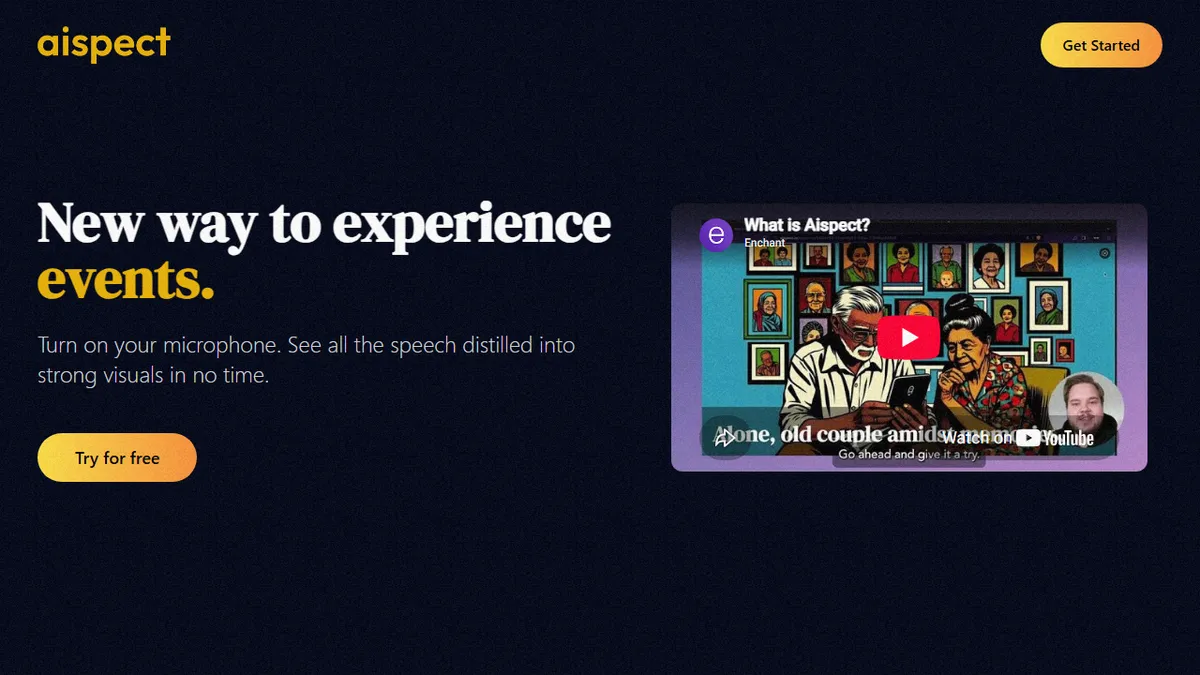
Aispect is a real-time audio-to-image tool aimed at live events, webinars, and meetings. It listens to whatever is being said on stage, transcribes it (in 30+ languages including Arabic, Mandarin, and Spanish), and continuously generates visuals that match the speech. The intended effect is to give a talk, panel, or keynote a constantly evolving visual backdrop without a human designer in the loop.
The niche is narrow but distinct: this isn't a general-purpose text-to-image studio, it's an ambient visualizer for spoken content. Pricing is credit-based, with 5 free credits to try, $12.50 for 30 credits pay-as-you-go, $34.90/month for 100 credits, and $149.90/month for 500. Generated images are yours to reuse outside the platform, and audio is discarded after processing, which matters if you're worried about leaking confidential meeting content.
There's no public API or open-source release documented, and the page doesn't disclose which speech-recognition or image-generation models sit behind it. That makes it a closed, self-contained product rather than infrastructure you'd build on top of. Event producers and conference AV teams are the obvious buyers; anyone wanting batch text-to-image generation should look elsewhere.
Aispect is one of those single-purpose tools that nails a specific theatrical job rather than competing with Midjourney or DALL-E on raw quality. The credit pricing is steep once you scale past short talks, and the lack of model transparency or API limits how seriously larger AV teams can adopt it, but as an event novelty it's genuinely novel.
— The AI Tool Bible editorial team
Pros
- ✅ Purpose-built for live events, not a generic text-to-image tool
- ✅ Supports 30+ languages including Arabic and Mandarin
- ✅ Audio isn't retained, only the resulting images
- ✅ Generated visuals are reusable outside the platform
Cons
- ⚠️ No public API or open-source option documented
- ⚠️ Underlying speech and image models aren't disclosed
- ⚠️ Credit pricing gets expensive for long, image-dense sessions
- ⚠️ Very narrow use case outside live presentation contexts
Use cases
Frequently asked
- How much does Aispect cost?
- Aispect offers 5 free credits. Pay-as-you-go is $12.50 for 30 credits. Subscriptions include Basic at $34.90/month for 100 credits and Pro at $149.90/month for 500 credits. Generated images are yours to reuse outside the platform.
- Is there an API for developers?
- No, there is no public API or open-source release documented. Aispect is a closed, self-contained product designed for event producers and AV teams, not infrastructure for building other applications.
- What languages does it support?
- Aispect supports transcription and visual generation in over 30 languages, including Arabic, Mandarin, and Spanish. It listens to live audio, transcribes it, and continuously generates matching visuals in real time.
- Is my audio data secure?
- Yes, audio is discarded after processing. This privacy feature is specifically noted for users concerned about leaking confidential meeting content. The tool is designed to handle live speech without retaining the raw audio data.
- Is it suitable for batch image generation?
- No, skip Aispect if you need batch generation or a general text-to-image studio. It is strictly a real-time audio-to-image tool for live events, webinars, and meetings, not for offline or bulk processing tasks.
Explore related
Compare with similar tools
All in Image Generation →Midjourney
FeaturedThe gold standard for aesthetic AI image generation.
Flux
FeaturedBlack Forest Labs' open-weights image model — rivals Midjourney quality.
Stable Diffusion
Open-source image generation — run anywhere, fine-tune anything.
Nano Banana (Gemini Image)
Google DeepMind's Gemini-powered image generation and conversational editing model family
DALL·E 3
OpenAI's image model — strong on prompt adherence and text-in-image.
Canva Magic Studio
Canva's all-in-one AI creative suite for design, image, video, copy, and presentations