AI Boost
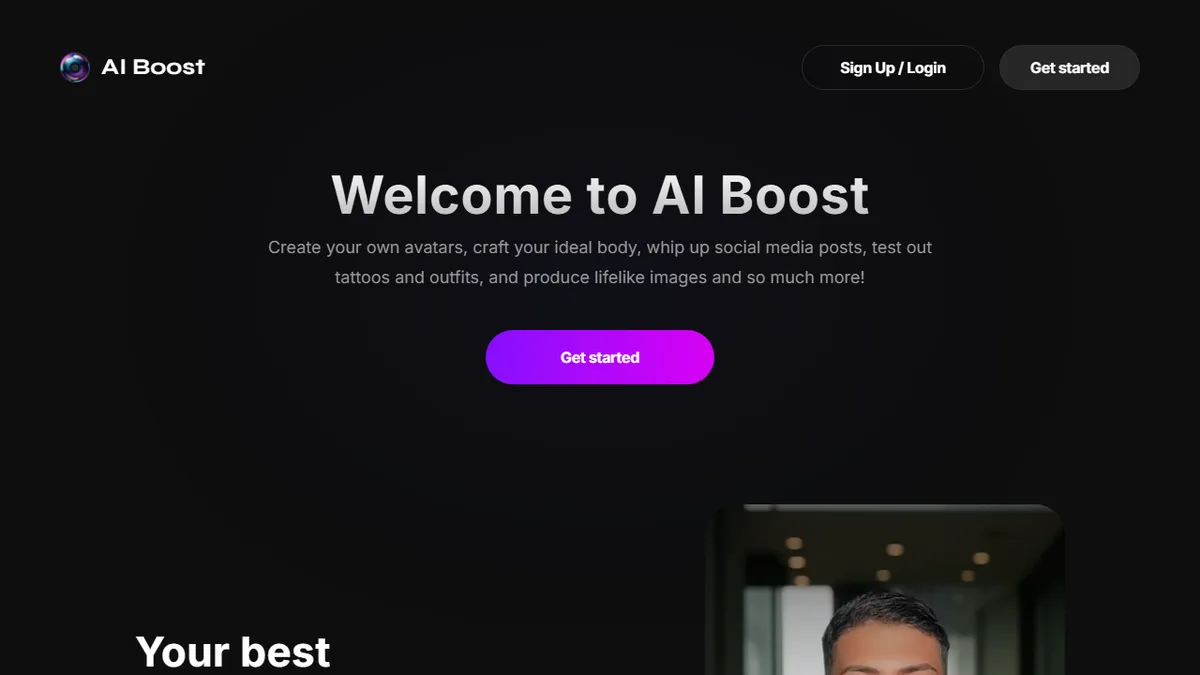
Mobile-first AI photo and video editor with face swap, avatars, and text-to-art generation.
In short
AI Boost is a consumer-grade mobile app for one-tap face swaps, avatar packs, and casual generative photo effects. It is best for social media users seeking quick stylization without technical setup or professional editing tools.
Pick AI Boost if you want a quick mobile app for face-swap selfies, avatar packs, and casual generative photo effects without touching Stable Diffusion.
Skip it if you need an API, commercial-grade output, fine-grained control over models, or a desktop editing workflow.
AI Boost (boost.pictures) is a consumer-grade AI photo and video editor built around a grab-bag of generative effects: face-swap onto any image, AI avatar packs trained on your selfies, body retouching, makeup add/remove, and text-to-image generation that can optionally drop your face into the result. The product lives primarily as an iOS app, with the web property acting as a marketing/onboarding funnel.
It is squarely aimed at casual creators and social-media users who want one-tap stylization and headshot-style avatars without learning Stable Diffusion or paying for a pro suite like Photoshop. Pricing follows the standard mobile pattern of a free install with paywalled generations and a subscription unlock; there is no public API, no self-hosting, and no professional/commercial workflow story.
The quality and model selection are competitive for the avatar/face-swap niche but unremarkable next to dedicated text-to-image platforms like Midjourney or Leonardo. Treat it as a fun mobile toy rather than a production creative tool.
AI Boost is a competent entry in the crowded mobile face-swap and avatar niche, but it brings nothing the App Store hasn't already seen a dozen times. It is fine for TikTok-grade fun; serious creators should reach for Midjourney, Leonardo, or a Stable Diffusion front-end instead.
— The AI Tool Bible editorial team
Pros
- ✅ One-tap face-swap and avatar generation aimed at non-technical users
- ✅ Bundles photo retouch, body edit, and text-to-art in a single mobile app
- ✅ Free to install with no upfront commitment
- ✅ Available natively on iOS rather than just a web app
Cons
- ⚠️ No public API or developer integration path
- ⚠️ Closed-source consumer app with limited transparency on models
- ⚠️ Paywall gates most useful generations after a small free quota
- ⚠️ Not designed for commercial or professional creative workflows
Use cases
Frequently asked
- What are the main features of AI Boost?
- The app includes face-swap onto any image, AI avatar packs trained on selfies, body retouching, makeup add/remove, and text-to-image generation that can optionally include your face.
- Is AI Boost available on desktop or via API?
- No, the product lives primarily as an iOS app with a web property acting as a marketing funnel. There is no public API, no self-hosting, and no desktop editing workflow.
- How much does AI Boost cost?
- It follows a freemium model with a free download. Most useful generations are paywalled behind in-app purchases or a subscription unlock after a small free quota.
- Is AI Boost suitable for professional or commercial use?
- No, it is not designed for commercial or professional creative workflows. It is intended for casual creators and social-media users who want quick, fun effects rather than fine-grained control.
Explore related
Compare with similar tools
All in Image Generation →Midjourney
FeaturedThe gold standard for aesthetic AI image generation.
Flux
FeaturedBlack Forest Labs' open-weights image model — rivals Midjourney quality.
Stable Diffusion
Open-source image generation — run anywhere, fine-tune anything.
Nano Banana (Gemini Image)
Google DeepMind's Gemini-powered image generation and conversational editing model family
DALL·E 3
OpenAI's image model — strong on prompt adherence and text-in-image.
Canva Magic Studio
Canva's all-in-one AI creative suite for design, image, video, copy, and presentations