EmailTriager vs Rember
A side-by-side look at pricing, capabilities, pros, cons, and our editorial scores.
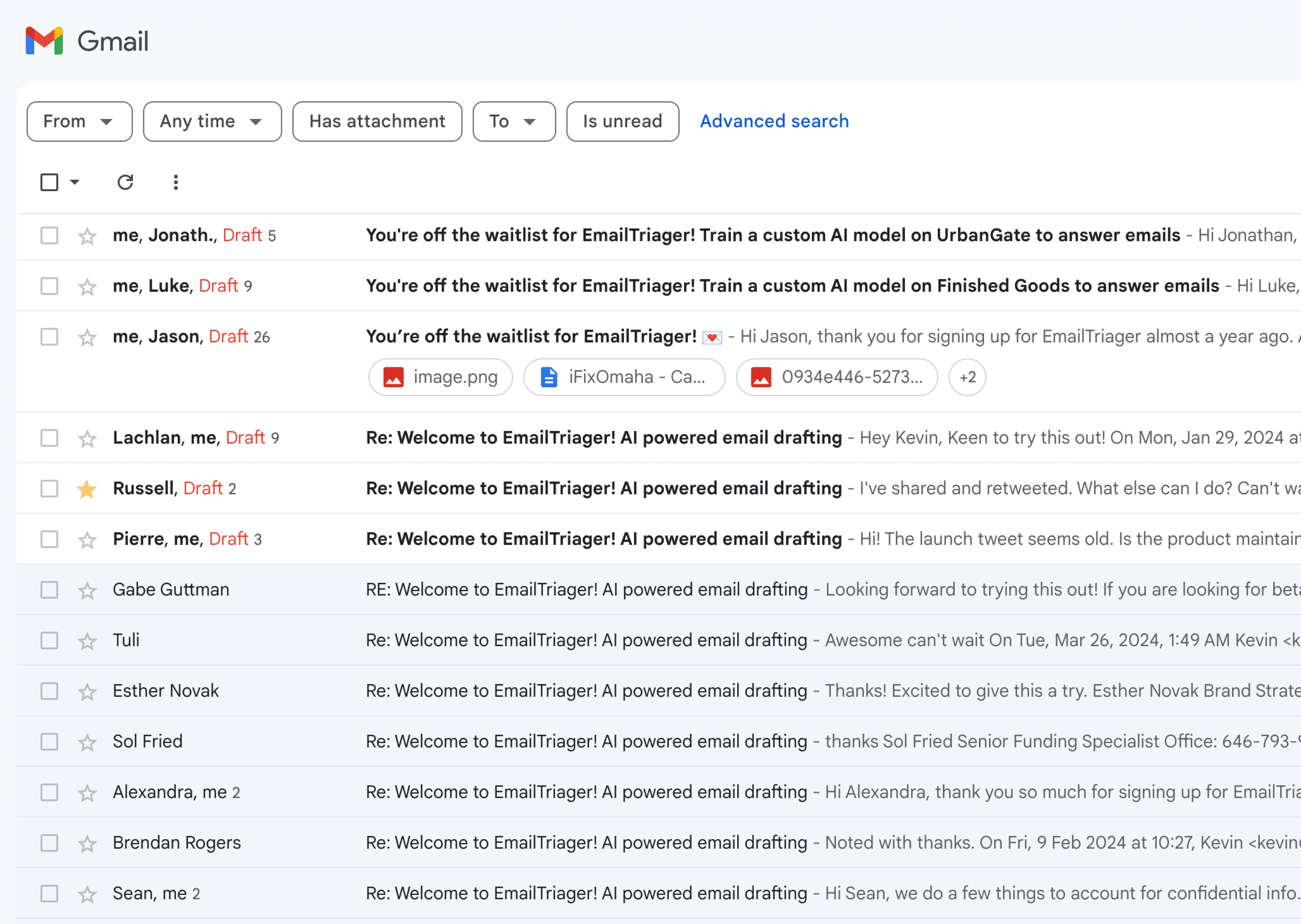 EmailTriager Writing | 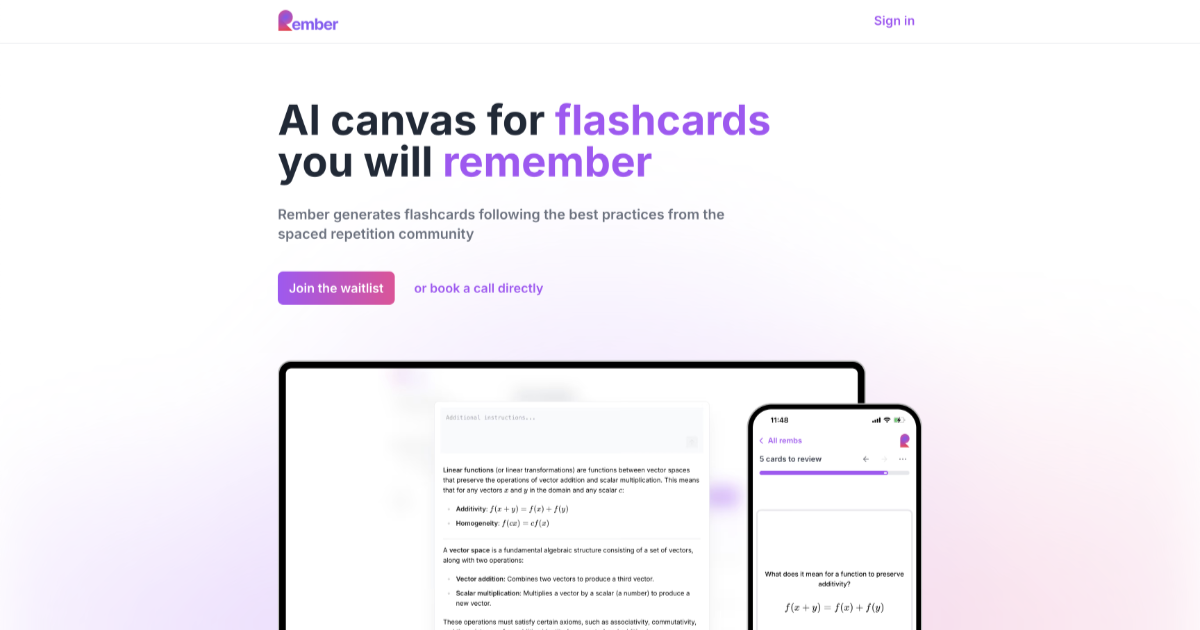 Rember Writing | |
|---|---|---|
| Tagline | Background AI that drafts Gmail replies in your own voice while you sleep. | AI flashcard generator that turns PDFs, videos, and chats into spaced-repetition decks. |
| Category | Writing | Writing |
| Pricing | Paid· Pricing not publicly listed; requires signup | Freemium· Free up to 30 AI notes/mo; Pro $8/mo for 1,000 notes |
| Model | Proprietary (True Voice, per-user fine-tuned) | Multi-model |
| Editorial score | 6.8 / 10 | 7.0 / 10 |
| Use cases | email-draftinginbox-triagetone-matchinggmail-automation | flashcard generationspaced repetitionstudy aidpdf-to-notesvideo-to-notes |
| Pros |
|
|
| Cons |
|
|
| Website | emailtriager.com | rember.com |
Pick EmailTriager if
- ✅ Drafts appear in Gmail automatically — no extension, no chat UI
- ✅ Per-user private model trained on your sent mail for tone match
- ✅ CASA Tier 2 security accreditation for Gmail scopes
- ✅ Zero learning curve — connect Gmail and it just runs
Pick Rember if
- ✅ Eliminates the worst part of SRS: hand-authoring cards
- ✅ Native MCP hooks into Claude and ChatGPT for inline capture
- ✅ Modern FSRS scheduling, not legacy SM-2
- ✅ Offline PWA with cross-device sync