EmailTriager
Background AI that drafts Gmail replies in your own voice while you sleep.
In short
EmailTriager drafts Gmail replies in your voice using a private AI model. It triages inbox and pre-writes drafts for review, not autonomous sending.
Pick EmailTriager if you live in Gmail, get more replies than you can keep up with, and want drafts pre-written in your own voice.
Skip it if you use Outlook, run a shared inbox or helpdesk, or want an autonomous agent that sends without review.
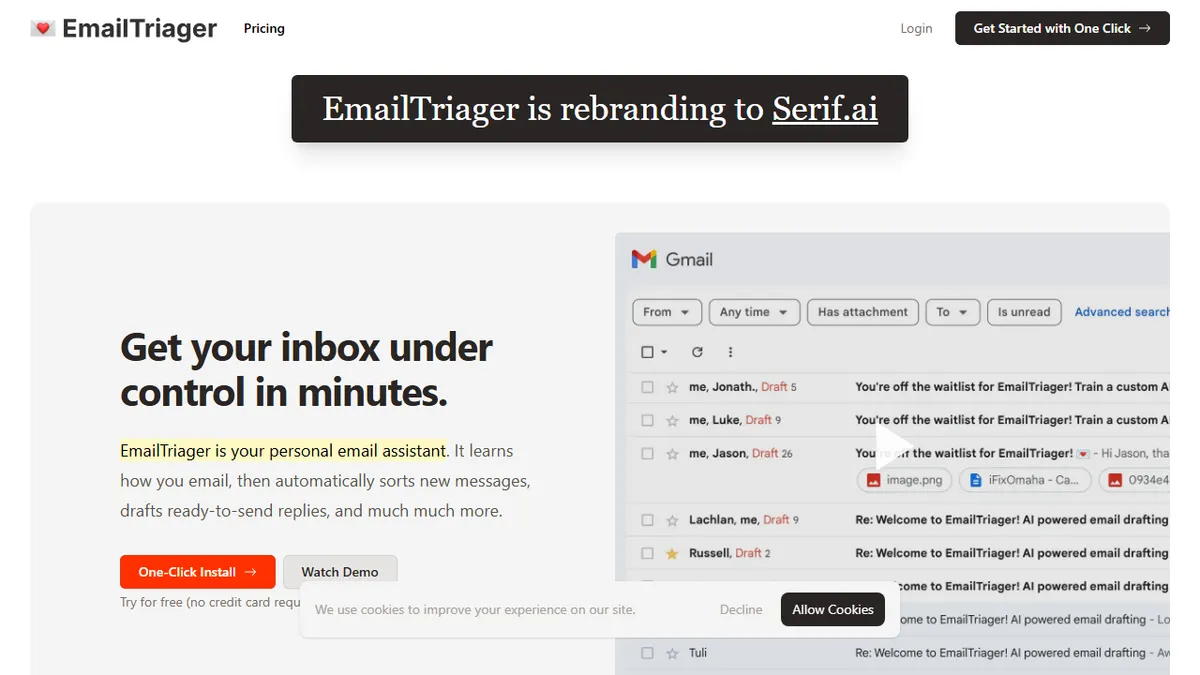
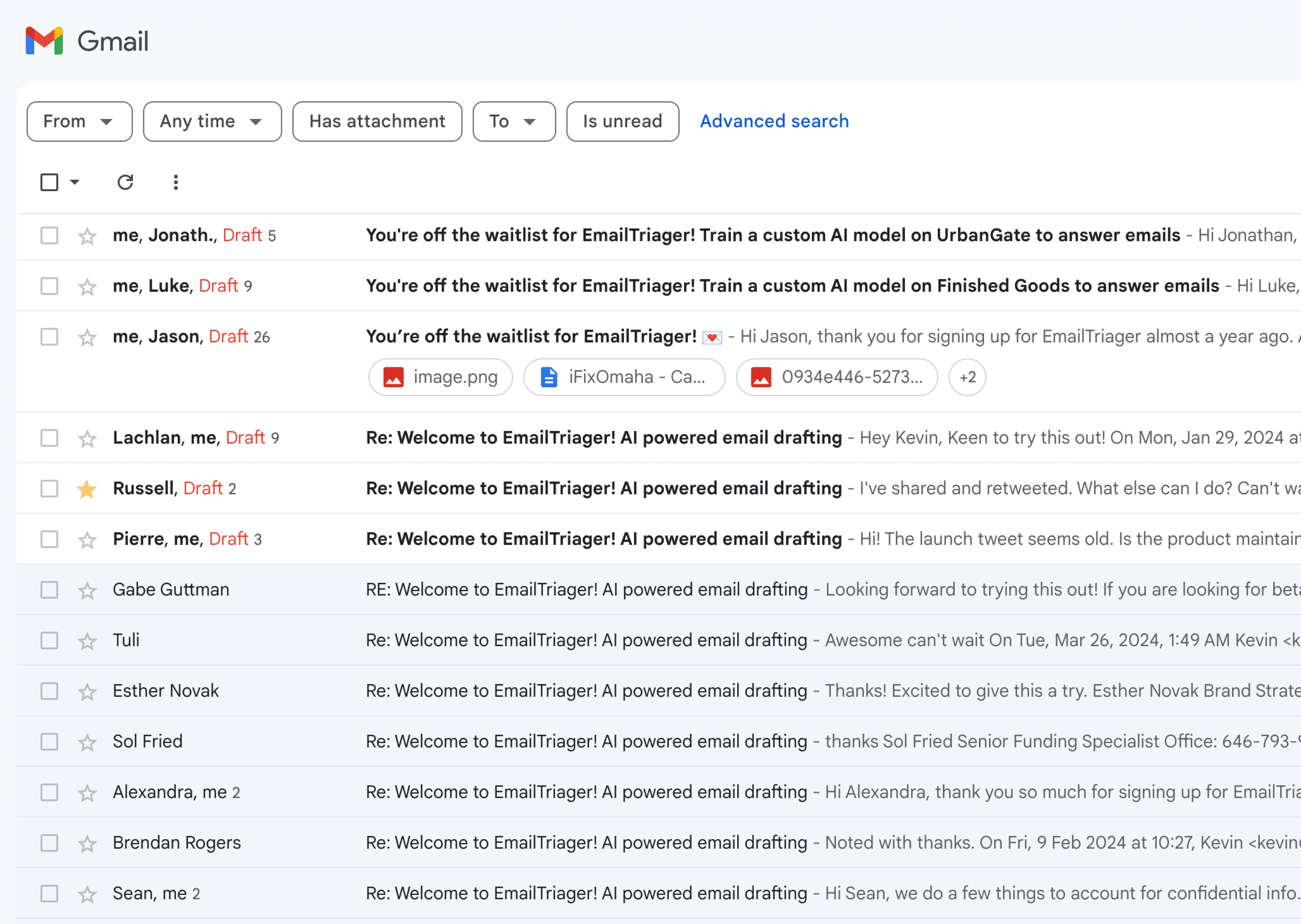
EmailTriager is an AI email assistant that plugs into Gmail and automatically triages incoming messages, then pre-drafts replies in your inbox so you only have to skim, tweak, and send. There's no browser extension and no prompt-engineering — it runs in the background and learns from your sent mail to mimic tone, length, and phrasing. The pitch is a 'True Voice' model trained per user, so drafts read like you wrote them rather than like generic LLM output.
It's aimed at professionals drowning in inbox volume — founders, execs, sales, recruiters — who want the cognitive load of email reduced without handing replies to an autonomous agent that hits send. Each user gets a private model that isn't pooled into general training, and the service is CASA Tier 2 accredited (a Google-mandated third-party security audit for apps with Gmail scopes), which matters if you're letting anything read your inbox. Pricing isn't published on the marketing page; you have to start the onboarding flow to see plans.
The scope is deliberately narrow: Gmail-only, drafts-only, no Outlook, no shared-inbox or helpdesk integration, no autonomous sending. That focus is the appeal — and the limitation if your workflow lives outside Gmail.
A focused, pragmatic take on AI email: it doesn't try to be a chatbot or an autonomous agent, it just quietly writes drafts that sound like you. The Gmail-only scope and hidden pricing are friction points, but the per-user model plus CASA audit make it a more defensible choice than the dozens of GPT-wrapped inbox plugins.
— The AI Tool Bible editorial team
Pros
- ✅ Drafts appear in Gmail automatically — no extension, no chat UI
- ✅ Per-user private model trained on your sent mail for tone match
- ✅ CASA Tier 2 security accreditation for Gmail scopes
- ✅ Zero learning curve — connect Gmail and it just runs
Cons
- ⚠️ Gmail only — no Outlook, Fastmail, or IMAP support
- ⚠️ Pricing is gated behind signup
- ⚠️ Drafts only; won't autonomously send or take actions
- ⚠️ Limited public info on model behavior or controls
Use cases
Frequently asked
- How much does EmailTriager cost?
- Pricing is not publicly listed. You must start the onboarding flow to see available plans. It is a paid service requiring signup.
- Does it work with Outlook or other email clients?
- No, EmailTriager is Gmail-only. It does not support Outlook, shared inboxes, or helpdesk integrations. If your workflow lives outside Gmail, you should skip it.
- Does it send emails automatically?
- No, it does not send emails autonomously. It pre-drafts replies in your inbox so you can skim, tweak, and send them yourself. It is not an autonomous agent.
- How does it learn my writing style?
- It uses a proprietary 'True Voice' model fine-tuned per user. It learns from your sent mail to mimic your tone, length, and phrasing, ensuring drafts sound like you.
- Is my email data used for general training?
- No, each user gets a private model that is not pooled into general training. The service is also CASA Tier 2 accredited for security.
Explore related
Compare with similar tools
All in Writing →Claude
FeaturedAnthropic's flagship assistant for long-form writing, analysis, and coding.
GPT-4o
FeaturedOpenAI's multimodal flagship behind ChatGPT.
Gemini Advanced
Google's flagship — strong at math, long context, and Workspace integration.
Llama 3
Meta's open-weights LLM family that put serious frontier-adjacent models in everyone's hands.
Qwen
Alibaba's open-weight foundation model family covering chat, vision, image generation, translation, and safety classification.
Jan
Open-source desktop ChatGPT alternative that runs local LLMs and routes to cloud providers from one app.